Inspect / Rainmeter skin
unFold Rainmeter Skin
This unFold repository supplies additional desktop shortcut buttons intended for the left or right screen edge.
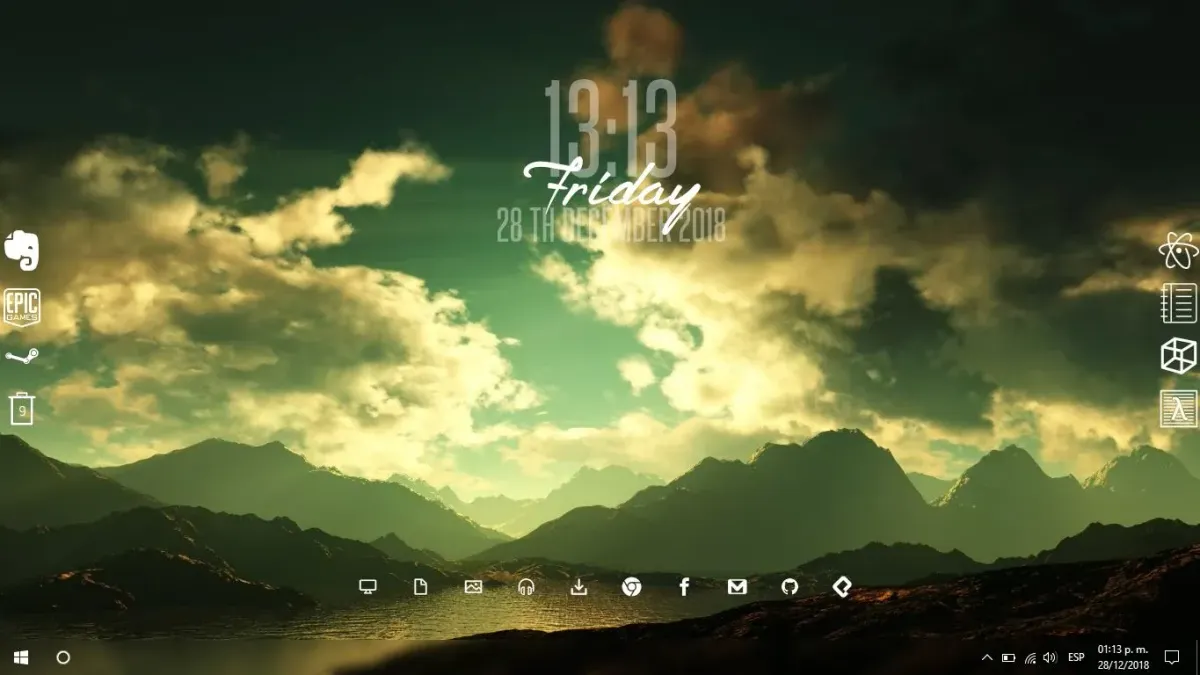
This unFold repository supplies additional desktop shortcut buttons intended for the left or right screen edge. It expands the original unFold collection with more icons and includes black, transparent, and white button-image variants. Users can install a packaged release or add individual buttons manually.
What this skin includes
- Buttons act as desktop shortcuts.
- Packaged releases can add buttons to an existing unFold installation.
- Manual installation places button folders under Rainmeter's unFold skin folder.
- Button images belong in @Resources/Buttons.
- Shortcut targets can be corrected by editing the indicated path in each file.
Setup and limits
Download the latest .rmskin release and run it to install or extend unFold. For individual buttons, copy the chosen folder into Skins/unFold and its matching images into @Resources/Buttons. Load the button through Rainmeter, and edit its documented program path if the shortcut does not work.
The source requests the latest Rainmeter and states development used version 4.2.0; this is not a tested compatibility range. Adding only selected buttons requires the other unFold resources. Shortcut paths may need correction for locally installed programs, and these buttons are intended for screen-edge placement. Current Windows-build compatibility has not been independently verified; this research did not install or execute the skin.
Open creator source and setup instructions (source page, not a direct installer).
Creator and preview provenance
Created by Ruben35. Creator source · Original source preview. Creator/source documentation preview from Ruben35/More-Icons-unFold-Rainmeter. Background artwork or third-party content in the image is not asserted to be included. Preview reproduction is owner-authorized with unverified reuse rights; this is not a creator license grant.
Source license or licensing statement; check the scope and any more specific notices before reuse.
Related skins and installation
Read the Rainmeter installation guide. Compare Mini Steam Launcher and Circle Launcher. These are different works, not additional editions of this skin.
Similar skins
Alternatives in the same functional category, excluding this entry. Compare their source notes before choosing.

Skin
CartoonClock Dock Rainmeter Skin
CartoonClock Dock combines a clock-and-dock identity with a short feature description centered on dock capacity and visual configuration.
Skin
One Launcher Rainmeter Skin
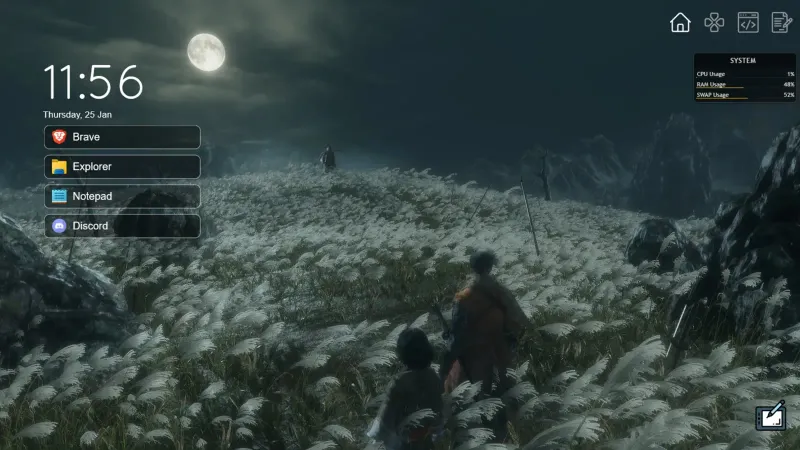
One Launcher organizes application shortcuts into tabs, with an IconBar for section selection and a WidgetArea for the shortcuts themselves.

Skin
Modern SearchBar Rainmeter Skin
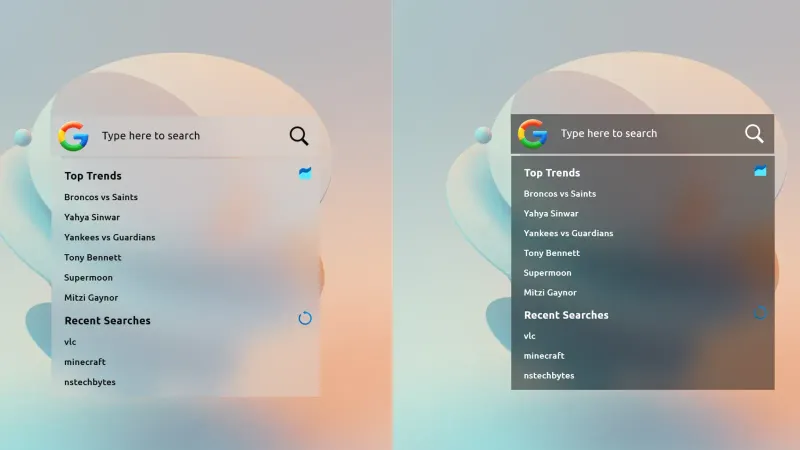
Modern SearchBar places a desktop search field over a frosted background, with a transparent input area and editable typography and colors.