Inspect / Rainmeter skin
One Launcher Rainmeter Skin
One Launcher organizes application shortcuts into tabs, with an IconBar for section selection and a WidgetArea for the shortcuts themselves.
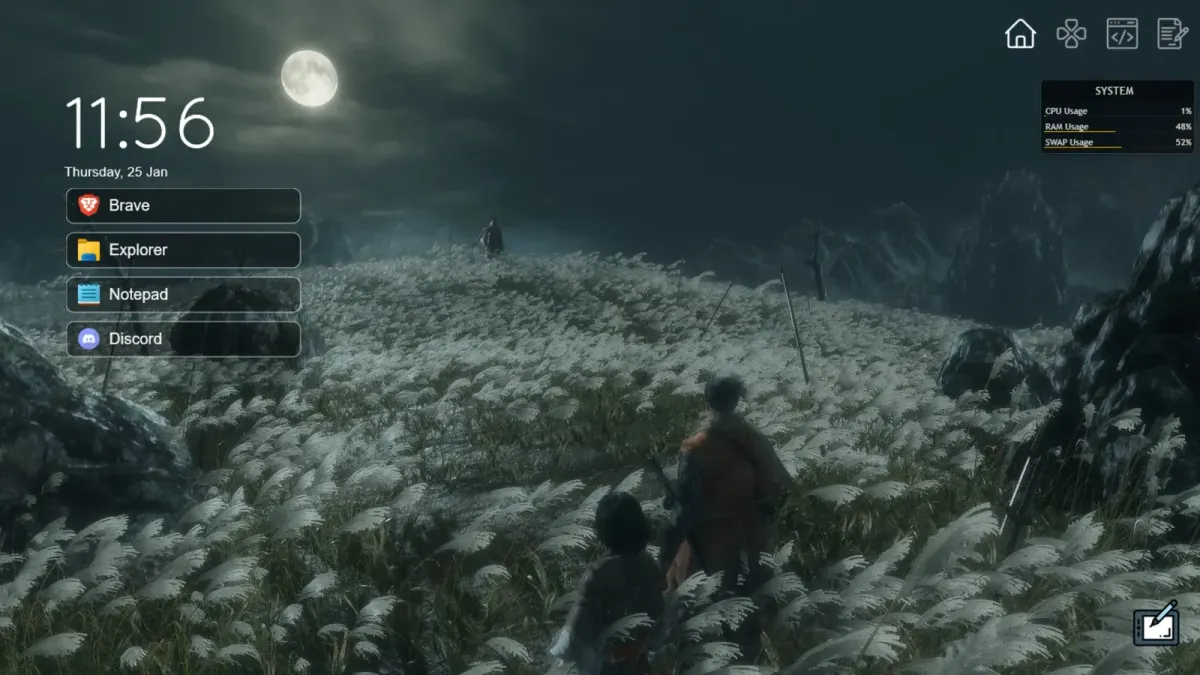
One Launcher organizes application shortcuts into tabs, with an IconBar for section selection and a WidgetArea for the shortcuts themselves. A Python script generates the menu from a text catalog. Each tab can also select its own wallpaper, tying application groups to different desktop backgrounds.
What this skin includes
- Includes IconBar and WidgetArea skins.
- Shortcut-Catalog defines sections and application entries.
- shortcut_gen.py generates the shortcuts.
- Section icons use PNG files named after their sections.
- Each tab can have a matching JPG wallpaper.
Setup and limits
Install Rainmeter, ensure Python 3 runs, and load OneLauncher.rmskin. Edit Shortcut-Catalog with +Section lines and comma-separated application entries beginning with -. Add section PNGs under @Resources\IconBar and shortcut images under @Resources\Shortcuts. Place section-named JPGs in @Resources\Wallpapers for wallpaper switching, then run shortcut_gen.py after preparing the files.
Shortcut generation requires Python 3 in addition to Rainmeter. Catalog entries depend on supplied application paths and image filenames. Section icons must be PNG files and wallpapers must be JPG files, both named to match their corresponding catalog sections. Current Windows-build compatibility has not been independently verified; this research did not install or execute the skin.
Open creator source and setup instructions (source page, not a direct installer).
Creator and preview provenance
Created by GComputeNerd. Creator source · Original source preview. Documentation preview published in GComputeNerd/OneLauncher; credited to GComputeNerd. Third-party wallpaper or imagery is not asserted included. Preview reproduction is owner-authorized with unverified reuse rights; this is not a creator license grant.
Related skins and installation
Read the Rainmeter installation guide. Compare Mond and Wisp. These are different works, not additional editions of this skin.
Similar skins
Alternatives in the same functional category, excluding this entry. Compare their source notes before choosing.

Skin
CartoonClock Dock Rainmeter Skin
CartoonClock Dock combines a clock-and-dock identity with a short feature description centered on dock capacity and visual configuration.
Skin
Modern SearchBar Rainmeter Skin
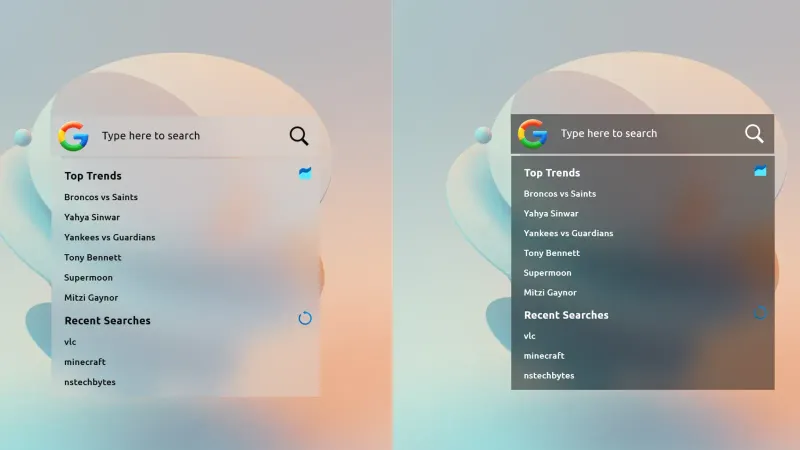
Modern SearchBar places a desktop search field over a frosted background, with a transparent input area and editable typography and colors.
Skin
YourStart Rainmeter Skin
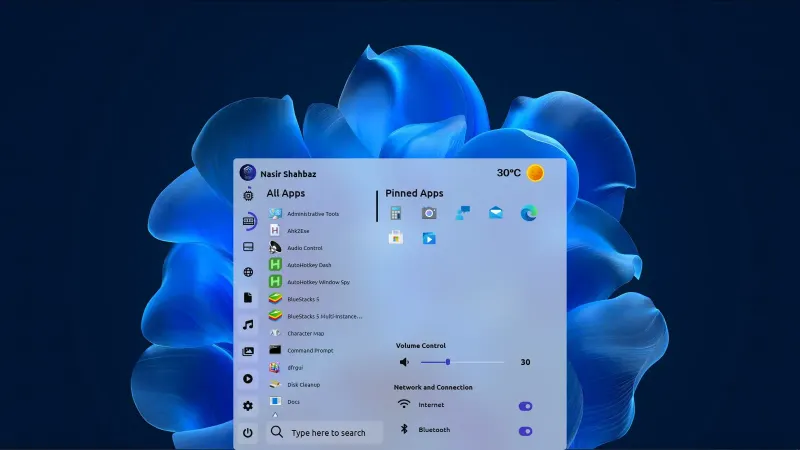
YourStart is a Rainmeter start-menu skin with a minimal interface and a frosted-glass background effect.