Skin
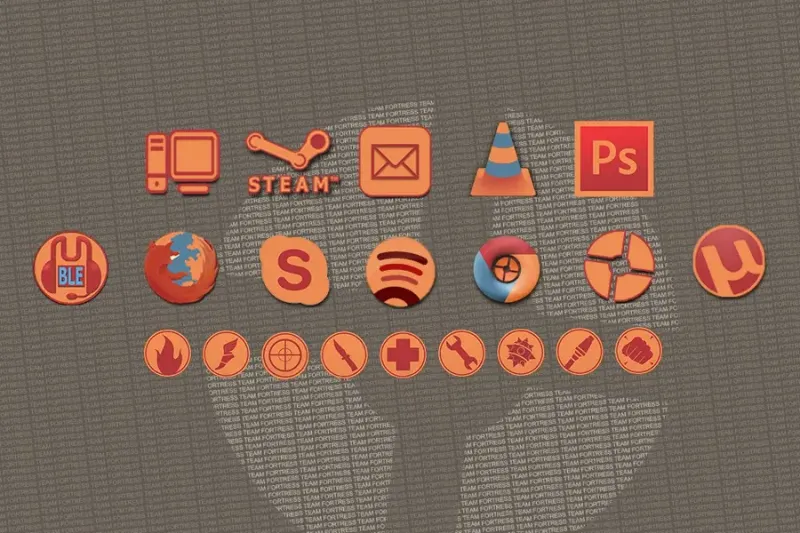
Team Fortress Rainmeter Skin
A Team Fortress-inspired shortcut skin with game-themed icons that the source describes as customizable.
Explore / Category
Compare Rainmeter shortcut panels by layout and configuration. Paths, icons and applications need to match your own machine; an attractive source preview does not mean those programs or links are included.
Skin
A Team Fortress-inspired shortcut skin with game-themed icons that the source describes as customizable.
Skin
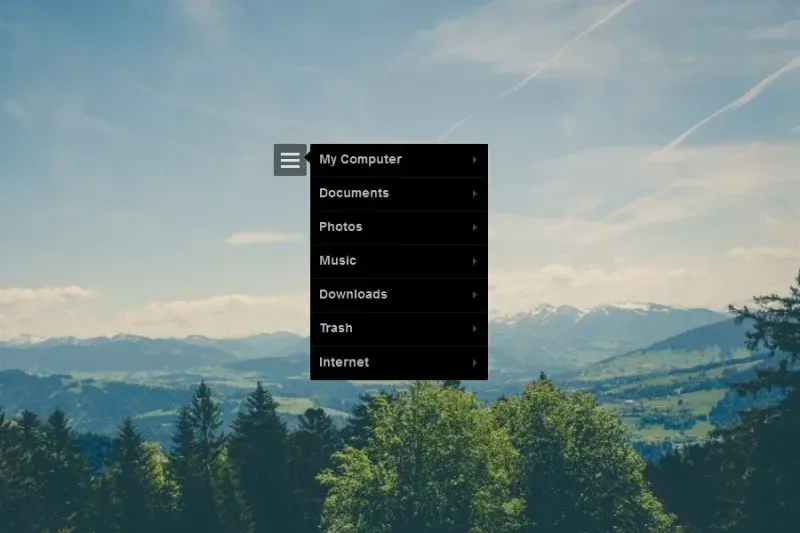
A click-open shortcut menu with black and white variants and source-listed computer, documents, photos and music targets.
Skin
A pentacle-shaped expandable launcher with a moving blue-and-orange ring described by the source.
Skin
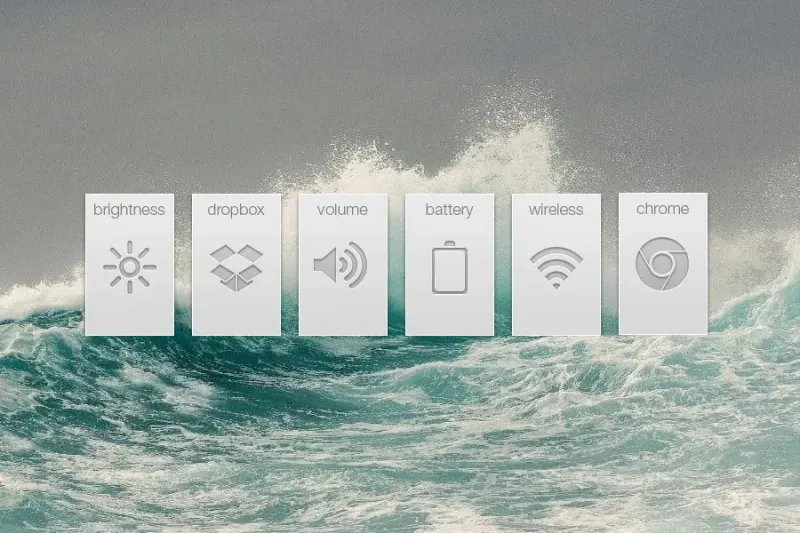
Rearrangeable launcher panels combine items such as volume, battery, Chrome, wireless networking and Dropbox.
Skin
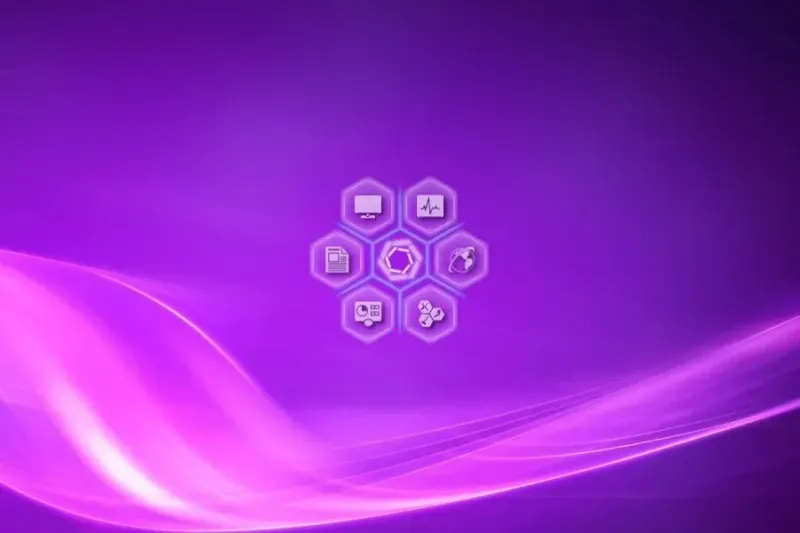
Six hexagonal shortcut slots surround a central return control. The source also describes changing the core color and colors that follow the background.
Skin
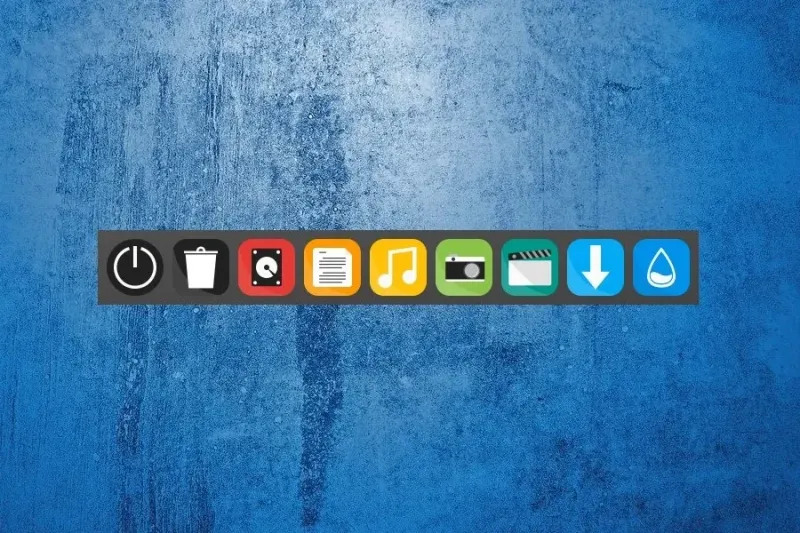
A solid taskbar-like launcher for folders, applications, websites and desktop functions.
Skin
A shortcut dock with source-listed color, font and size adjustments for website and program links.
Skin
A Metro-style shortcut layout with tile-like icons grouped in sets of five.
Skin
A shelf-like dock with icons that the source describes appearing on hover.
Skin
A shortcut dock whose source describes forward/backward scrolling and a control for its overall size.
Skin
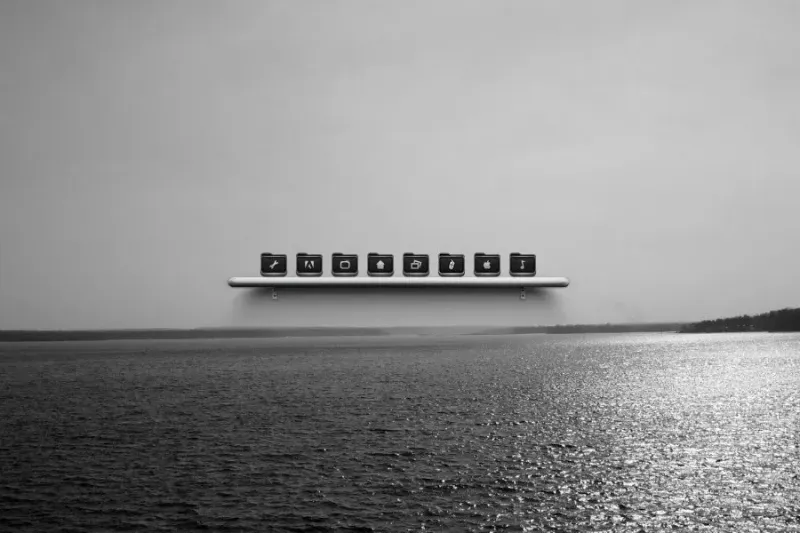
A black-and-white shelf-style launcher for shortcuts such as folders, settings, games and music.
Skin
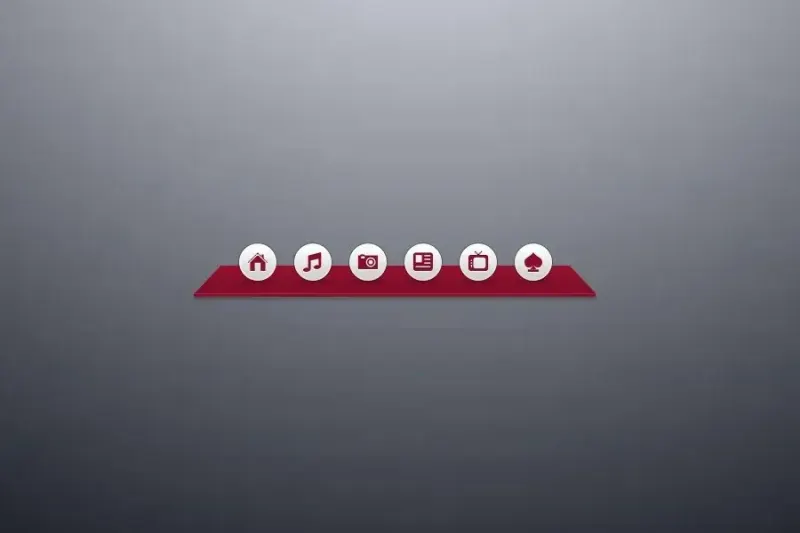
A red shortcut dock intended for programs, games and folders rather than a full monitoring suite.
No matching titles on this page. Clear the filter or try another page.