Inspect / Rainmeter skin
ShelfSuite Rainmeter Skin
ShelfSuite organizes folders, applications, files, and links into separate tabbed Rainmeter shelves.
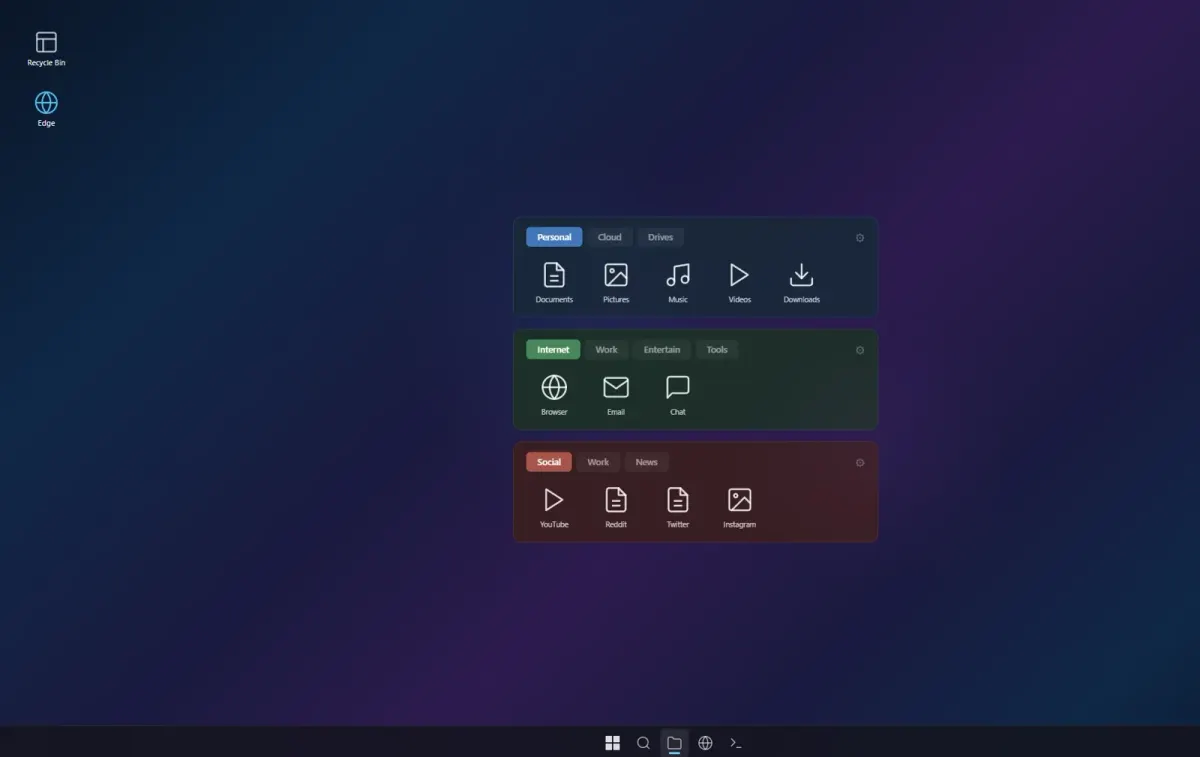
ShelfSuite organizes folders, applications, files, and links into separate tabbed Rainmeter shelves. Each shelf can use its own theme and configuration, giving the desktop a collection of independent launch panels. A browser-based configurator handles shelf contents and appearance, with Lua configuration available as an alternative.
What this skin includes
- Each shelf supports up to five tabs.
- Each tab holds up to 18 items in three rows of six.
- Includes DeepOcean, Forest, Terracotta, and Obsidian themes.
- Supports custom 64-by-64 PNG icons.
- Includes 19 generic icons.
- Free and open-source under the MIT license.
Setup and limits
Download the .rmskin from Releases and double-click it to install. In Rainmeter Manage, find Shelf Suite and load the Shelf.ini files under Shelf1, Shelf2, and Shelf3. Open a shelf's gear icon to configure it, then refresh each modified shelf to apply changes.
The shelves use Rainmeter and a shared Lua engine; the visual configurator runs in a browser. Tab capacity is limited to 18 items. Before updating, back up custom icons: files sharing names with packaged icons can be replaced. Current Windows-build compatibility has not been independently verified; this research did not install or execute the skin.
Open creator source and setup instructions (source page, not a direct installer).
Creator and preview provenance
Created by MartinSantosT. Creator source · Original source preview. Documentation preview published in MartinSantosT/ShelfSuite; credited to MartinSantosT. Third-party wallpaper or imagery is not asserted included. Preview reproduction is owner-authorized with unverified reuse rights; this is not a creator license grant.
Source license or licensing statement; check the scope and any more specific notices before reuse.
Related skins and installation
Read the Rainmeter installation guide. Compare Mond and Wisp. These are different works, not additional editions of this skin.
Similar skins
Alternatives in the same functional category, excluding this entry. Compare their source notes before choosing.

Skin
CartoonClock Dock Rainmeter Skin
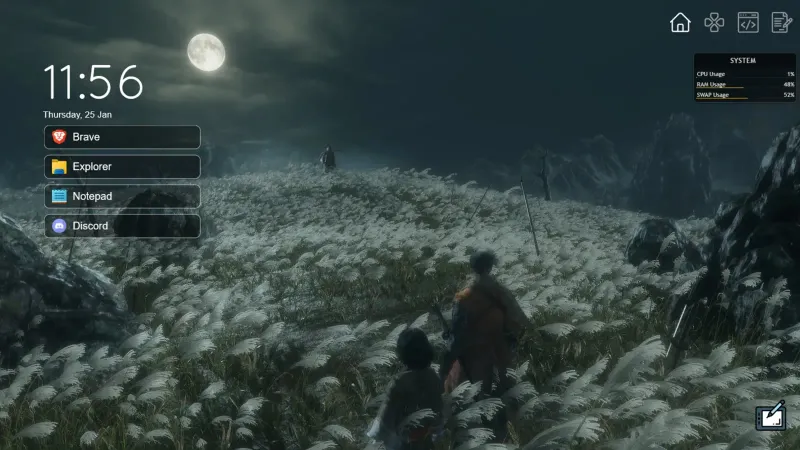
CartoonClock Dock combines a clock-and-dock identity with a short feature description centered on dock capacity and visual configuration.
Skin
One Launcher Rainmeter Skin
One Launcher organizes application shortcuts into tabs, with an IconBar for section selection and a WidgetArea for the shortcuts themselves.
Skin
Modern SearchBar Rainmeter Skin
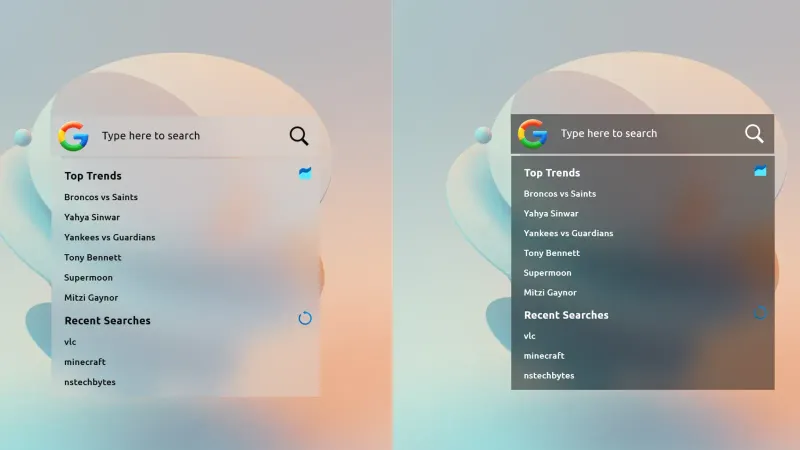
Modern SearchBar places a desktop search field over a frosted background, with a transparent input area and editable typography and colors.