Inspect / Rainmeter skin
SA Weather Cast Rainmeter Skin
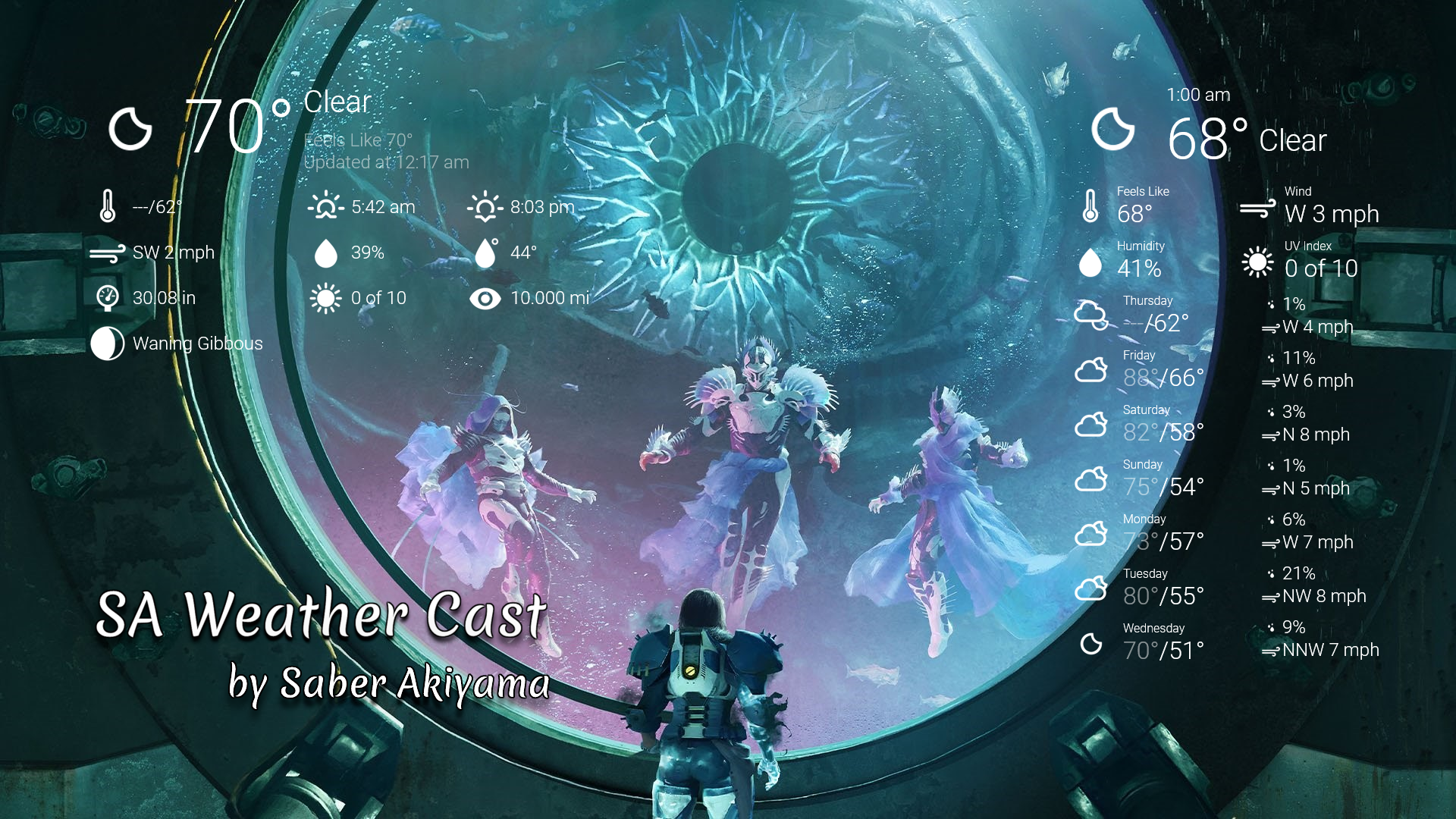
SA Weather Cast presents weather on a fully transparent background, with several compact current-condition layouts and separate hourly and daily views.
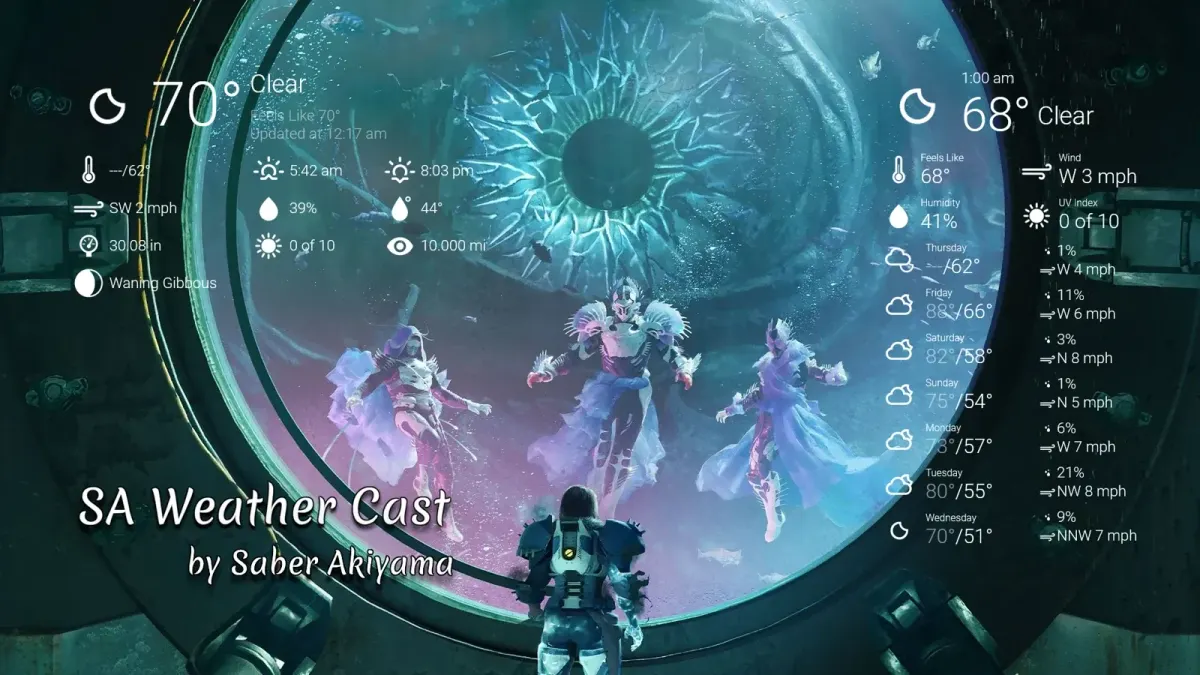
SA Weather Cast presents weather on a fully transparent background, with several compact current-condition layouts and separate hourly and daily views. Its settings expose language choices and time-format switching, while a severity-alert component is specifically limited to locations inside the United States.
What this skin includes
- Current conditions have standard, Slim, Extra Slim, and Super Slim variants.
- Includes One Hour and Six Hour skins.
- Daily options include One Day, One Day Slim, and Seven Day.
- Offers 30 language choices, including three English variants.
- English selections determine Imperial, hybrid, or Metric formatting.
Setup and limits
Consult the wiki for marking your location with Google Maps. To change time format, right-click the current-weather skin and use Custom skin menu. For language, open Settings panel from that menu, select the Language page, choose a language, and click Apply Changes.
Severity alerts are restricted to the USA. English (US), English (GB), and English (World) use Imperial, hybrid, and Metric formats respectively; other languages use Metric. The supplied evidence does not identify the weather provider or reproduce the location-marking procedure. Current Windows-build compatibility has not been independently verified; this research did not install or execute the skin.
Open creator source and setup instructions (source page, not a direct installer).
Creator and preview provenance
Created by SaberAkiyama. Creator source · Original source preview. Creator/source documentation preview from SaberAkiyama/SAWeatherCast. Background artwork or third-party content in the image is not asserted to be included. Preview reproduction is owner-authorized with unverified reuse rights; this is not a creator license grant.
Source license or licensing statement; check the scope and any more specific notices before reuse.
Related skins and installation
Read the Rainmeter installation guide. Compare Mond and Wisp. These are different works, not additional editions of this skin.
Similar skins
Alternatives in the same functional category, excluding this entry. Compare their source notes before choosing.
Skin
Hel AQI Desktop Widget Rainmeter Skin
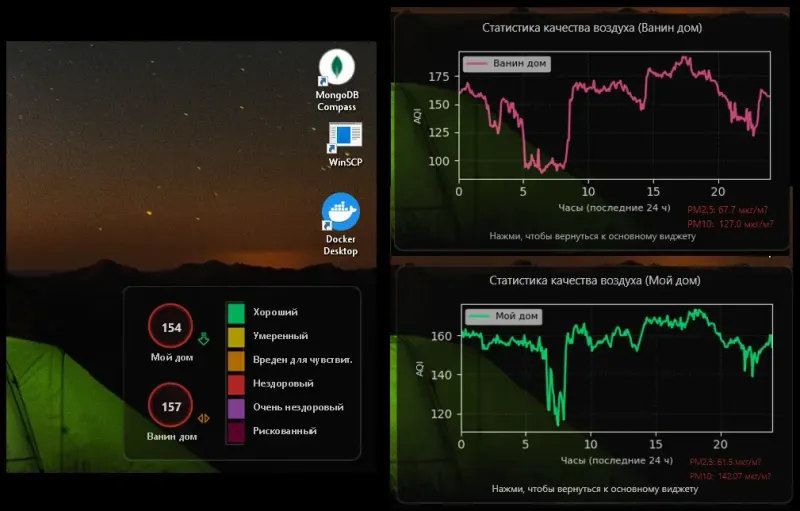
Hel AQI Desktop Widget pairs a semi-transparent, two-location Rainmeter display with separate air-quality history graphs.
Skin
OhTenki Japan Rainmeter Skin
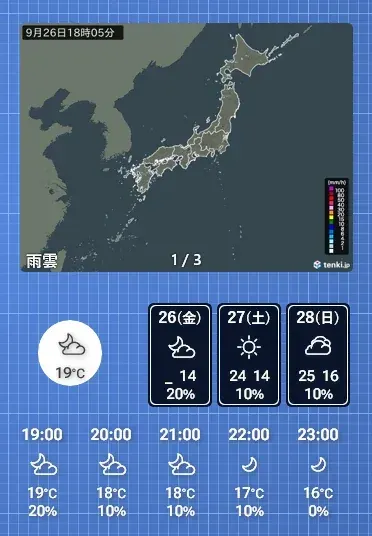
OhTenki Japan is a Rainmeter weather skin intended for people living in Japan.

Skin
bomWeather 2020 Rainmeter Skin
bomWeather 2020 brings Australian Bureau of Meteorology forecasts into Rainmeter.