Inspect / Rainmeter skin
Hel AQI Desktop Widget Rainmeter Skin
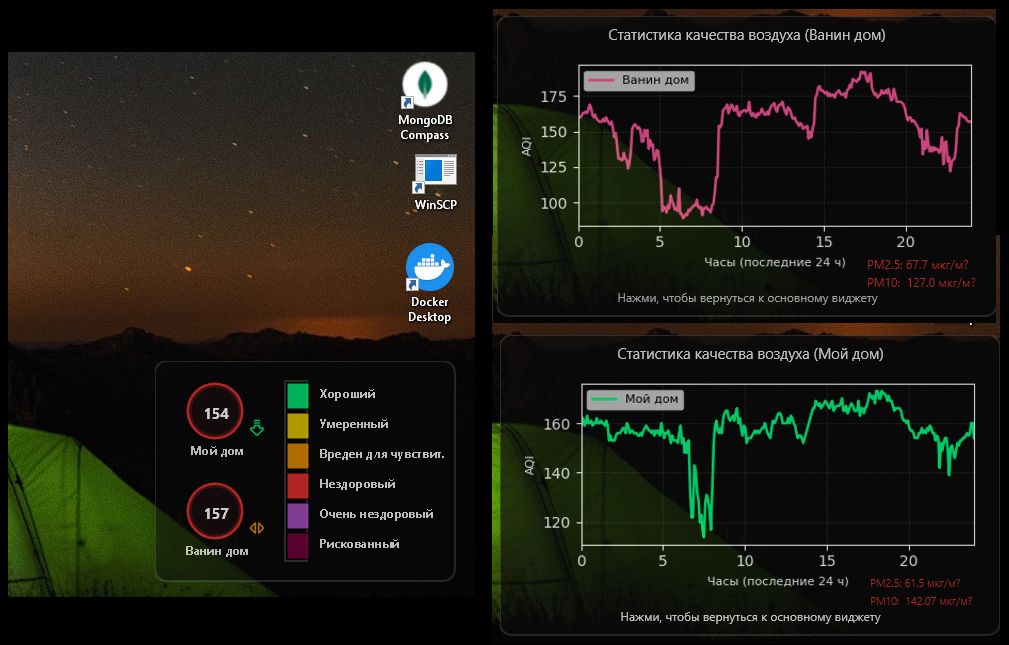
Hel AQI Desktop Widget pairs a semi-transparent, two-location Rainmeter display with separate air-quality history graphs.
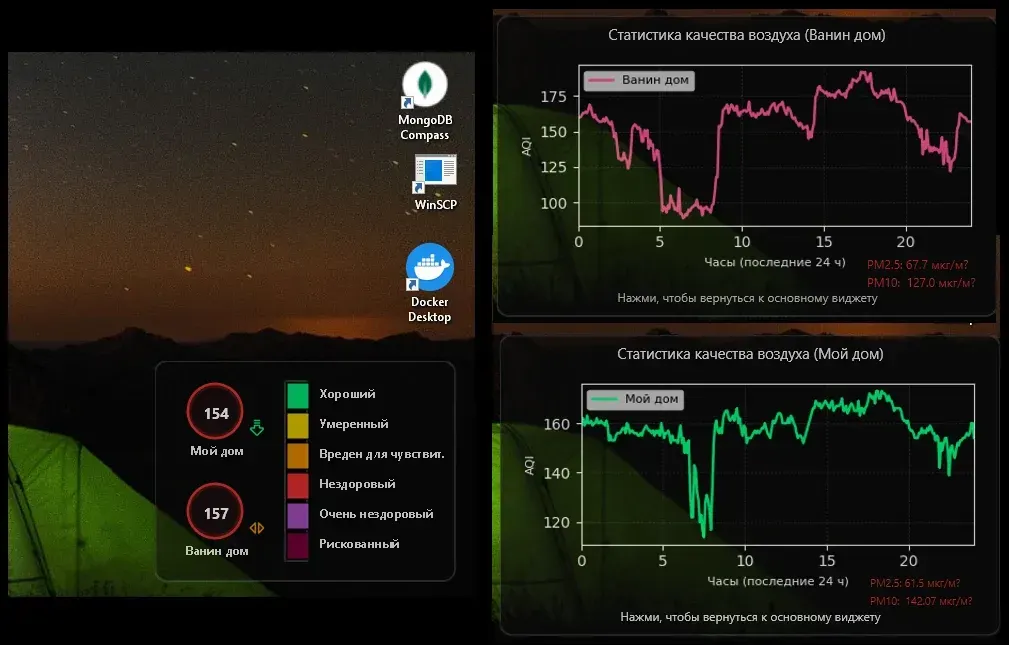
Hel AQI Desktop Widget pairs a semi-transparent, two-location Rainmeter display with separate air-quality history graphs. Color-coded AQI labels and trend arrows summarize conditions, while PM2.5 and PM10 readings accompany the graphs. A Python background updater retrieves Sensor.Community measurements and produces the data and graph images used by the skins.
What this skin includes
- Shows AQI for two configured locations.
- Uses US EPA breakpoints for PM2.5 and PM10 calculations.
- Provides separate 24-hour history graphs.
- Displays directional trend arrows.
- The documented updater repeats every five minutes.
- Clicking a location circle opens its graph window.
Setup and limits
Copy the repository into Documents\Rainmeter\Skins\Hel_AQI and install Python packages requests and matplotlib. Edit LOCATIONS in aq_widget.py with your location details and sensor IDs. Correct the paths in update_aqi.bat and run_aq_daemon.vbs, then launch the VBS updater. In Rainmeter Manager, load Hel_AQI.ini and the two graph skins.
Requires Windows 10 or 11, Rainmeter 4.5 or newer, Python 3.10+ and the requests and matplotlib packages. Measurements depend on Sensor.Community data and the running updater. Repository coordinates and sensor IDs are examples; replace them locally without publishing your real home address. Current Windows-build compatibility has not been independently verified; this research did not install or execute the skin.
Open creator source and setup instructions (source page, not a direct installer).
Creator and preview provenance
Created by hel-3d. Creator source · Original source preview. Documentation preview published in hel-3d/hel-aqi-widget-win; credited to hel-3d. Third-party wallpaper or imagery is not asserted included. Preview reproduction is owner-authorized with unverified reuse rights; this is not a creator license grant.
Source license or licensing statement; check the scope and any more specific notices before reuse.
Related skins and installation
Read the Rainmeter installation guide. Compare Mond and Wisp. These are different works, not additional editions of this skin.
Similar skins
Alternatives in the same functional category, excluding this entry. Compare their source notes before choosing.
Skin
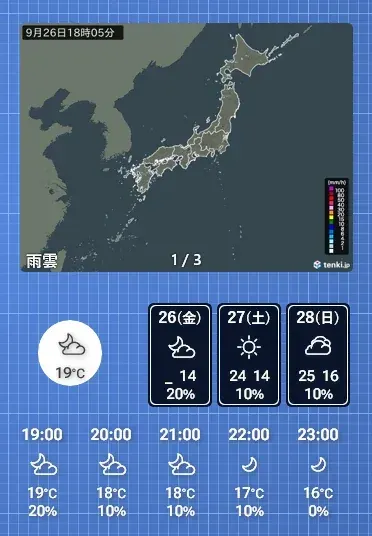
OhTenki Japan Rainmeter Skin
OhTenki Japan is a Rainmeter weather skin intended for people living in Japan.

Skin
bomWeather 2020 Rainmeter Skin
bomWeather 2020 brings Australian Bureau of Meteorology forecasts into Rainmeter.
Skin
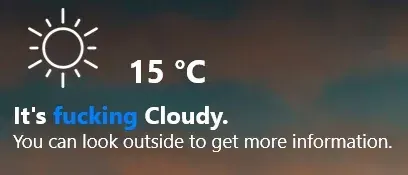
AuthenticWeather for Rainmeter
AuthenticWeather for Rainmeter adapts Authentic Weather's graphics and phrase-based presentation to the desktop.