Inspect / Rainmeter skin
Power Opt Rainmeter Skin
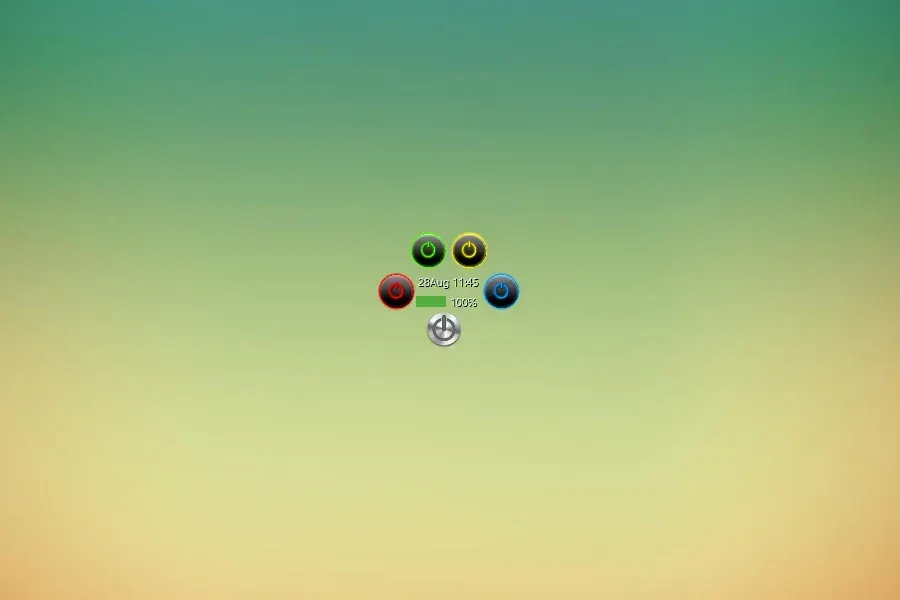
A silver power button expands into sleep, hibernate, sign-out and shutdown, with time and battery information also listed.
- Creator credit
- talofaman
- Package
- poweropt.rmskin
- Requires
- Rainmeter; exact minimum version not established
What to compare
A silver power button expands into sleep, hibernate, sign-out and shutdown, with time and battery information also listed.
Setup and limitations
Save work and review each configured command before clicking. Hibernate availability depends on Windows configuration, and a button label does not establish confirmation dialogs or support on your computer.
Follow the .rmskin installation guide, then load only the components you need. Use the layout and configuration guide before editing files.
Source and verification
The Power Opt source listing provides the credited creator, stated features and existing preview. Creator credit: talofaman. We have not installed or benchmarked this package. Source-listed Windows support is not independently tested compatibility; wallpaper and other preview elements may be separate works.
Compare alternatives
Similar skins
Alternatives in the same functional category, excluding this entry. Compare their source notes before choosing.
Skin
Mii Power Rainmeter Skin
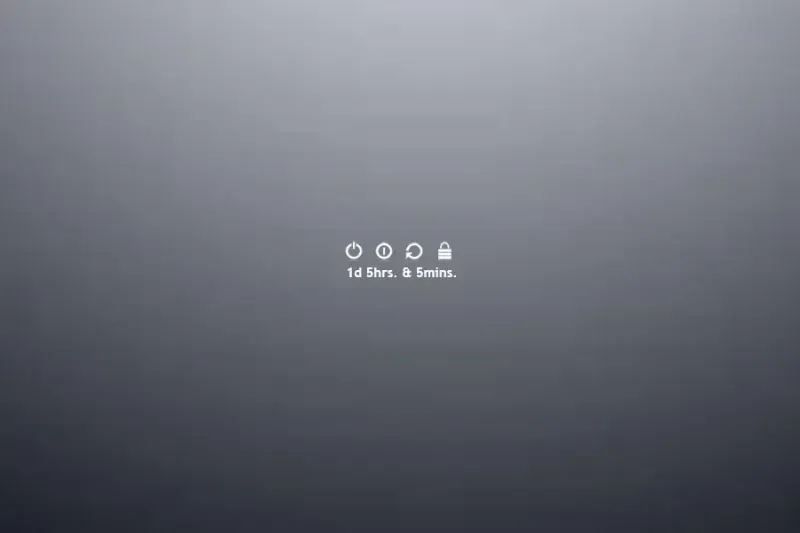
Black/white power menus come in vertical and horizontal forms. The source lists sleep, restart and shutdown vertically, adding lock in the horizontal layout.

Skin
Circle Launcher Rainmeter skin
Round launcher icons by Lybrica, with hover effects and configurable program paths. These launchers do not automatically restyle Windows shortcuts.
Skin
Power Controls Rainmeter skin
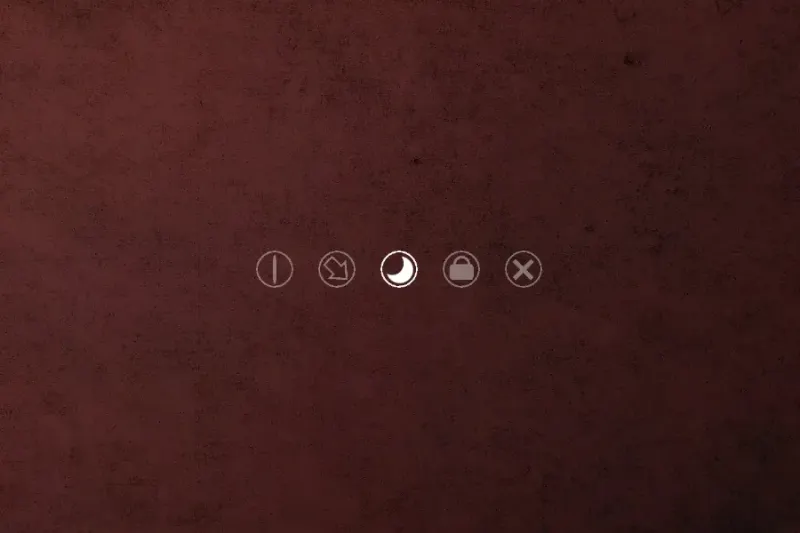
A five-button power-control strip with a listed waiting period and cancel button. Creator unconfirmed; command behavior needs review before use.