Inspect / Rainmeter skin
Lauhdutin Rainmeter Skin
Lauhdutin organizes games into a scrollable launcher with image banners, sorting and filters.

Lauhdutin organizes games into a scrollable launcher with image banners, sorting and filters. It brings together documented Steam, GOG Galaxy and Battle.net integrations alongside ordinary Windows shortcuts. Slot dimensions, orientation and animations can be adjusted, making its presentation configurable rather than tied to one fixed game-library layout.
What this skin includes
- Supports Windows .lnk and .url shortcuts.
- Toolbar provides fuzzy title search, sorting and filters.
- Game details can store notes and tags.
- Starting and stopping games can trigger Rainmeter bangs.
- Maintains configurable daily backups of games.json.
Setup and limits
Install Rainmeter, download a release and extract it into Rainmeter\Skins\Lauhdutin. Load Settings.ini, configure platform paths and other settings, then click Save and Close. Load Main.ini to detect games. For GOG Galaxy integration, place sqlite3.exe in the skin's @Resources folder.
Requires Rainmeter 4.0 or later and Windows Script Host 5.8 or later. GOG Galaxy integration additionally requires the SQLite3 command-line executable. The documented Battle.net integration excludes classic games such as Diablo II and Warcraft III. Steam community statistics depend on the profile's Game details privacy setting. Current Windows-build compatibility has not been independently verified; this research did not install or execute the skin.
Open creator source and setup instructions (source page, not a direct installer).
Creator and preview provenance
Created by Kapiainen. Creator source · Original source preview. Documentation preview published in Kapiainen/Lauhdutin; credited to Kapiainen. Third-party wallpaper or imagery is not asserted included. Preview reproduction is owner-authorized with unverified reuse rights; this is not a creator license grant.
Source license or licensing statement; check the scope and any more specific notices before reuse.
Related skins and installation
Read the Rainmeter installation guide. Compare Mond and Wisp. These are different works, not additional editions of this skin.
Similar skins
Alternatives in the same functional category, excluding this entry. Compare their source notes before choosing.

Skin
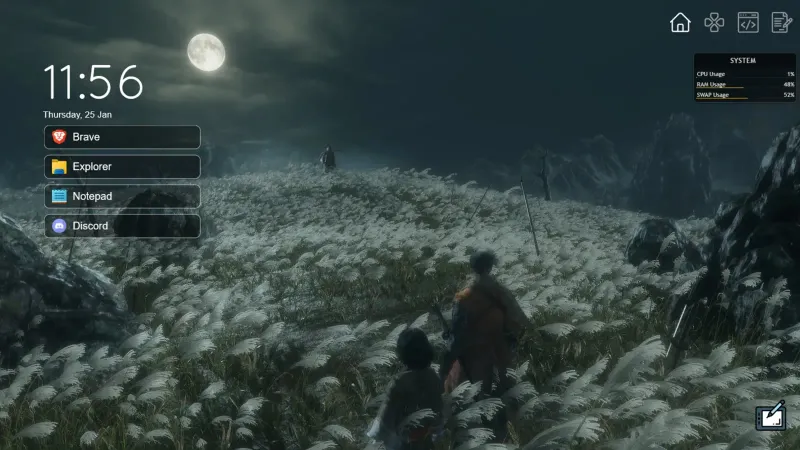
CartoonClock Dock Rainmeter Skin
CartoonClock Dock combines a clock-and-dock identity with a short feature description centered on dock capacity and visual configuration.
Skin
One Launcher Rainmeter Skin
One Launcher organizes application shortcuts into tabs, with an IconBar for section selection and a WidgetArea for the shortcuts themselves.

Skin
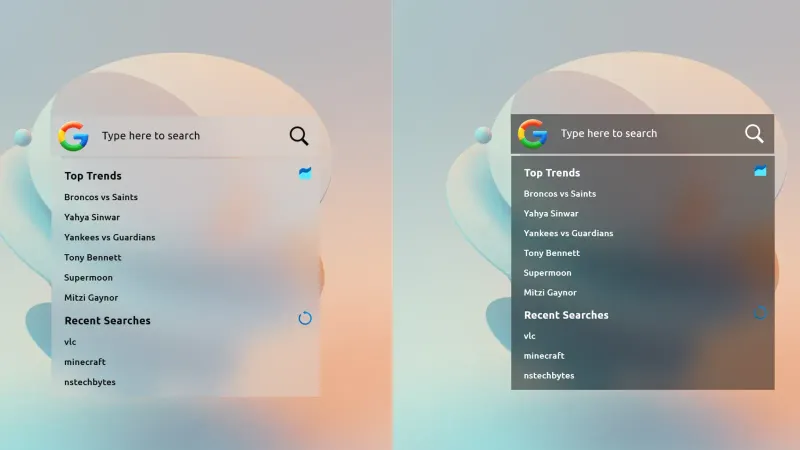
Modern SearchBar Rainmeter Skin
Modern SearchBar places a desktop search field over a frosted background, with a transparent input area and editable typography and colors.