Inspect / Rainmeter skin
eMini Rainmeter Skin
eMini by esnooze organizes desktop controls in a slider interface that opens when clicked.
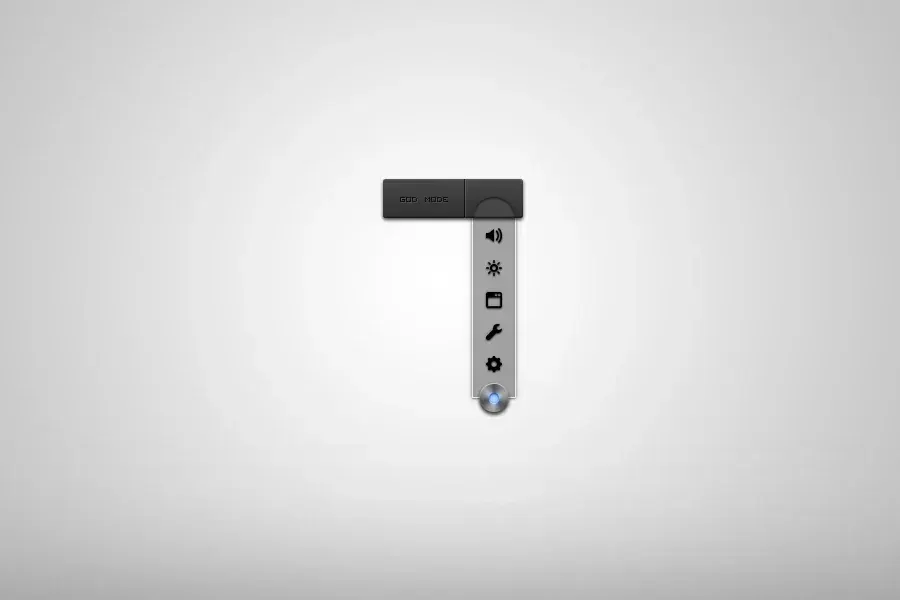
eMini by esnooze organizes desktop controls in a slider interface that opens when clicked. A light changes from red to blue during that interaction, while the revealed choices include volume mixer, brightness, program uninstallation, and system configuration rather than a conventional grid of application icons.
Source-listed appearance and features
The following details are reported by the source listing, not established by a DeskSpruce installation test.
- Uses a click-open slider interface.
- The indicator light changes from red to blue.
- Lists volume mixer and brightness options.
- Includes program-uninstallation and system-configuration entries.
Setup and limits
Click the slider to open its choices; the source describes the indicator changing from red to blue. An RMSKIN package is linked, but installation details are absent, so check the source page and follow its listed instructions.
The source also mentions an undefined Windows mode, which cannot be summarized as a verified feature. It does not explain how the listed system entries operate or whether brightness control has particular dependencies. Current Windows-build compatibility has not been independently verified; this research did not install or execute the skin.
Open source listing and package link (source page, not a direct installer).
Creator and preview provenance
Created by esnooze. Source listing · Original source preview. Preview published by VisualSkins for eMini Rainmeter Skin, credited to esnooze; wallpaper and other desktop items are not asserted to be included. Preview reproduction is owner-authorized with unverified reuse rights; this is not a creator license grant.
Related skins and installation
Read the Rainmeter installation guide. Compare Mini Steam Launcher and Circle Launcher. These are different works, not additional editions of this skin.
Similar skins
Alternatives in the same functional category, excluding this entry. Compare their source notes before choosing.

Skin
CartoonClock Dock Rainmeter Skin
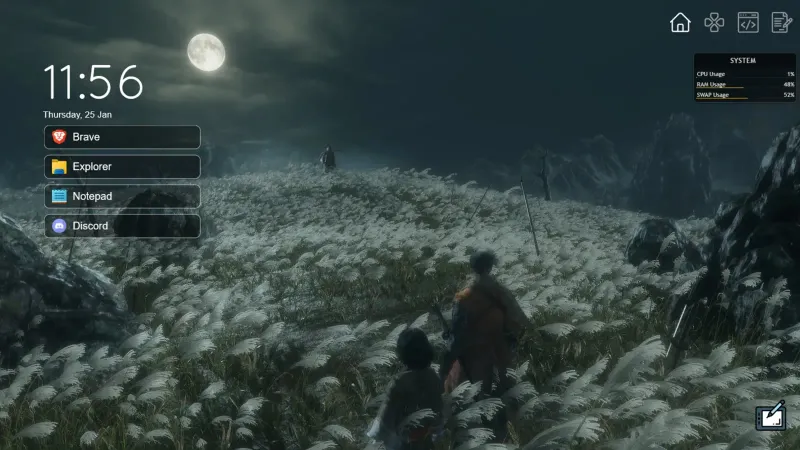
CartoonClock Dock combines a clock-and-dock identity with a short feature description centered on dock capacity and visual configuration.
Skin
One Launcher Rainmeter Skin
One Launcher organizes application shortcuts into tabs, with an IconBar for section selection and a WidgetArea for the shortcuts themselves.

Skin
Modern SearchBar Rainmeter Skin
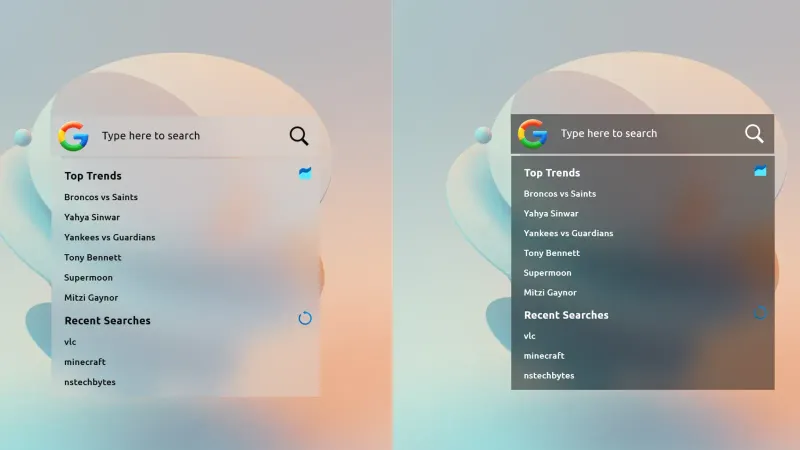
Modern SearchBar places a desktop search field over a frosted background, with a transparent input area and editable typography and colors.