Inspect / Rainmeter skin
Beautiful Weather App Rainmeter Skin
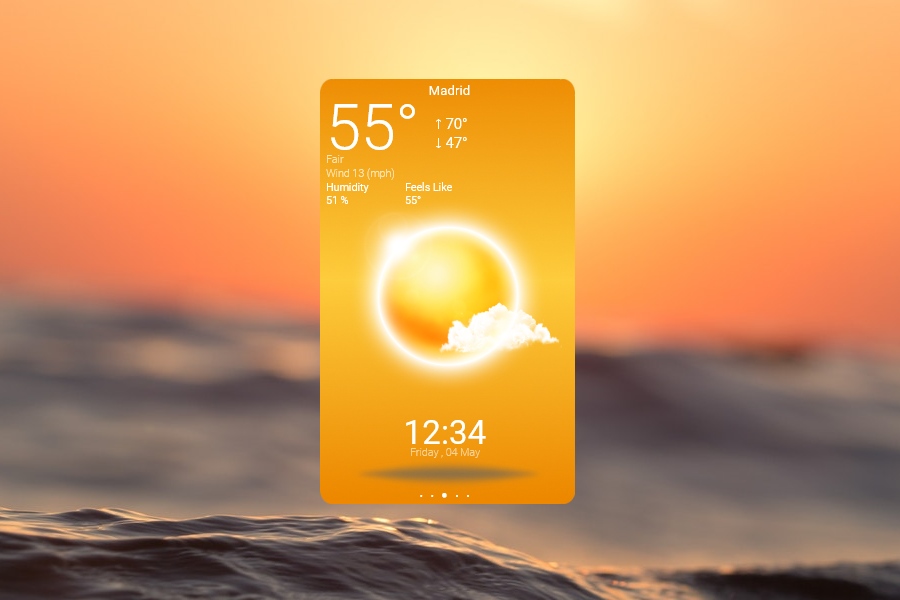
Beautiful Weather App presents city weather in a tall rectangular Rainmeter panel with rounded edges and a large three-dimensional weather icon.
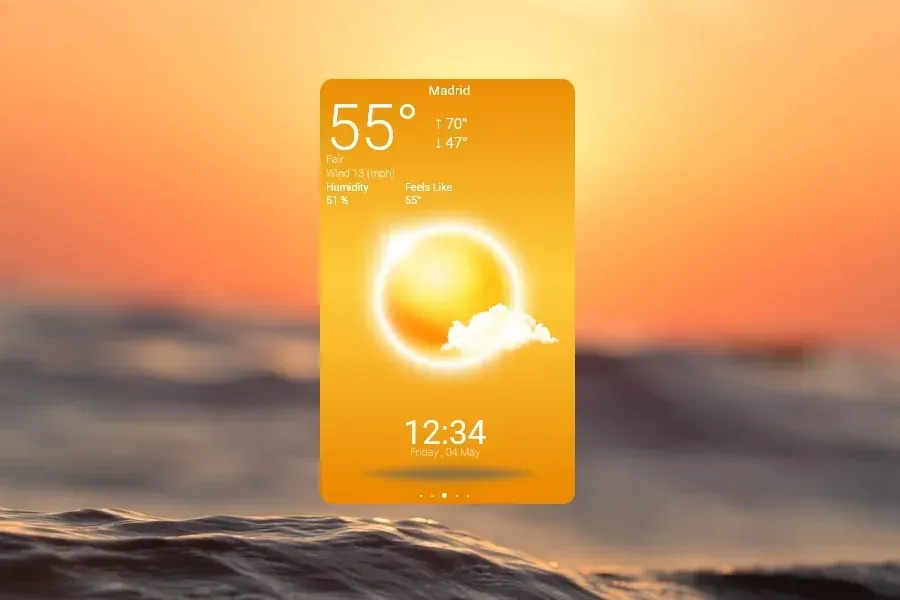
Beautiful Weather App presents city weather in a tall rectangular Rainmeter panel with rounded edges and a large three-dimensional weather icon. Its readouts extend beyond temperature to rain, wind, humidity and feels-like conditions. The directory also documents direct gestures for opening settings and resizing the panel.
Source-listed appearance and features
The following details are reported by the source listing, not established by a DeskSpruce installation test.
- Created by HipHopium.
- Shows temperature highs and lows, rain amount and wind speed.
- Includes humidity and feels-like readings.
- Uses a large 3D icon to represent weather conditions.
- Double-clicking opens settings; the mouse wheel near the edges resizes the skin.
Setup and limits
The directory lists beautiful-weather-app.rmskin; follow the listed source instructions for installation. Double-click the weather skin to open its settings panel. To resize it, position the pointer over an edge and scroll the mouse wheel up or down.
The weather provider, location-entry procedure and any service credentials are not identified in the supplied evidence. The described controls are directory observations, not creator testing, and do not establish current availability of the weather feed. Current Windows-build compatibility has not been independently verified; this research did not install or execute the skin.
Open source listing and package link (source page, not a direct installer).
Creator and preview provenance
Created by HipHopium. Source listing · Original source preview. Preview published by VisualSkins for Beautiful Weather App Rainmeter Skin, credited to HipHopium; wallpaper and other desktop items are not asserted to be included. Preview reproduction is owner-authorized with unverified reuse rights; this is not a creator license grant.
Related skins and installation
Read the Rainmeter installation guide. Compare Mond and Wisp. These are different works, not additional editions of this skin.
Similar skins
Alternatives in the same functional category, excluding this entry. Compare their source notes before choosing.
Skin
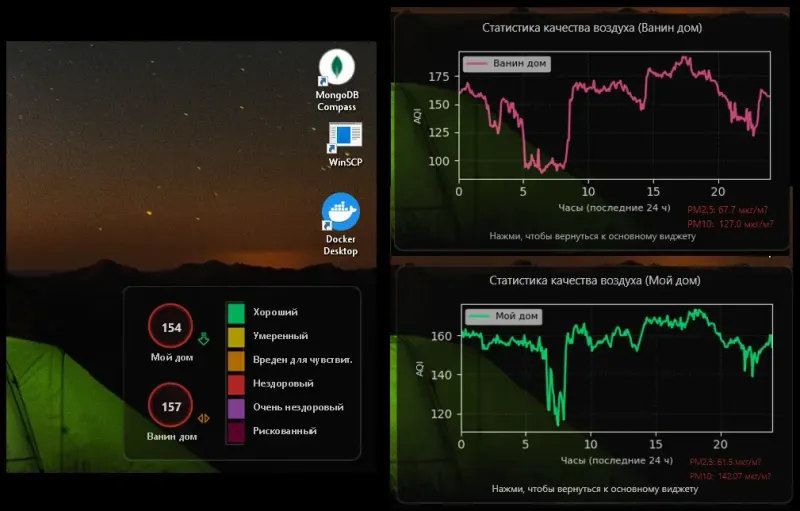
Hel AQI Desktop Widget Rainmeter Skin
Hel AQI Desktop Widget pairs a semi-transparent, two-location Rainmeter display with separate air-quality history graphs.
Skin
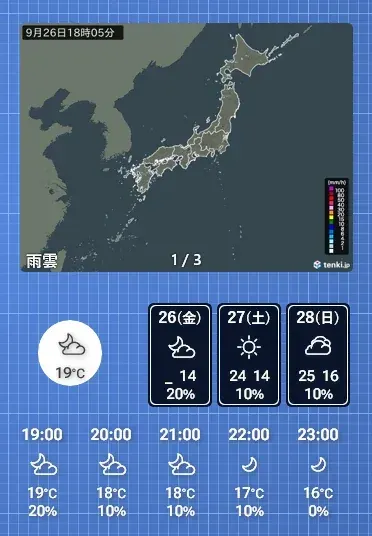
OhTenki Japan Rainmeter Skin
OhTenki Japan is a Rainmeter weather skin intended for people living in Japan.

Skin
bomWeather 2020 Rainmeter Skin
bomWeather 2020 brings Australian Bureau of Meteorology forecasts into Rainmeter.