Inspect / Rainmeter skin
Windows Sidebar for Rainmeter
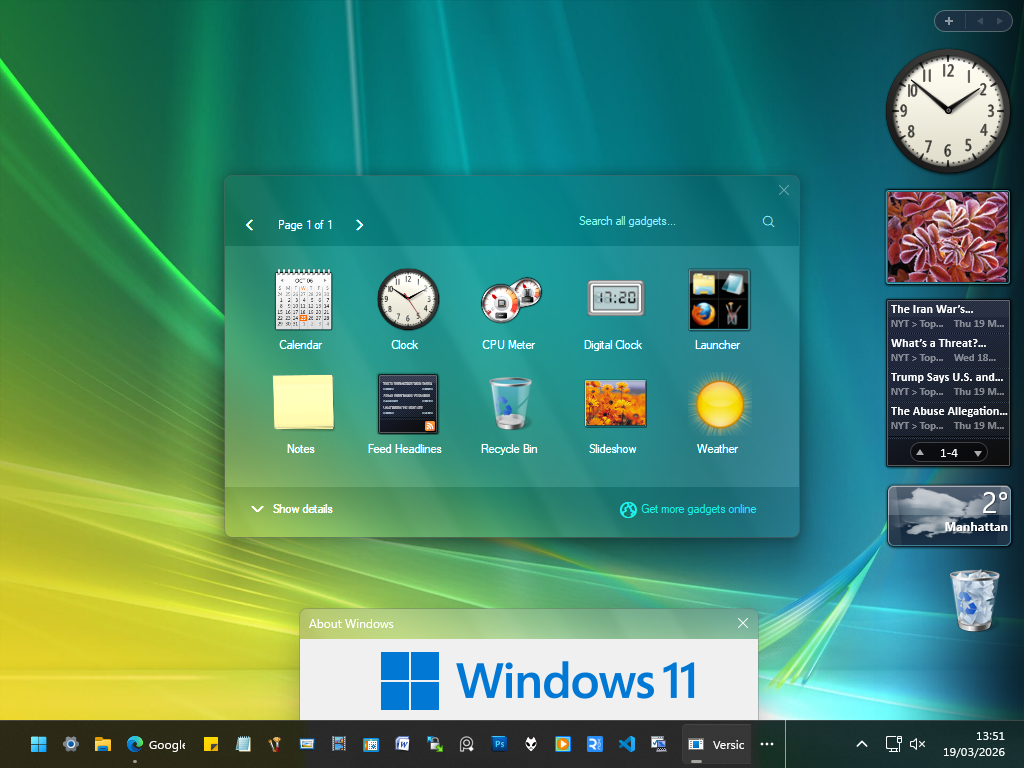
Windows Sidebar for Rainmeter recreates a Vista-style desktop sidebar with a coordinated collection of gadgets and historical gallery designs.
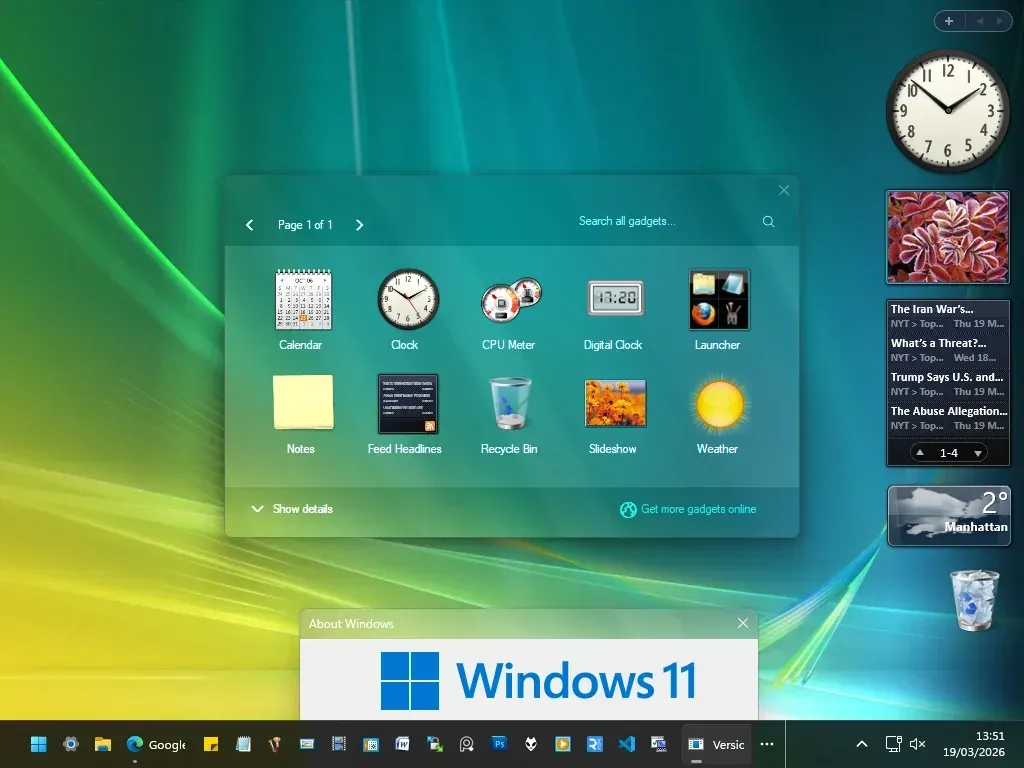
Windows Sidebar for Rainmeter recreates a Vista-style desktop sidebar with a coordinated collection of gadgets and historical gallery designs. Alongside clocks and calendars, it includes system meters, notes, launchers, and media controls. Sidebar settings provide color changes, left or right placement, and a Windows 7-style minimal presentation.
What this skin includes
- Includes CPU, RAM, disk, battery, and network gadgets.
- Offers four gallery styles based on Vista-era designs.
- Provides dedicated sidebar and gadget configuration tools.
- Can switch between left and right screen placement.
- Includes a Windows 7 option with an invisible sidebar and small plus icon.
- The source lists Windows 7, 10, and 11 support.
Setup and limits
Download and install Rainmeter, then download Windows-Sidebar.rmskin from the repository's Releases and double-click it. Use the dedicated sidebar and gadget configuration tools for customization. Historical Vista Beta gadgets can be exposed through a sidebar theme or by enabling Show All Gadgets.
Rainmeter is required. Media controls are described only for supported players, without a supplied compatibility list. The historical Build 5219 Mail gadget displays a fake count, not real mail. Blur is specifically listed for Windows 10 and 11; translation requires editing English.inc. Current Windows-build compatibility has not been independently verified; this research did not install or execute the skin.
Open creator source and setup instructions (source page, not a direct installer).
Creator and preview provenance
Created by fediaFedia. Creator source · Original source preview. Documentation preview published in fediaFedia/Windows-Sidebar; credited to fediaFedia. Third-party wallpaper or imagery is not asserted included. Preview reproduction is owner-authorized with unverified reuse rights; this is not a creator license grant.
Source license or licensing statement; check the scope and any more specific notices before reuse.
Related skins and installation
Read the Rainmeter installation guide. Compare Mond and Wisp. These are different works, not additional editions of this skin.
Similar skins
Alternatives in the same functional category, excluding this entry. Compare their source notes before choosing.
Skin
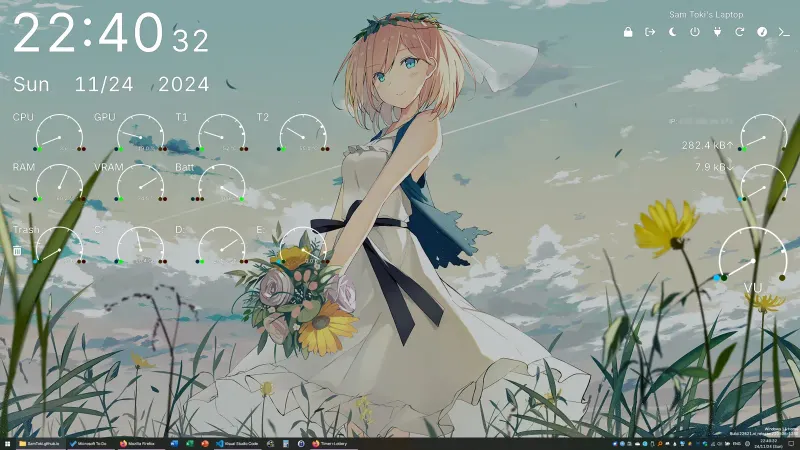
Candy Rainmeter Skin Pack
Candy Rainmeter Skin Pack combines minimalist desktop decoration with floating monitoring widgets.
Skin
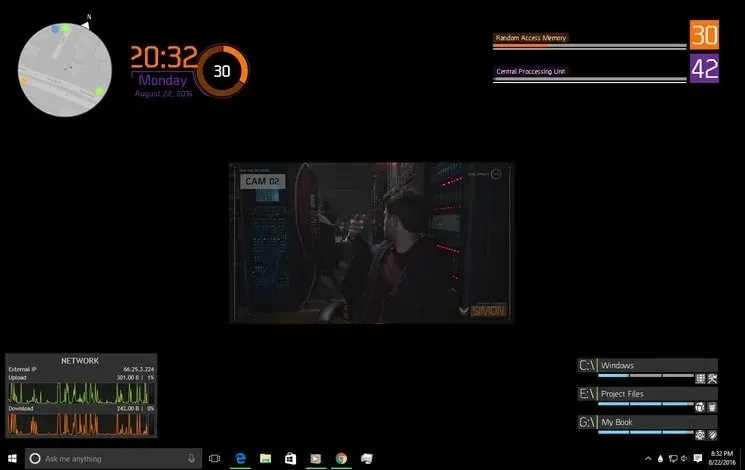
The Division Rainmeter Skin
The Division brings a desktop interface inspired by Tom Clancy's The Division into Rainmeter, pairing system readouts with a game launcher and clock.
Skin
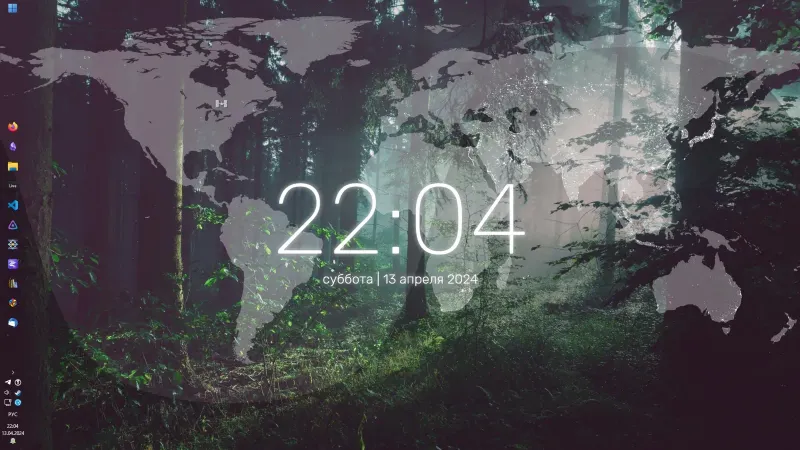
Simple Lines Rainmeter Suite
Simple Lines combines clocks, a calendar, system readings, and a world map with an ISS position marker and day–night boundary.