Inspect / Rainmeter skin
Candy Rainmeter Skin Pack
Candy Rainmeter Skin Pack combines minimalist desktop decoration with floating monitoring widgets.
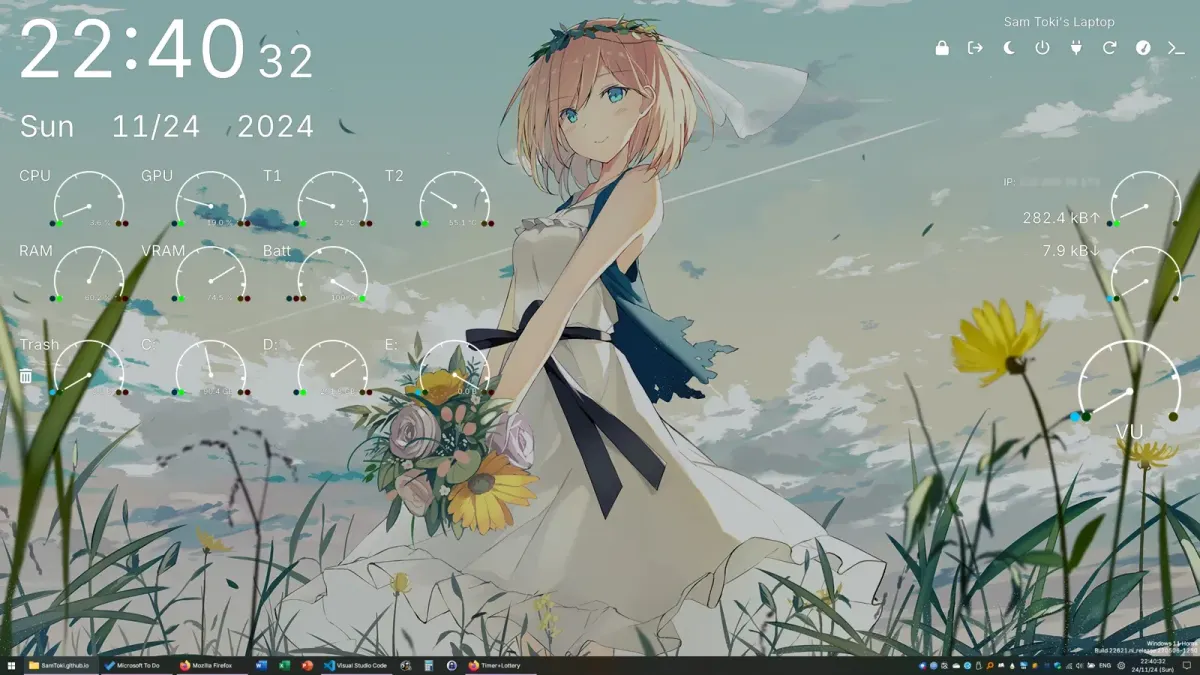
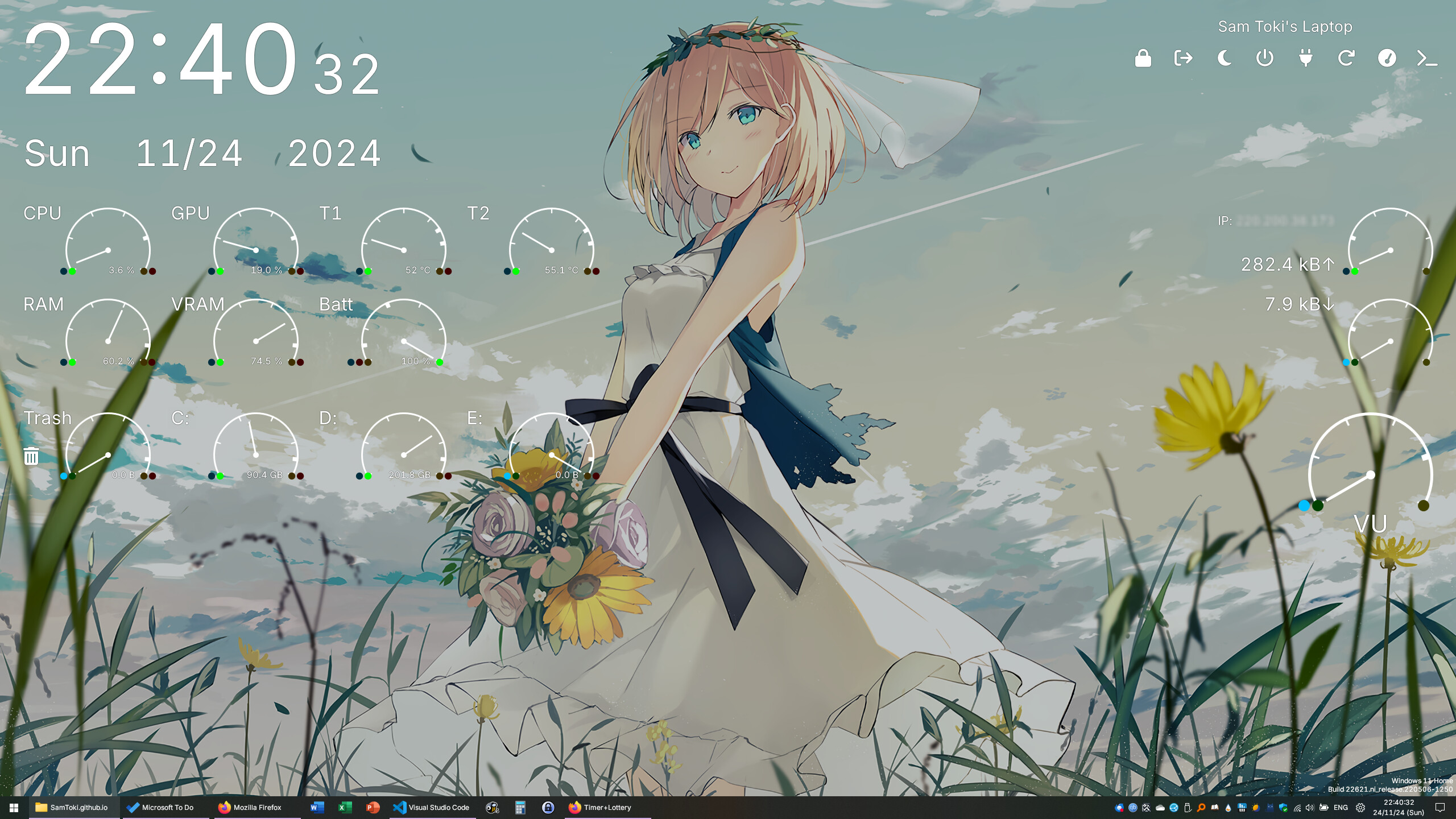
Candy Rainmeter Skin Pack combines minimalist desktop decoration with floating monitoring widgets. Its floating components offer analog and digital styles, while built-in layouts organize different desktop arrangements. Clocks, hardware readings, network traffic and audio visualization are accompanied by colored status indicators that distinguish normal readings, missing data and warning thresholds.
What this skin includes
- Includes desktop and floating widget groups.
- Floating widgets have analog and digital styles.
- Includes multiple switchable layouts.
- Desktop Static Shortcuts supports editable custom text.
- Blue indicators mean zero values or unavailable data.
- The previously described 30-hour clock format was removed.
Setup and limits
Install Rainmeter from its official website, then obtain the RMSKIN package and TTF files from Releases. Open the RMSKIN to install skins and layouts. If fonts display incorrectly, use Refresh all; if necessary, install the supplied fonts and restart Rainmeter. Switch layouts through the Rainmeter tray menu's Layouts section.
Hardware monitoring depends on HWiNFO for the listed CPU, GPU and memory readings. The RAM dump function requires RAMMap. Some components therefore need external software rather than Rainmeter alone. The source explicitly marks the 30-hour format as removed. Current Windows-build compatibility has not been independently verified; this research did not install or execute the skin.
Open creator source and setup instructions (source page, not a direct installer).
Creator and preview provenance
Created by candy10243. Creator source · Original source preview. Documentation preview published in candy10243/candy_Rainmeter-skin; credited to candy10243. Third-party wallpaper or imagery is not asserted included. Preview reproduction is owner-authorized with unverified reuse rights; this is not a creator license grant.
Source license or licensing statement; check the scope and any more specific notices before reuse.
Related skins and installation
Read the Rainmeter installation guide. Compare Mond and Wisp. These are different works, not additional editions of this skin.
Similar skins
Alternatives in the same functional category, excluding this entry. Compare their source notes before choosing.
Skin
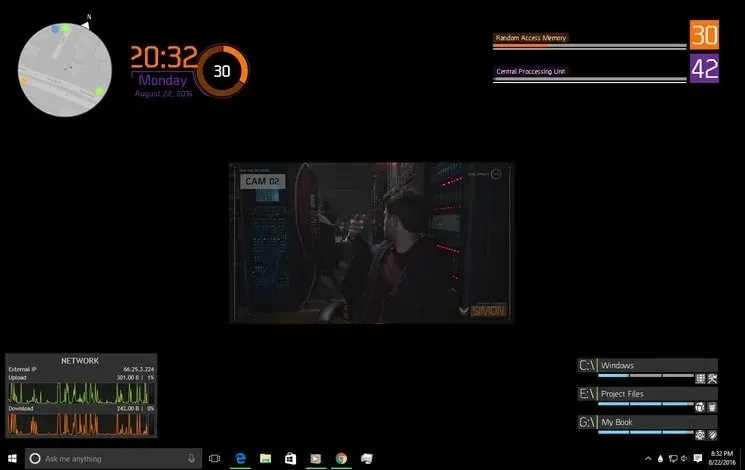
The Division Rainmeter Skin
The Division brings a desktop interface inspired by Tom Clancy's The Division into Rainmeter, pairing system readouts with a game launcher and clock.
Skin
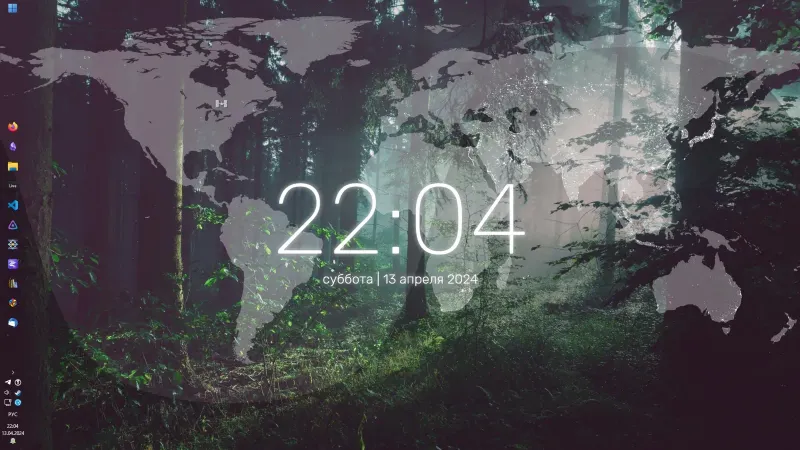
Simple Lines Rainmeter Suite
Simple Lines combines clocks, a calendar, system readings, and a world map with an ISS position marker and day–night boundary.
Skin
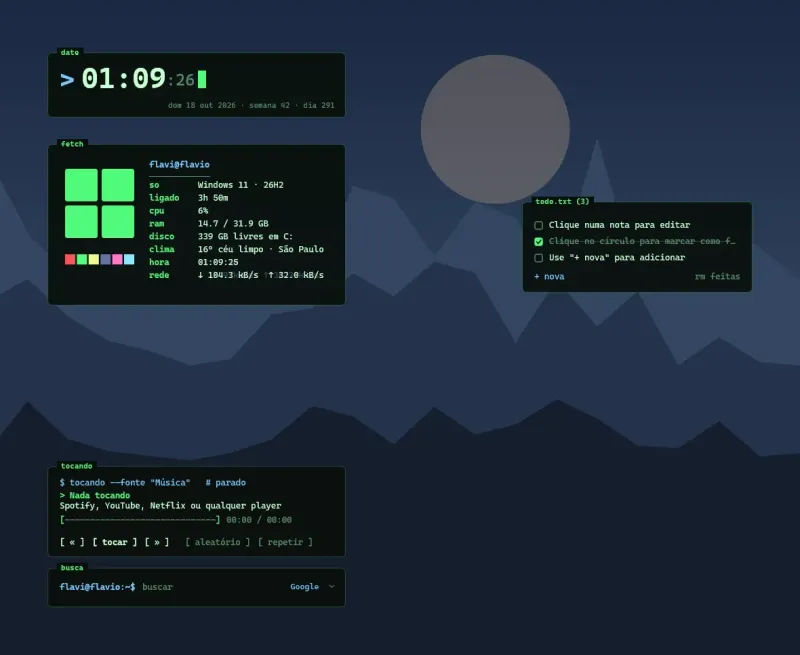
Console Rainmeter Skin
Console arranges desktop information as terminal-inspired widgets, combining a neofetch-style system summary with a blinking-cursor clock.