Inspect / Rainmeter skin
Console Rainmeter Skin
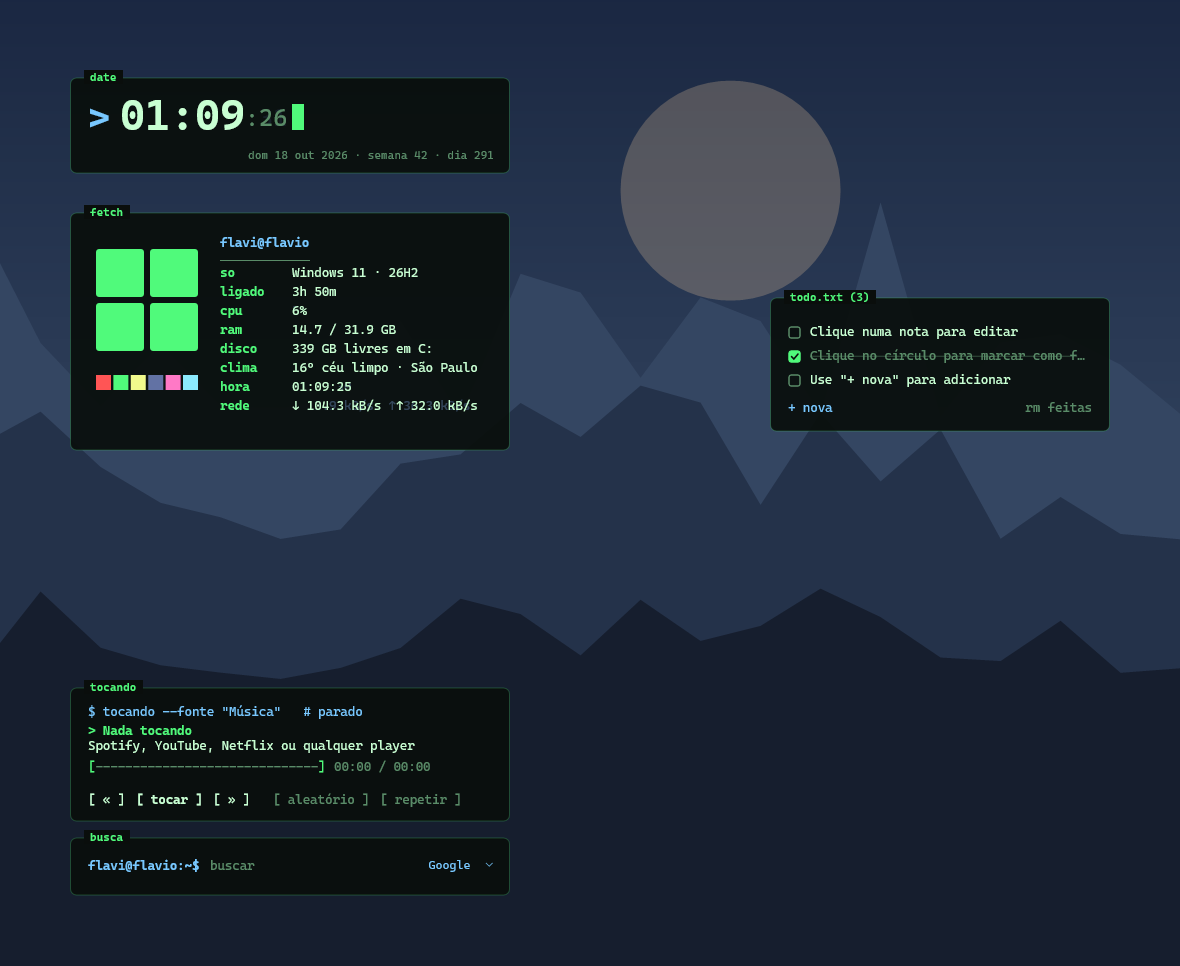
Console arranges desktop information as terminal-inspired widgets, combining a neofetch-style system summary with a blinking-cursor clock.
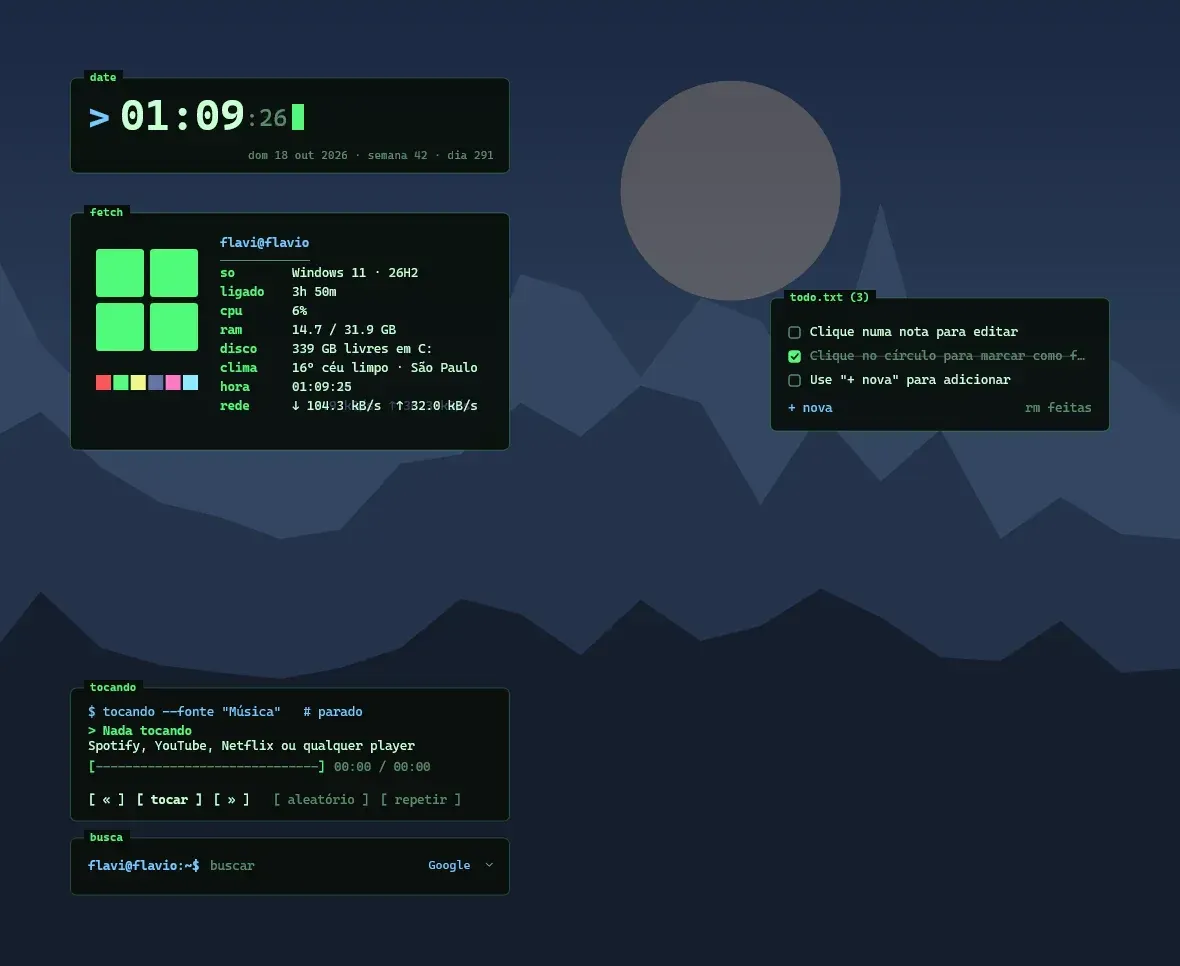
Console arranges desktop information as terminal-inspired widgets, combining a neofetch-style system summary with a blinking-cursor clock. A prompt-like search field, editable task list, and text-based music controls extend the command-line appearance beyond decoration. Four themes and a settings screen provide visual and behavioral customization.
What this skin includes
- System summary includes Windows, uptime, CPU, RAM, disk, weather, and time.
- Clock includes date, week, and day of year.
- Search switches among Google, YouTube, Wikipedia, and Spotify.
- todo.txt widget displays up to six items with edit and check controls.
- Player has a clickable ASCII progress bar.
- Supports English and Portuguese.
Setup and limits
Install Rainmeter 4.5 or newer, then download and install Console.rmskin from Releases; this package includes the music plugin. Right-click a widget to select English or open Settings. Enter your city for weather, adjust the default search and prompt username, and drag widgets to reposition them.
Requires Windows 10 or 11 and Rainmeter 4.5+. Music uses the included WebNowPlaying plugin and Windows media controls; the source lists Microsoft Visual C++ Redistributable for an empty player. Weather uses Open-Meteo. The suite's CC BY-NC-SA 4.0 license permits non-commercial use with attribution and share-alike terms. Current Windows-build compatibility has not been independently verified; this research did not install or execute the skin.
Open creator source and setup instructions (source page, not a direct installer).
Creator and preview provenance
Created by flavioferr. Creator source · Original source preview. Documentation preview published in flavioferr/rainmeter-console; credited to flavioferr. Third-party wallpaper or imagery is not asserted included. Preview reproduction is owner-authorized with unverified reuse rights; this is not a creator license grant.
Source license or licensing statement; check the scope and any more specific notices before reuse.
Related skins and installation
Read the Rainmeter installation guide. Compare Mond and Wisp. These are different works, not additional editions of this skin.
Similar skins
Alternatives in the same functional category, excluding this entry. Compare their source notes before choosing.
Skin
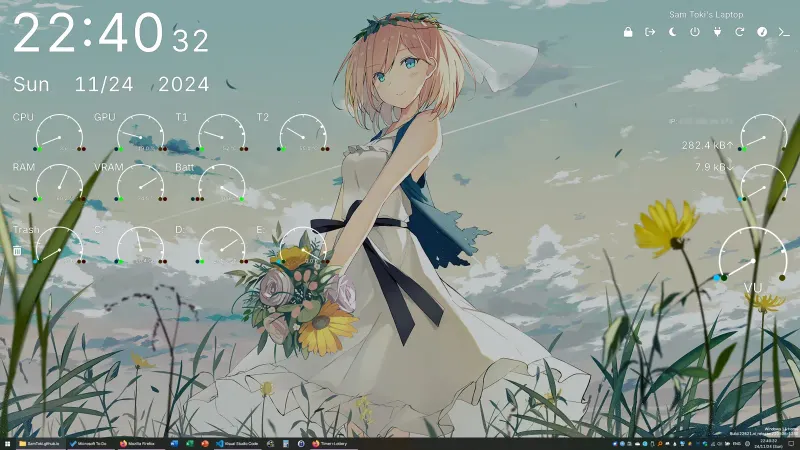
Candy Rainmeter Skin Pack
Candy Rainmeter Skin Pack combines minimalist desktop decoration with floating monitoring widgets.
Skin
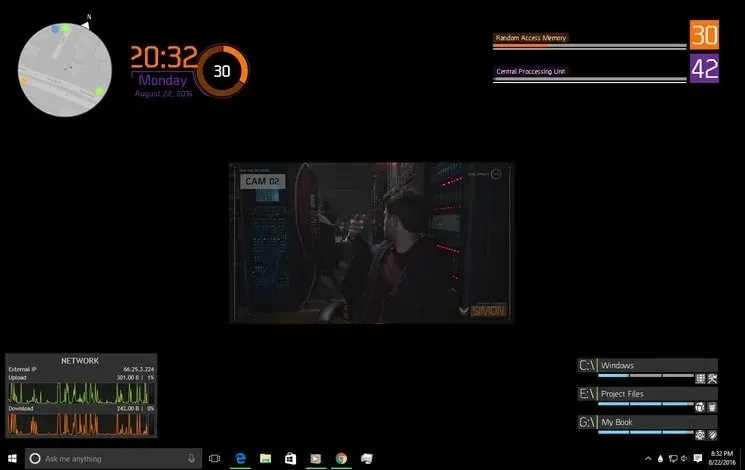
The Division Rainmeter Skin
The Division brings a desktop interface inspired by Tom Clancy's The Division into Rainmeter, pairing system readouts with a game launcher and clock.
Skin
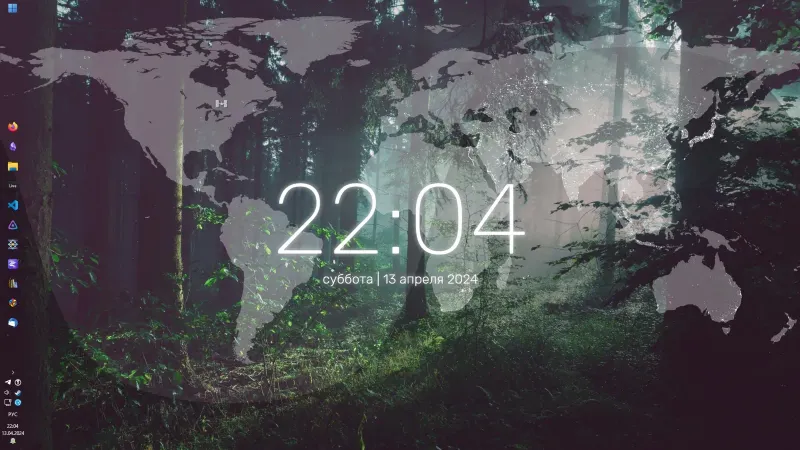
Simple Lines Rainmeter Suite
Simple Lines combines clocks, a calendar, system readings, and a world map with an ISS position marker and day–night boundary.