Inspect / Rainmeter skin
Win11 Widgets Rainmeter Skin
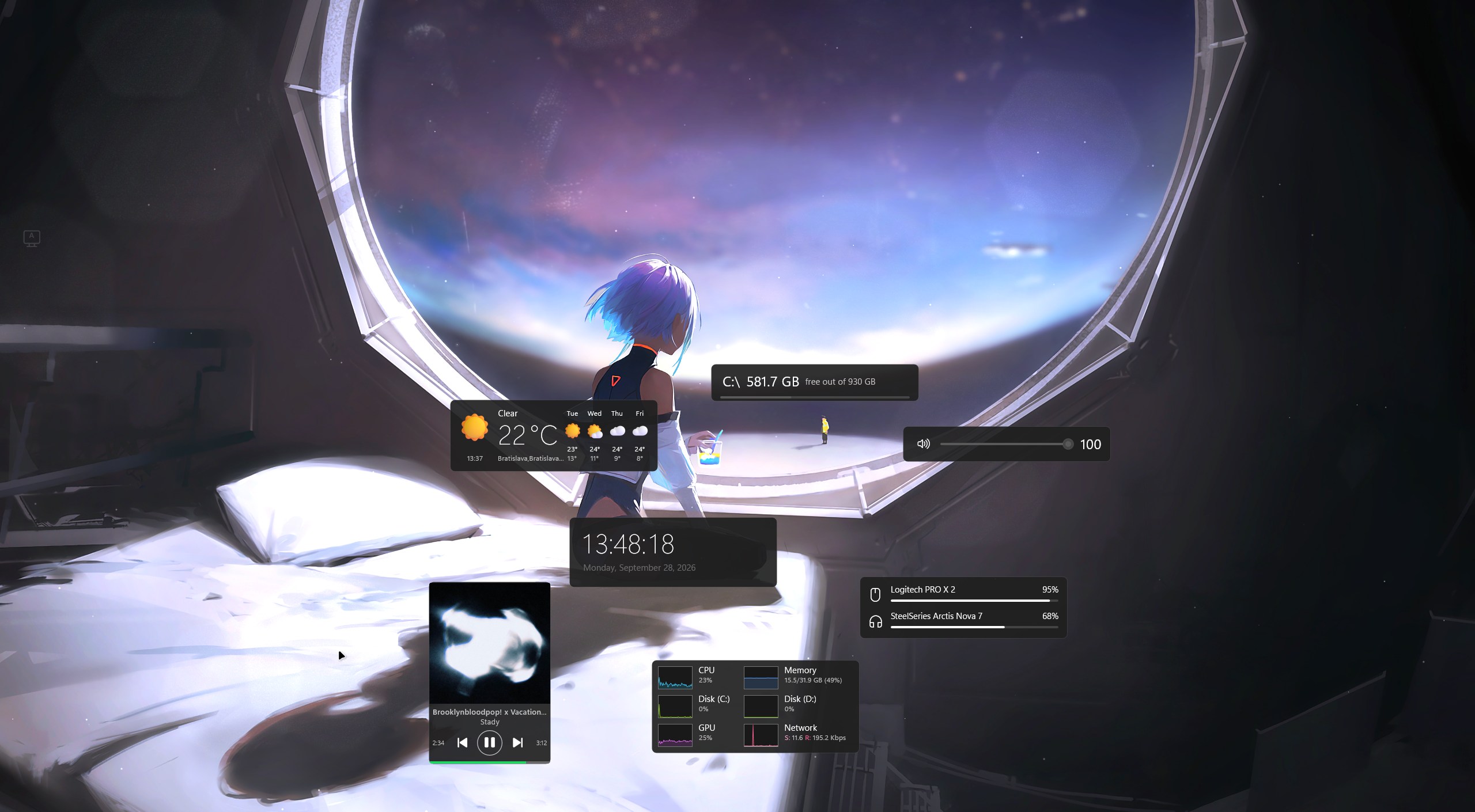
Win11 Widgets reworks TJ Markham's Win10 Widgets into rounded desktop cards using Fluent icons, Segoe typography, and the Windows accent color.
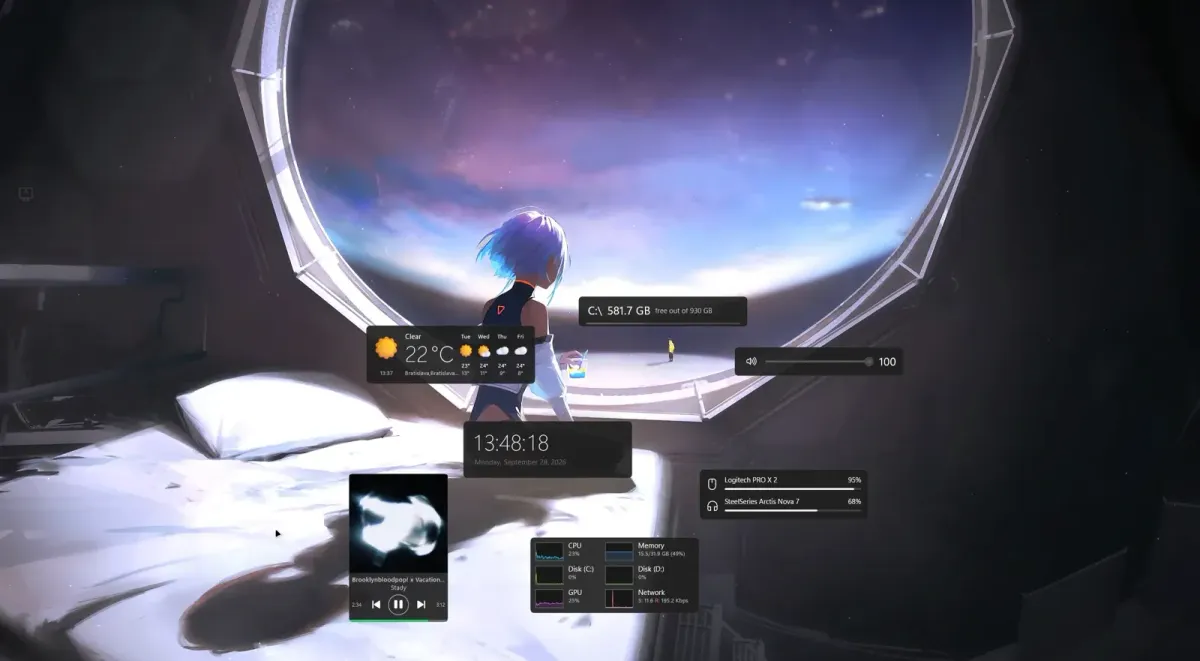
Win11 Widgets reworks TJ Markham's Win10 Widgets into rounded desktop cards using Fluent icons, Segoe typography, and the Windows accent color. Beyond the visual redesign, it replaces the old weather integration with Open-Meteo and adds GPU monitoring and automatic extra-drive detection to its collection of desktop widgets.
What this skin includes
- Weather uses Open-Meteo without an API key.
- Weather supports automatic location and city or postal-code searches.
- Displays current conditions and a five-day forecast.
- Performance graphs cover CPU, GPU, memory, disk, and network.
- Extra drives appear and disappear as they connect or disconnect.
- Widget sizes are selected through Variants.
Setup and limits
Install Rainmeter 4.5 or newer, then download Win11 Widgets 1.1.0.rmskin from Releases and open it. Click Install and load the desired widgets from the Rainmeter tray menu under Skins → Win11 Widgets. Right-click a widget for size variants; right-click weather to set location or temperature units.
The stated requirements are Windows 10 or 11 and Rainmeter 4.5+. Windows 11 is recommended because it includes the named fonts. Yahoo weather belongs to the predecessor's historical integration, not this suite's current weather source; the documented replacement is Open-Meteo. Current Windows-build compatibility has not been independently verified; this research did not install or execute the skin.
Open creator source and setup instructions (source page, not a direct installer).
Creator and preview provenance
Created by blsd1. Creator source · Original source preview. Documentation preview published in blsd1/Win11-Widgets; credited to blsd1. Third-party wallpaper or imagery is not asserted included. Preview reproduction is owner-authorized with unverified reuse rights; this is not a creator license grant.
Source license or licensing statement; check the scope and any more specific notices before reuse.
Related skins and installation
Read the Rainmeter installation guide. Compare Mond and Wisp. These are different works, not additional editions of this skin.
Similar skins
Alternatives in the same functional category, excluding this entry. Compare their source notes before choosing.
Skin
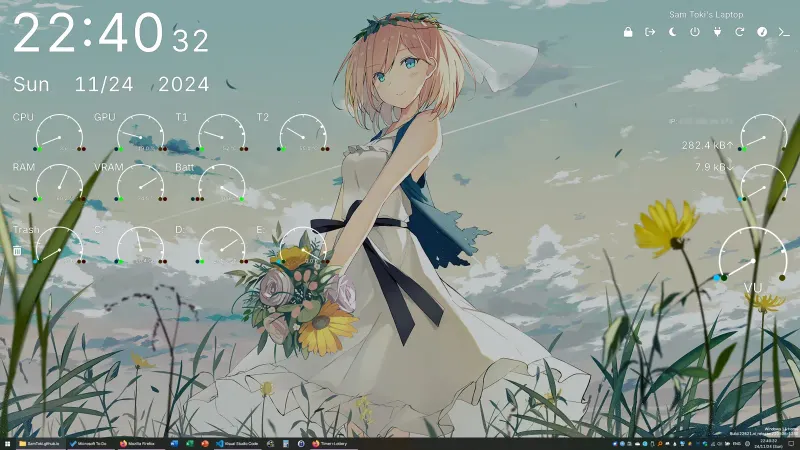
Candy Rainmeter Skin Pack
Candy Rainmeter Skin Pack combines minimalist desktop decoration with floating monitoring widgets.
Skin
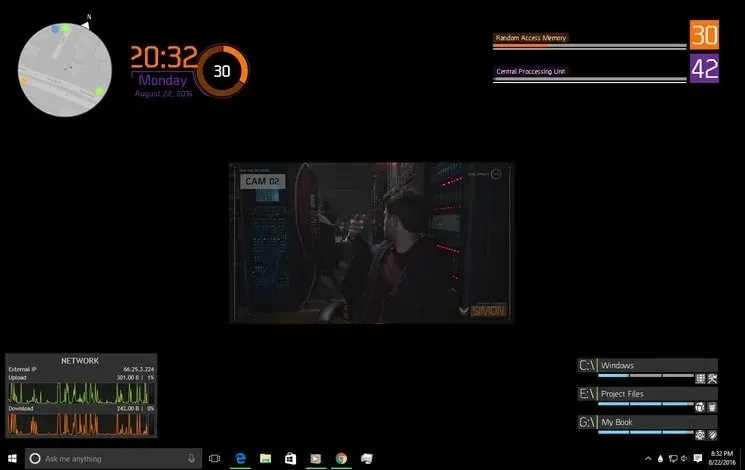
The Division Rainmeter Skin
The Division brings a desktop interface inspired by Tom Clancy's The Division into Rainmeter, pairing system readouts with a game launcher and clock.
Skin
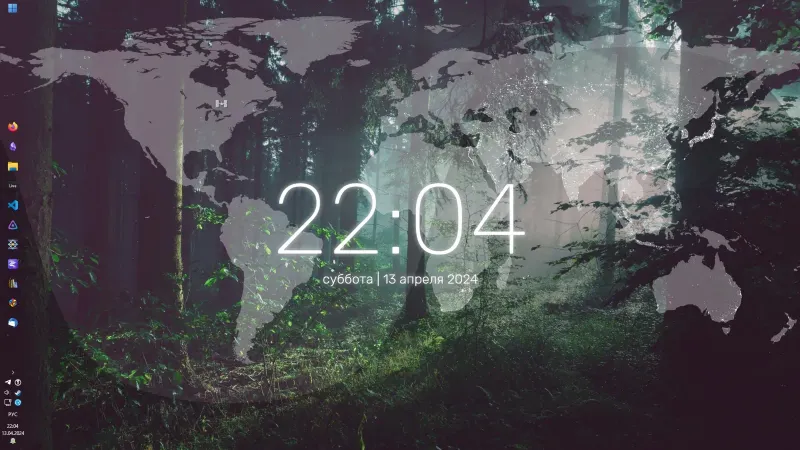
Simple Lines Rainmeter Suite
Simple Lines combines clocks, a calendar, system readings, and a world map with an ISS position marker and day–night boundary.