Inspect / Rainmeter skin
WallpaperSquare Rainmeter Skin
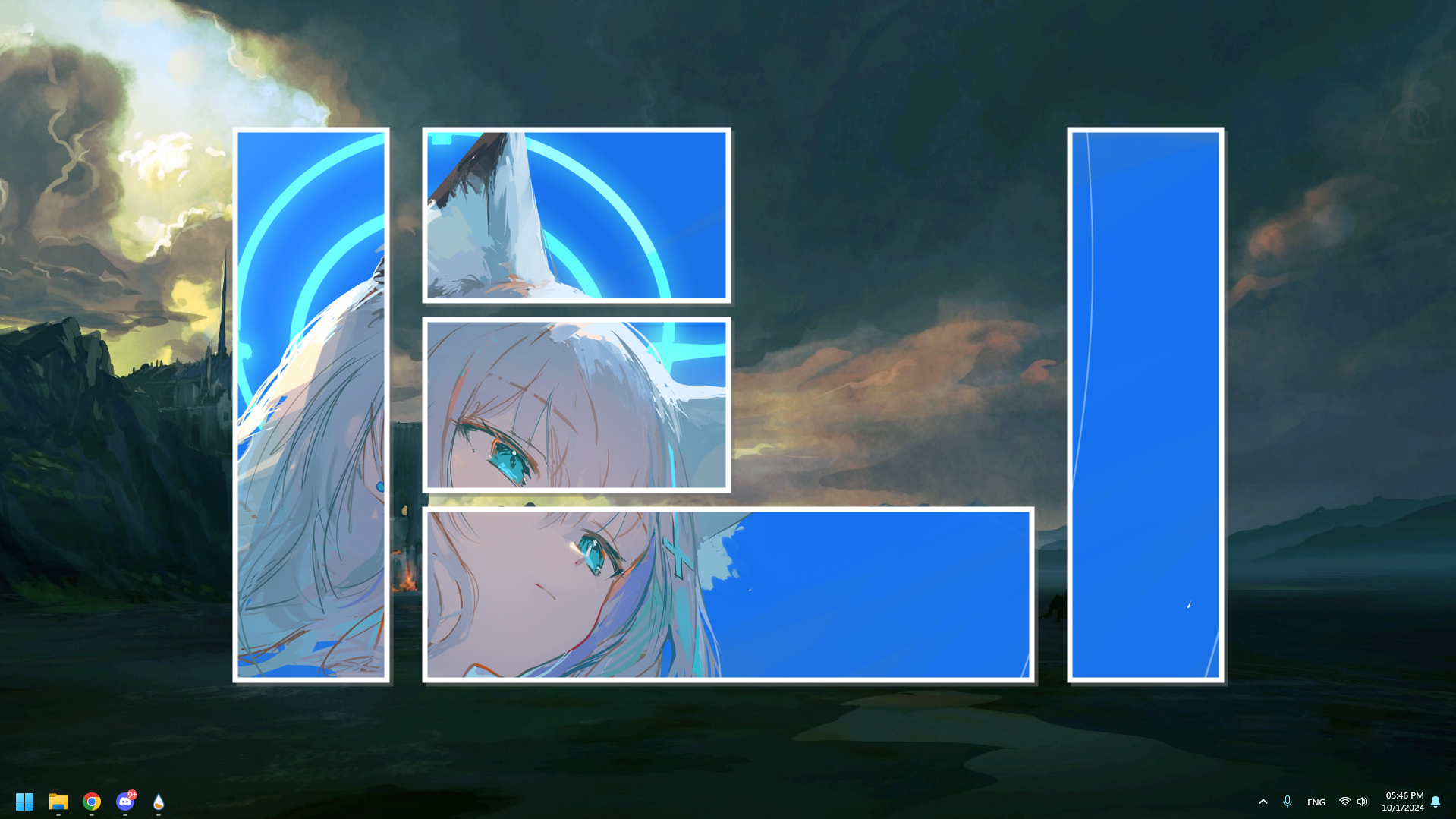
WallpaperSquare displays an image within configurable desktop boxes, creating a layered wallpaper effect rather than replacing the desktop with an unrelated widget suite.
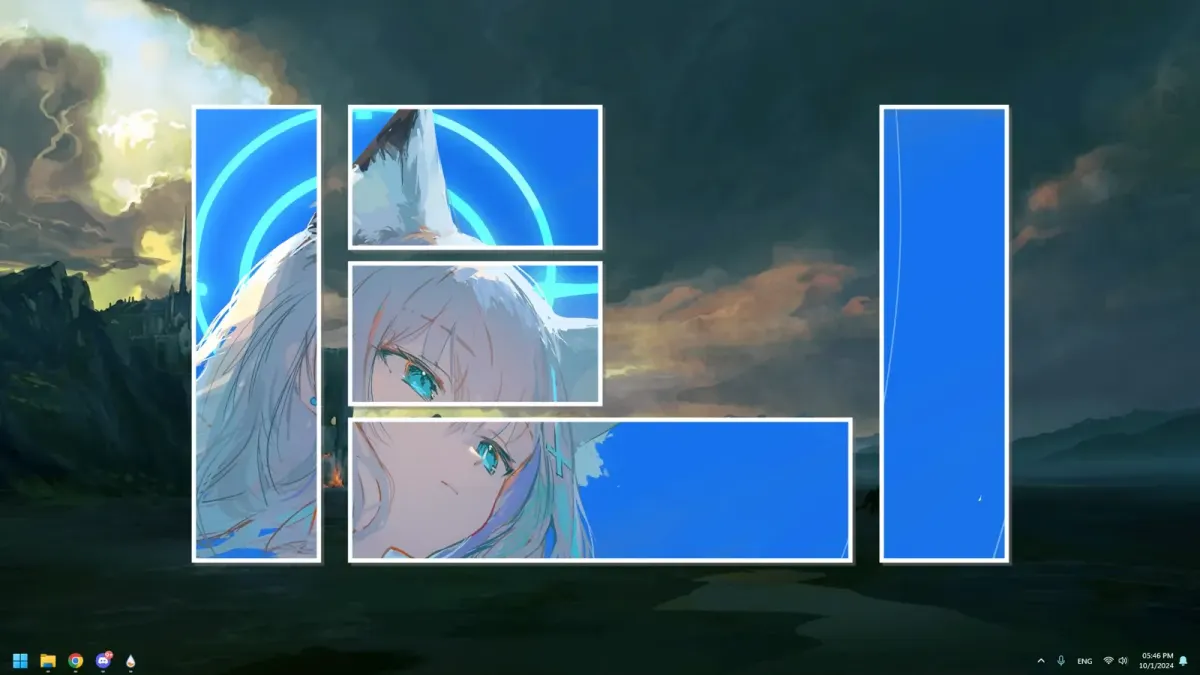
WallpaperSquare displays an image within configurable desktop boxes, creating a layered wallpaper effect rather than replacing the desktop with an unrelated widget suite. It supports up to eight display boxes and accepts a picture by drag and drop, with image dimensions adjustable in its configuration file.
What this skin includes
- Supports up to eight customizable display boxes.
- Accepts images dropped anywhere on the skin.
- Defaults image dimensions to 1920 by 1080.
- Images with other dimensions are scaled and cropped to the default size.
- Box colors accept RGB with optional alpha.
- Credits theAzack9's Drag&Drop plugin.
Setup and limits
Drag the desired picture onto the skin. To change its default dimensions, edit W and H under [BackGround_Picture] in WallpaperSquare\Box\Box.ini. Specify colors as red, green, and blue values, optionally followed by transparency; omitting transparency uses an alpha value of 255.
Drag-and-drop behavior relies on the credited Drag&Drop plugin. The source flags OneDrive-hosted skin paths as a possible cause of failed drops. Disabled boxes still contribute to the skin's overall size, and default image handling can crop pictures. Current Windows-build compatibility has not been independently verified; this research did not install or execute the skin.
Open creator source and setup instructions (source page, not a direct installer).
Creator and preview provenance
Created by EverMeme1138. Creator source · Original source preview. Documentation preview published in EverMeme1138/WallpaperSquare; credited to EverMeme1138. Third-party wallpaper or imagery is not asserted included. Preview reproduction is owner-authorized with unverified reuse rights; this is not a creator license grant.
Source license or licensing statement; check the scope and any more specific notices before reuse.
Related skins and installation
Read the Rainmeter installation guide. Compare Mond and Wisp. These are different works, not additional editions of this skin.
Similar skins
Alternatives in the same functional category, excluding this entry. Compare their source notes before choosing.
Skin
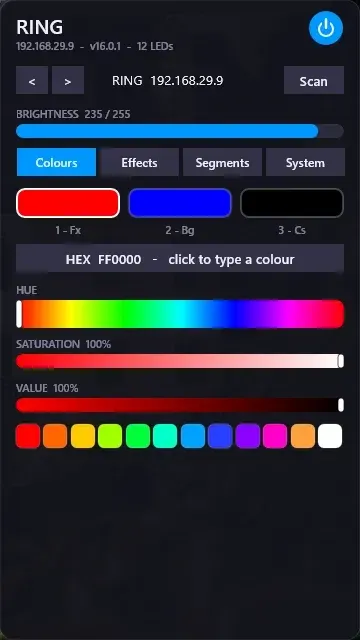
WLED Control for Rainmeter
WLED Control puts lighting controls into a tabbed Rainmeter interface rather than a conventional desktop information widget.

Skin
Cryptocoins Widget for Rainmeter
Cryptocoins Widget is a Rainmeter cryptocurrency display fork with compact widget variations.

Skin
Minimal To-Do List Rainmeter Skin
Minimal To-Do List presents tasks in a dark Rainmeter widget with rounded corners and vector graphics.