Inspect / Rainmeter skin
vOS Rainmeter Skin
vOS is a Rainmeter bar suite that brings together monitoring, playback, launching and date information.

vOS is a Rainmeter bar suite that brings together monitoring, playback, launching and date information. Its components share a six-color theme system with supplied presets. Alongside CPU, RAM, drives and network displays, the suite includes music players, weather, an app drawer, a recycle component and calendar elements.
What this skin includes
- Themes are based on six selected colors, with presets provided.
- Mouse-wheel scrolling over a skin changes its scale.
- Music components offer WEB play and LOCAL play modes.
- HWiNFO supplies temperature, GPU and fan information.
- Some components expose additional statistics through a menu.
Setup and limits
Install the plugins and skin, then load the desired components. Right-click a component to open vOS settings and adjust colors. Enable the listed sensors in HWiNFO, select Display Sensors from the settings window's context menu, and enter the corresponding output values beside sensor names. Right-click the music player to choose WEB or LOCAL play.
Temperature, GPU and fan readings require HWiNFO configuration. The documented integration uses HWiNFO's report-to-gadget feature instead of shared memory. Web playback was tested with YouTube only; the source does not establish support for other web players or identify the weather data service. Current Windows-build compatibility has not been independently verified; this research did not install or execute the skin.
Open creator source and setup instructions (source page, not a direct installer).
Creator and preview provenance
Created by version-au. Creator source · Original source preview. Documentation preview published in version-au/vOS; credited to version-au. Third-party wallpaper or imagery is not asserted included. Preview reproduction is owner-authorized with unverified reuse rights; this is not a creator license grant.
Source license or licensing statement; check the scope and any more specific notices before reuse.
Related skins and installation
Read the Rainmeter installation guide. Compare Mond and Wisp. These are different works, not additional editions of this skin.
Similar skins
Alternatives in the same functional category, excluding this entry. Compare their source notes before choosing.
Skin
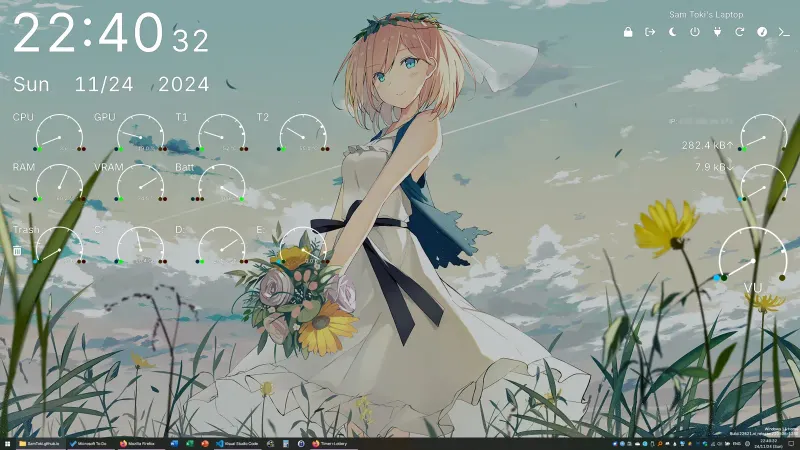
Candy Rainmeter Skin Pack
Candy Rainmeter Skin Pack combines minimalist desktop decoration with floating monitoring widgets.
Skin
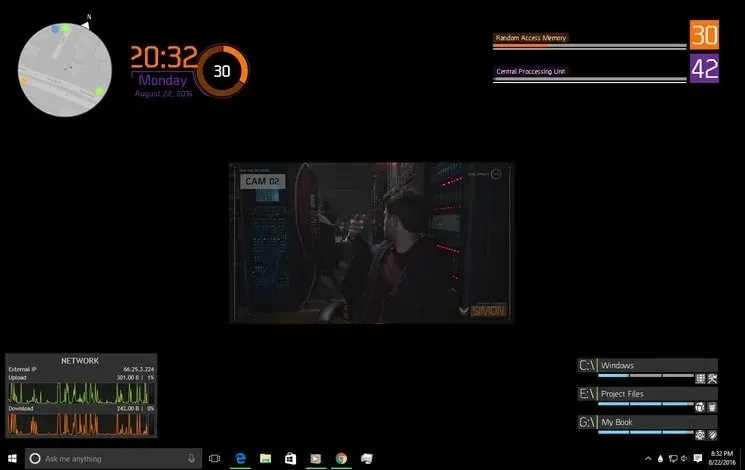
The Division Rainmeter Skin
The Division brings a desktop interface inspired by Tom Clancy's The Division into Rainmeter, pairing system readouts with a game launcher and clock.

Skin
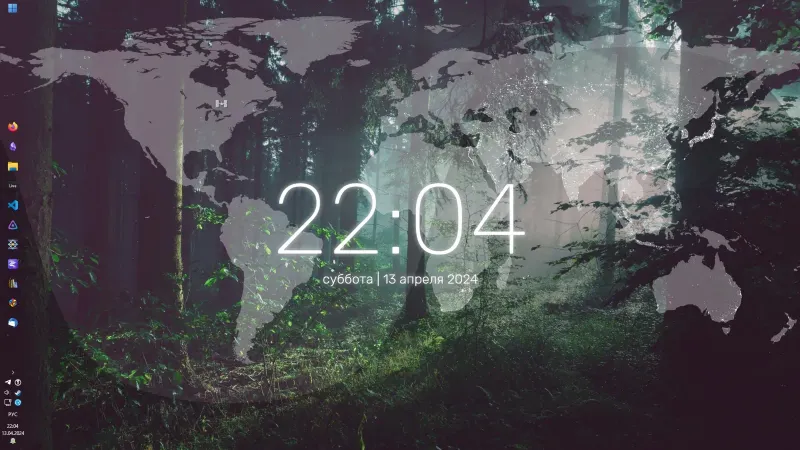
Simple Lines Rainmeter Suite
Simple Lines combines clocks, a calendar, system readings, and a world map with an ISS position marker and day–night boundary.