Inspect / Rainmeter skin
unWidget Miner Stats Rainmeter Skin
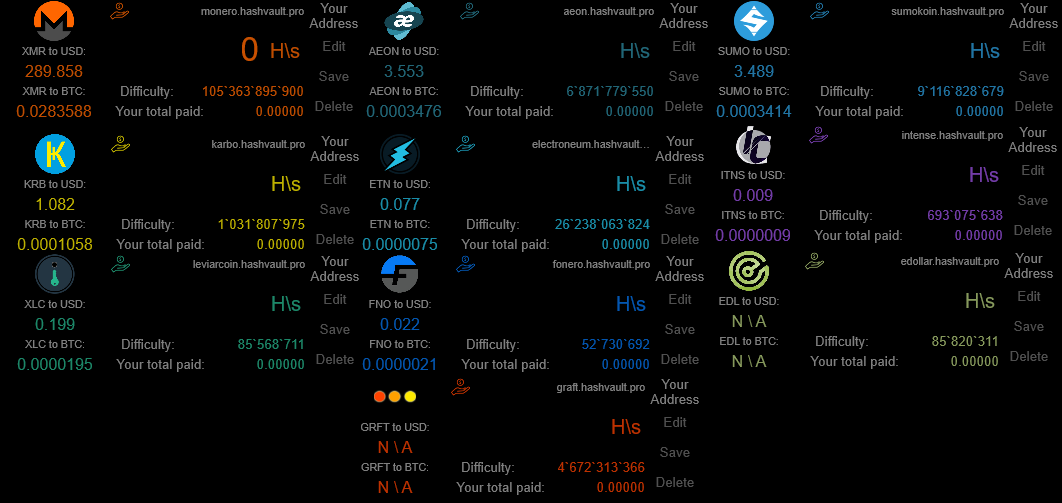
unWidget Miner Stats places mining-pool statistics on the desktop in pool-specific Rainmeter widgets.
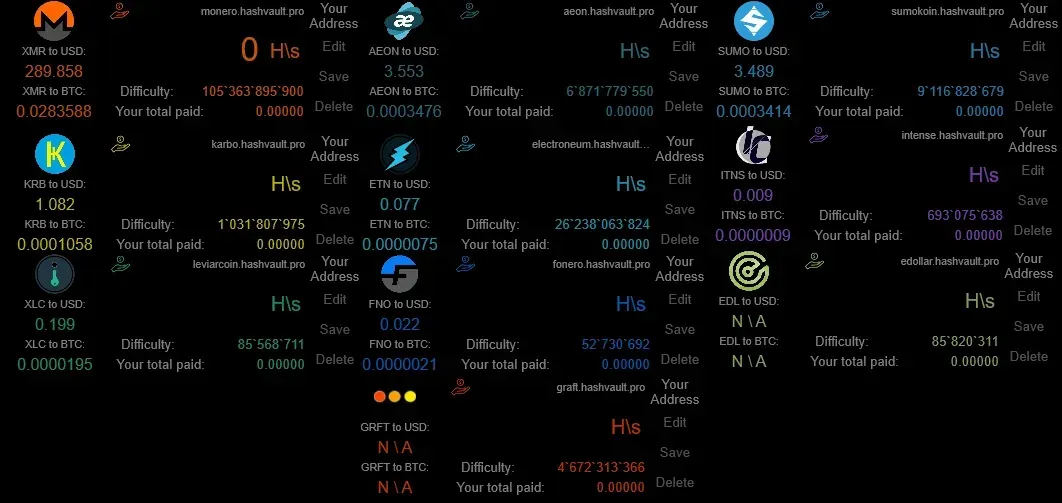
unWidget Miner Stats places mining-pool statistics on the desktop in pool-specific Rainmeter widgets. Its displays combine an address's hashrate and balances with coin exchange values and estimated earnings. Clickable readouts switch between payment totals and between currency values and daily or monthly calculations.
What this skin includes
- Hashrate display switches between H/s and kH/s.
- Balance readouts alternate between total due and total paid.
- Displays time since the pool last found a block.
- Save and Delete buttons write or remove the mining address in the skin's INI file.
- The source discloses Google Analytics reporting of a random ID, widget version and pool-widget name.
Setup and limits
The source specifies Rainmeter 4.1 final and installation by double-clicking the release RMSKIN. Load the desired pool skin, press Edit, enter the corresponding mining address and press Enter. Use Save to retain that address across restarts. The documented update process requires entering addresses again after installing the update.
Readings depend on the selected pool and external pricing data. The documented stocks.exchange pricing integration is historical, not a current-service recommendation; the supplied evidence does not establish present availability of every listed pool. Profit figures are calculations from current hashrate, and installation updates reset saved addresses. Current Windows-build compatibility has not been independently verified; this research did not install or execute the skin.
Open creator source and setup instructions (source page, not a direct installer).
Creator and preview provenance
Created by Unse. Creator source · Original source preview. Documentation preview published in Unse/unWidget-miner-stats; credited to Unse. Third-party wallpaper or imagery is not asserted included. Preview reproduction is owner-authorized with unverified reuse rights; this is not a creator license grant.
Source license or licensing statement; check the scope and any more specific notices before reuse.
Related skins and installation
Read the Rainmeter installation guide. Compare Mond and Wisp. These are different works, not additional editions of this skin.
Similar skins
Alternatives in the same functional category, excluding this entry. Compare their source notes before choosing.
Skin
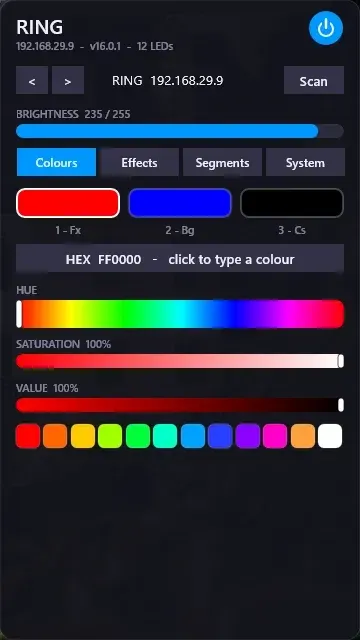
WLED Control for Rainmeter
WLED Control puts lighting controls into a tabbed Rainmeter interface rather than a conventional desktop information widget.
Skin
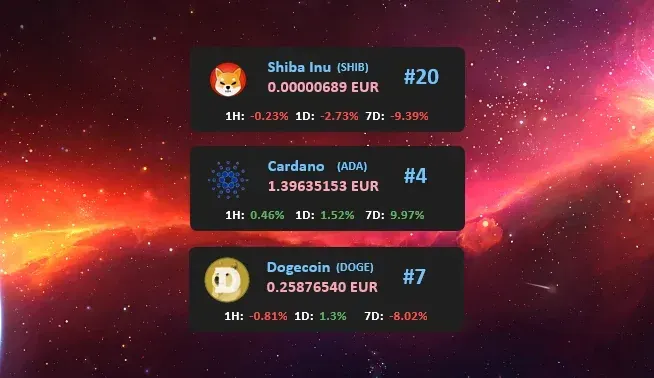
Cryptocoins Widget for Rainmeter
Cryptocoins Widget is a Rainmeter cryptocurrency display fork with compact widget variations.

Skin
Minimal To-Do List Rainmeter Skin
Minimal To-Do List presents tasks in a dark Rainmeter widget with rounded corners and vector graphics.