Inspect / Rainmeter skin
Terminal Rainmeter Suite
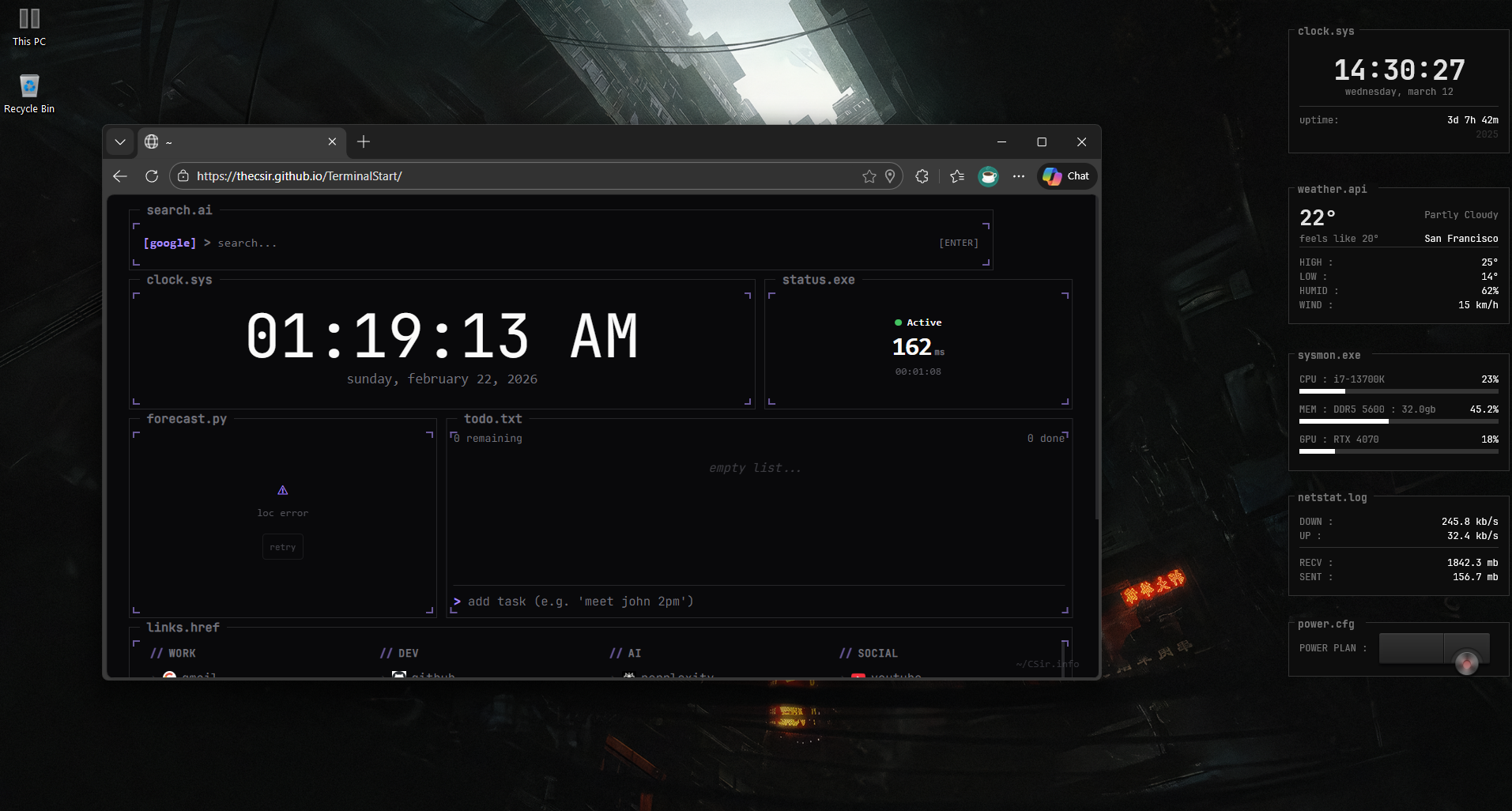
Terminal Rainmeter brings a consistent terminal-style presentation to clocks, system readings, network traffic, music and weather.
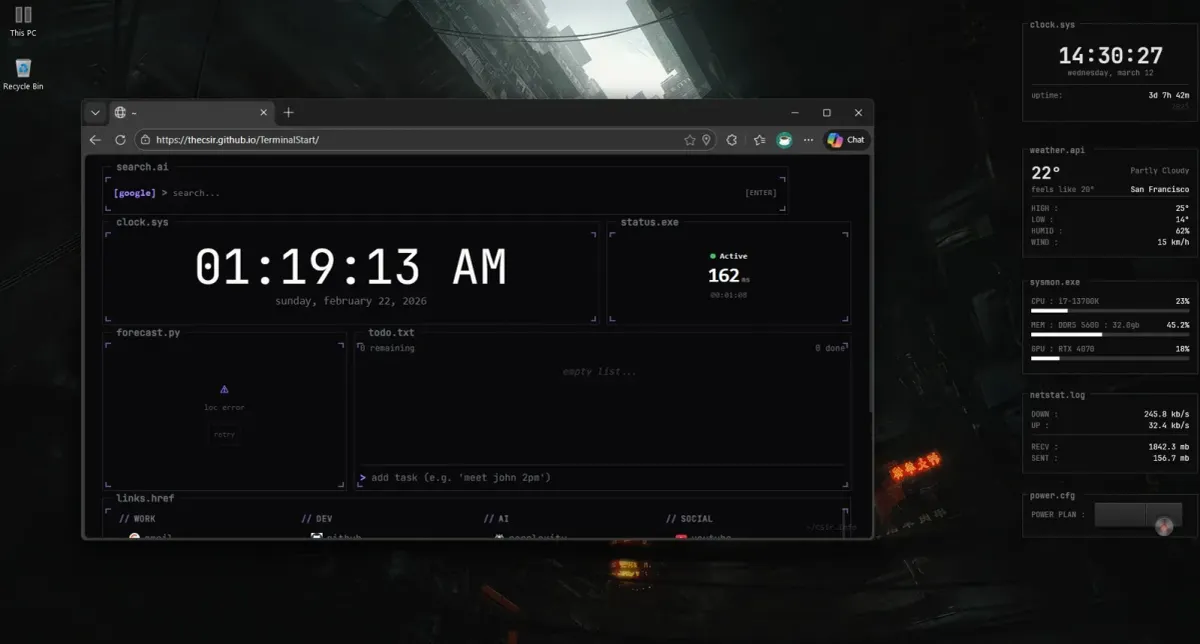
Terminal Rainmeter brings a consistent terminal-style presentation to clocks, system readings, network traffic, music and weather. Dark panels, monospace lettering and text-interface borders tie its separate widgets together. It also includes an expanding power-plan selector, making the collection more than a set of passive status displays.
What this skin includes
- Uses JetBrains Mono with a shared dark grayscale palette.
- Clock displays 24-hour time, full date, uptime and year.
- SysMon presents CPU, RAM and GPU readings with horizontal bars.
- NetStat shows upload and download speeds plus session transfer totals.
- NowPlaying includes playback controls, progress and a 10-band AudioLevel FFT display.
- Weather obtains its readings through wttr.in.
Setup and limits
Install Rainmeter and the JetBrains Mono font. The source offers either double-clicking the latest release RMSKIN or copying the TerminalRainmeter folder into the Rainmeter Skins directory, then loading components through the manager. For music configuration, edit the Player variable in NowPlaying.ini; the documented default is Spotify.
Weather depends on wttr.in, while music behavior depends on the selected player integration; the listed player values do not establish identical capabilities for every player. The source specifies JetBrains Mono installation and includes GetRAMSpeed.vbs alongside the system-monitor skin. Current Windows-build compatibility has not been independently verified; this research did not install or execute the skin.
Open creator source and setup instructions (source page, not a direct installer).
Creator and preview provenance
Created by TheCSir. Creator source · Original source preview. Documentation preview published in TheCSir/TerminalRainmeter; credited to TheCSir. Third-party wallpaper or imagery is not asserted included. Preview reproduction is owner-authorized with unverified reuse rights; this is not a creator license grant.
Related skins and installation
Read the Rainmeter installation guide. Compare Mond and Wisp. These are different works, not additional editions of this skin.
Similar skins
Alternatives in the same functional category, excluding this entry. Compare their source notes before choosing.
Skin
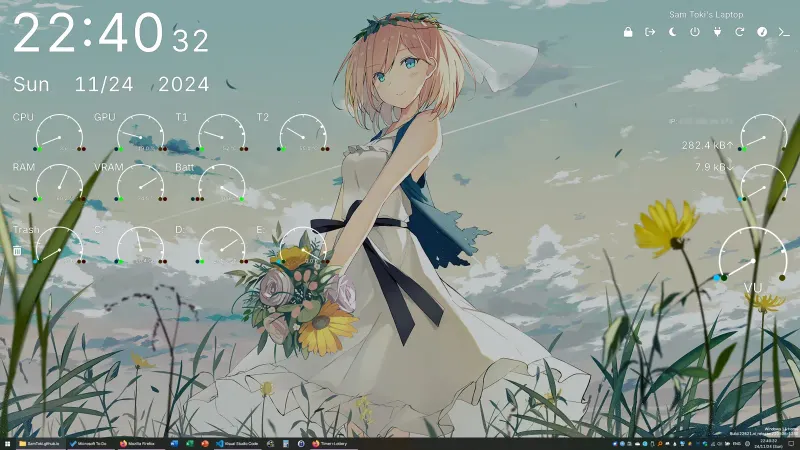
Candy Rainmeter Skin Pack
Candy Rainmeter Skin Pack combines minimalist desktop decoration with floating monitoring widgets.
Skin
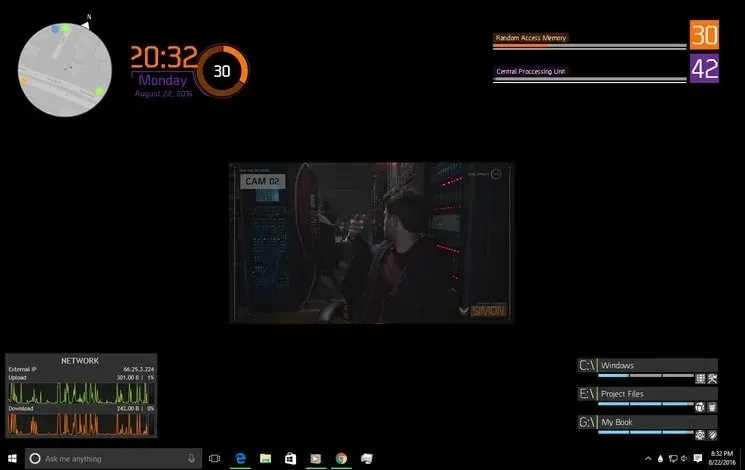
The Division Rainmeter Skin
The Division brings a desktop interface inspired by Tom Clancy's The Division into Rainmeter, pairing system readouts with a game launcher and clock.
Skin
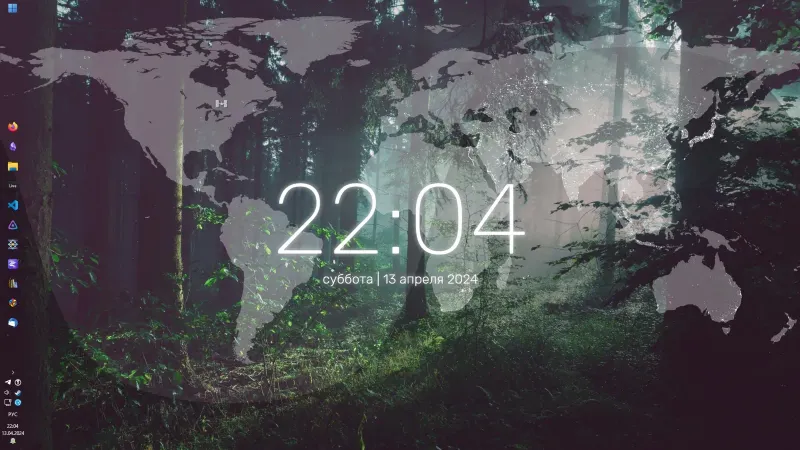
Simple Lines Rainmeter Suite
Simple Lines combines clocks, a calendar, system readings, and a world map with an ISS position marker and day–night boundary.