Inspect / Rainmeter skin
SSyl-HWiNFO System Monitor for Rainmeter
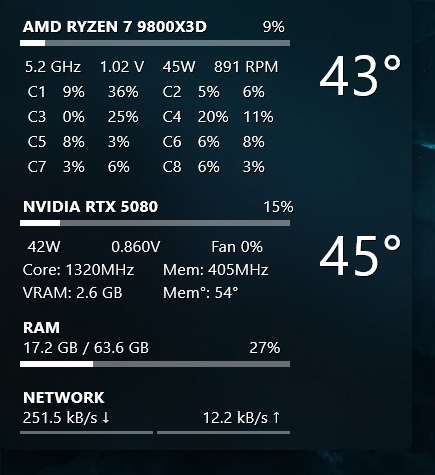
SSyl-HWiNFO combines hardware readings and network activity in a transparent, rounded Rainmeter panel.

SSyl-HWiNFO combines hardware readings and network activity in a transparent, rounded Rainmeter panel. CPU core and thread readings sit alongside GPU and memory information, with configurable spacing and an optional acrylic blur effect supplied by a separate plugin.
What this skin includes
- CPU readings include temperature, load, frequency, voltage and power.
- GPU readings include fan speed, clocks and VRAM usage.
- Displays RAM usage with percentage and bars.
- Shows upload and download speeds.
- Core rows and thread spacing are configurable.
Setup and limits
Install HWiNFO and select the needed sensors in its HWiNFO Gadget settings tab. Extract the skin into Rainmeter's Skins folder. Right-click the skin and choose Display Sensors, then match sensor indices in Combined.ini. Set network speeds for scaling and load or refresh the Combined skin.
The source requires Rainmeter 4.5+ and HWiNFO64/32 8.0+. Sensor indices must match the local hardware. FrostedGlass supplies the optional Windows 10/11 blur effect; omitting it requires editing the Combined file as described by the source. Current Windows-build compatibility has not been independently verified; this research did not install or execute the skin.
Open creator source and setup instructions (source page, not a direct installer).
Creator and preview provenance
Created by SSyl. Creator source · Original source preview. Documentation preview published in SSyl/Rainmeter-SSyl-HWiNFO; credited to SSyl. Third-party wallpaper or imagery is not asserted included. Preview reproduction is owner-authorized with unverified reuse rights; this is not a creator license grant.
Related skins and installation
Read the Rainmeter installation guide. Compare System Information and SysDash. These are different works, not additional editions of this skin.
Similar skins
Alternatives in the same functional category, excluding this entry. Compare their source notes before choosing.
Skin
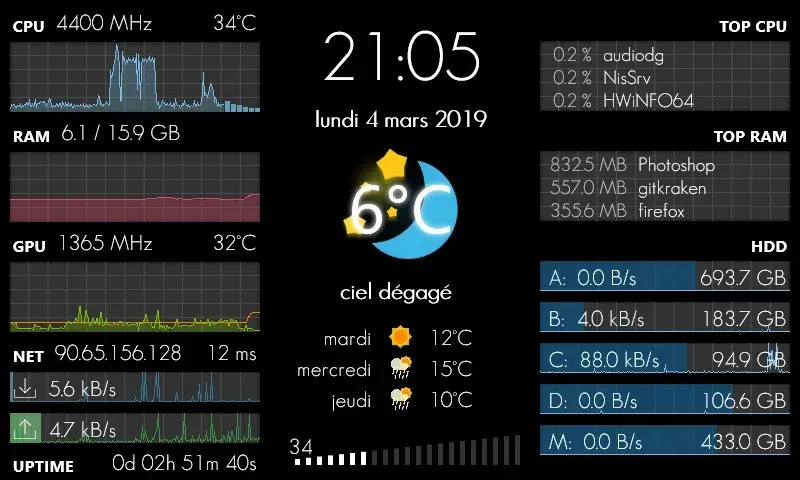
GalaxyS Rainmeter Skin
GalaxyS is a compact monitoring dashboard designed around an 800 × 480 screen, originally a Galaxy S used through AirDisplay.
Skin
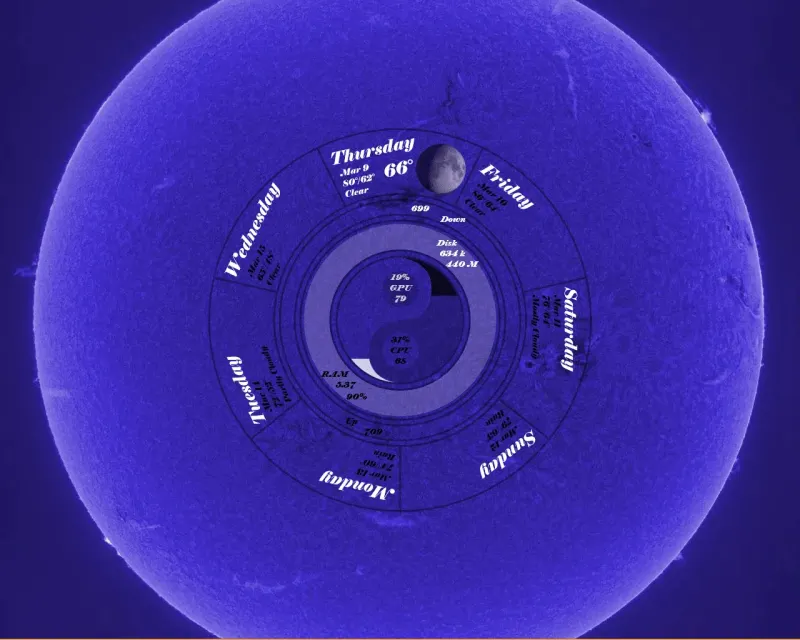
Eccentricity0 Rainmeter Skin
Eccentricity0 arranges hardware and network readings in a circular composition, using rings, arcs and a yin-yang image rather than conventional dashboard panels.
Skin
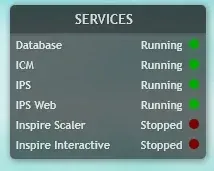
Service Monitor Rainmeter Skin
Service Monitor is a Rainmeter skin for watching selected Windows services rather than general CPU or memory readings.