Inspect / Rainmeter skin
GalaxyS Rainmeter Skin
GalaxyS is a compact monitoring dashboard designed around an 800 × 480 screen, originally a Galaxy S used through AirDisplay.
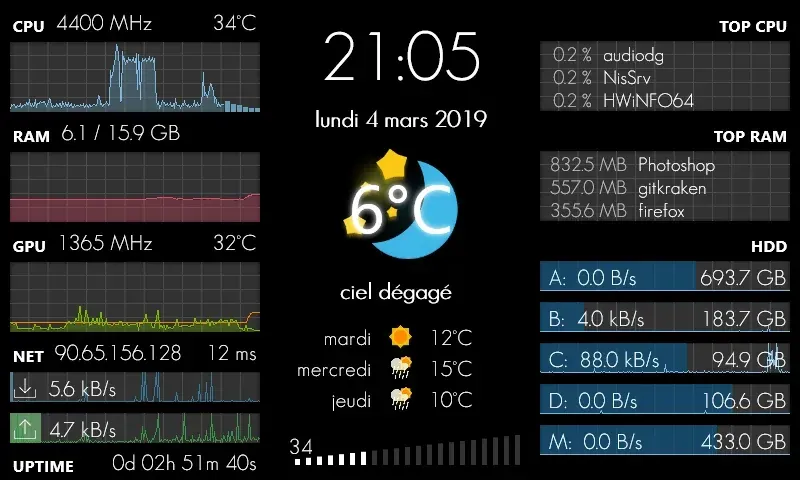
GalaxyS is a compact monitoring dashboard designed around an 800 × 480 screen, originally a Galaxy S used through AirDisplay. It combines hardware readings, process rankings, storage activity and network information with a clock and a small weather forecast, giving the secondary display several monitoring roles.
What this skin includes
- Designed for an 800 × 480 display.
- Includes CPU and GPU clocks, temperatures and load.
- Lists top processes by CPU and RAM usage.
- Shows throughput and free space for four drives.
- Weather includes temperature, an icon and a three-day forecast.
Setup and limits
Configure Variables.inc before launching the skin. The source lists Rainmeter 4.1 and HWiNFO as requirements, and calls for OpenWeatherMap registration for weather. It does not supply further installation steps or explain the individual variable values; check the source page for those details.
Hardware monitoring depends on HWiNFO, and weather depends on an OpenWeatherMap registration. The stated Rainmeter requirement is 4.1. The original Galaxy S/AirDisplay arrangement describes the author's display setup, not a documented requirement to use that phone. Current Windows-build compatibility has not been independently verified; this research did not install or execute the skin.
Open creator source and setup instructions (source page, not a direct installer).
Creator and preview provenance
Created by mistic100. Creator source · Original source preview. Documentation preview published in mistic100/Rainmeter-GalaxyS; credited to mistic100. Third-party wallpaper or imagery is not asserted included. Preview reproduction is owner-authorized with unverified reuse rights; this is not a creator license grant.
Related skins and installation
Read the Rainmeter installation guide. Compare System Information and SysDash. These are different works, not additional editions of this skin.
Similar skins
Alternatives in the same functional category, excluding this entry. Compare their source notes before choosing.
Skin
Eccentricity0 Rainmeter Skin
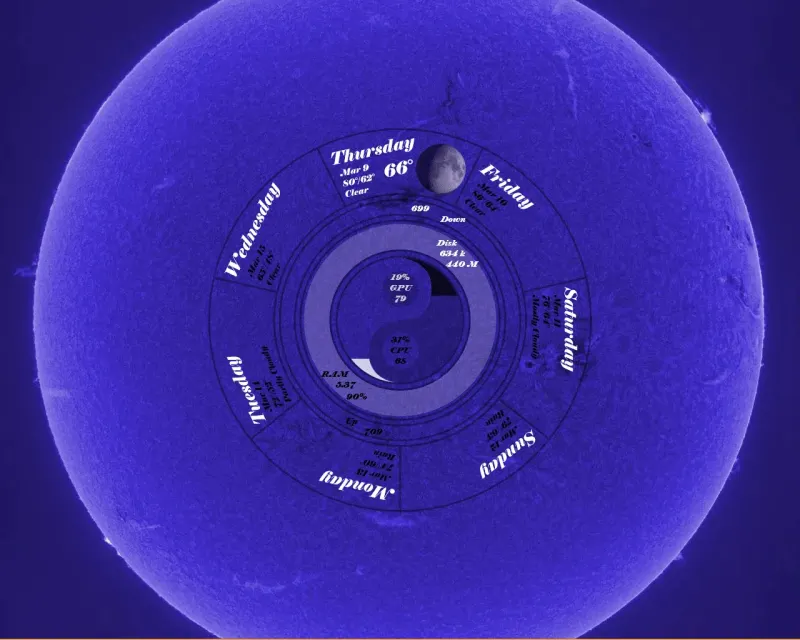
Eccentricity0 arranges hardware and network readings in a circular composition, using rings, arcs and a yin-yang image rather than conventional dashboard panels.
Skin
Service Monitor Rainmeter Skin
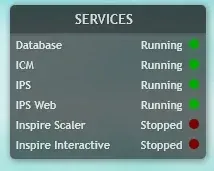
Service Monitor is a Rainmeter skin for watching selected Windows services rather than general CPU or memory readings.

Skin
Coreglow Rainmeter Skin
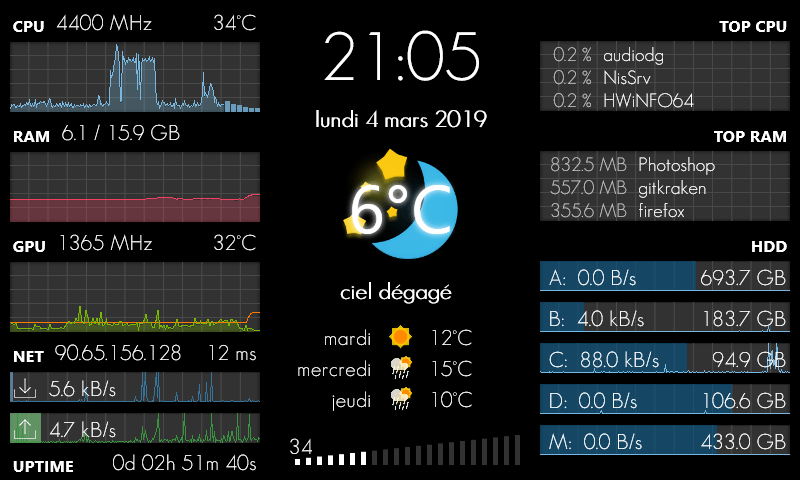
Coreglow groups system readings into a rounded panel with gradient rings, load bars, and hover highlights.