Inspect / Rainmeter skin
Reflect Sound Visu Rainmeter Skin
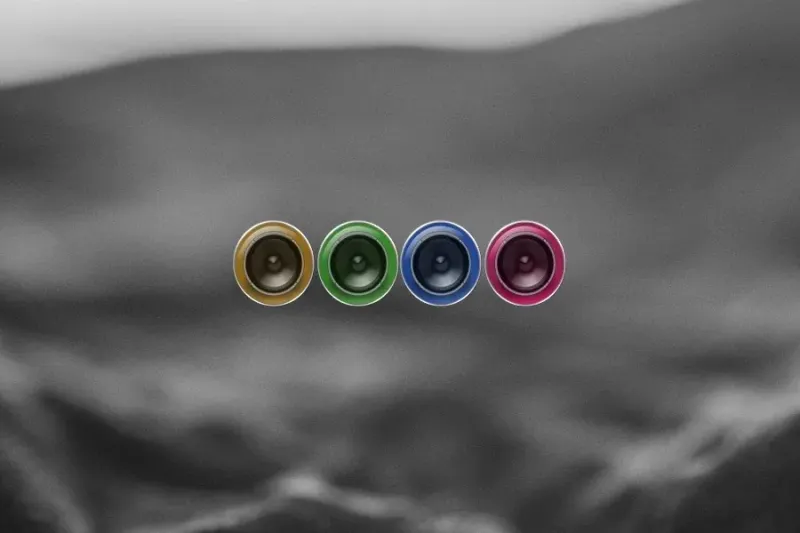
Reflect Sound Visu offers a sound-reactive graphic with a choice of colors and a color-shuffle option.

Download Reflect Sound Visu (.rmskin)
- Creator credited by source
- GemiWagner
- Package
- reflect-sound-visu.rmskin
- Requires
- Rainmeter; exact minimum version not established here
What to expect
Reflect Sound Visu offers a sound-reactive graphic with a choice of colors and a color-shuffle option. Its point of difference is changing the palette of the visual response rather than adding a clock or system panel.
Choosing and configuring it
Use a fixed color when the visualizer needs to match other widgets; the listed shuffler is the option to investigate if you want the palette to change. The source does not explain the shuffle interval or promise a particular synchronization method.
Requirements and limits
No plugin version, player list or independent playback test is supplied here. Keep those unknowns separate from the existence of the package and preview.
Use the Rainmeter installation guide for the .rmskin method. After loading the skin, change only controls the creator documents; see customization and layout backups.
Source and preview
Facts and the existing preview come from the Reflect Sound Visu source listing, which credits GemiWagner. The preview may contain wallpaper or other desktop elements outside the skin. Link availability is not an installation, security or license certification.
Compare alternatives
Similar skins
Alternatives in the same functional category, excluding this entry. Compare their source notes before choosing.

Skin
Metallic Colour Filler Rainmeter Skin
Metallic knob-like shapes with glass-cylinder surrounds fill with colors as sound plays.
Skin
ColourFiller Rainmeter Skin
Four circular displays fill with changing colors in response to sound; the source lists layout and individual-color choices.

Skin
Monstercat Visualizer Rainmeter Skin
A live audio-output display with source-listed color/font settings, album/genre colors, media controls, progress and a hide-when-player-stops option.