Inspect / Rainmeter skin
Monstercat Visualizer Rainmeter Skin
A live audio-output display with source-listed color/font settings, album/genre colors, media controls, progress and a hide-when-player-stops option.

Download Monstercat Visualizer (.rmskin)
- Creator credit
- MarcoPixel
- Package
- monstercat-visualizer.rmskin
- Requires
- Rainmeter; exact minimum version not established
What to compare
A live audio-output display with source-listed color/font settings, album/genre colors, media controls, progress and a hide-when-player-stops option.
Setup and limitations
The source names Spotify, YouTube, SoundCloud and the discontinued Google Play Music Desktop Player. That dated list is not a current compatibility promise; audio capture and track metadata should be reviewed separately.
Follow the .rmskin installation guide, then load only the components you need. Use the layout and configuration guide before editing files.
Source and verification
The Monstercat Visualizer source listing provides the credited creator, stated features and existing preview. Creator credit: MarcoPixel. We have not installed or benchmarked this package. Source-listed Windows support is not independently tested compatibility; wallpaper and other preview elements may be separate works.
Compare alternatives
Similar skins
Alternatives in the same functional category, excluding this entry. Compare their source notes before choosing.

Skin
Metallic Colour Filler Rainmeter Skin
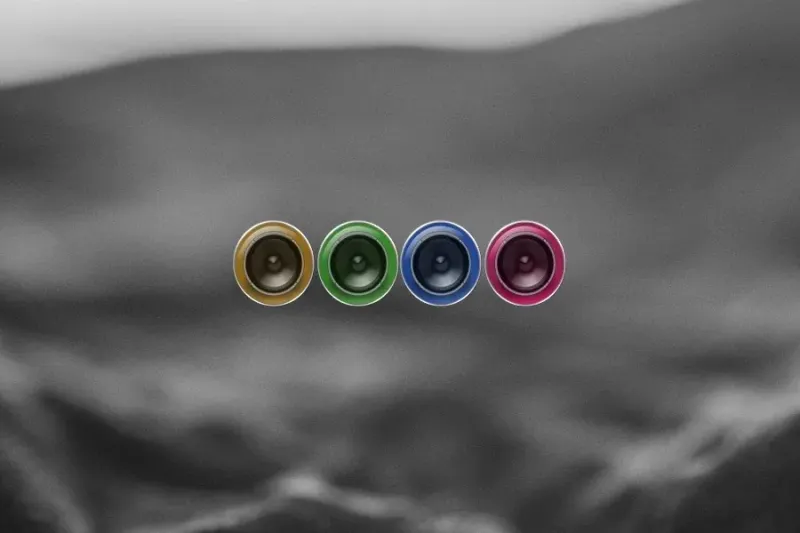
Metallic knob-like shapes with glass-cylinder surrounds fill with colors as sound plays.
Skin
ColourFiller Rainmeter Skin
Four circular displays fill with changing colors in response to sound; the source lists layout and individual-color choices.

Skin
Radian Vibrance Visualizer Rainmeter Skin
Red and pink radial lines extend from a small central red circle as sound changes.