Inspect / Rainmeter skin
Contrast Rainmeter Skin
Contrast combines text time and date with a block-style audio visualizer.

- Creator credited by source
- kylergs
- Package
- contrast.rmskin
- Requires
- Rainmeter; exact minimum version not established here
What to expect
Contrast combines text time and date with a block-style audio visualizer. It suits a layout where the clock and sound display should share one area instead of looking like unrelated widgets.
Choosing and configuring it
The blocks move vertically while the time information stays readable as text. Unlike a visualizer-only choice such as Frost, this entry also has a clock role; account for that overlap if you already use another clock skin.
Requirements and limits
The source does not document an exact audio capture configuration or current player support. Treat its Windows list as a distributor claim, not a compatibility test by DeskSpruce.
Use the Rainmeter installation guide for the .rmskin method. After loading the skin, change only controls the creator documents; see customization and layout backups.
Source and preview
Facts and the existing preview come from the Contrast source listing, which credits kylergs. The preview may contain wallpaper or other desktop elements outside the skin. Link availability is not an installation, security or license certification.
Compare alternatives
Similar skins
Alternatives in the same functional category, excluding this entry. Compare their source notes before choosing.
Skin
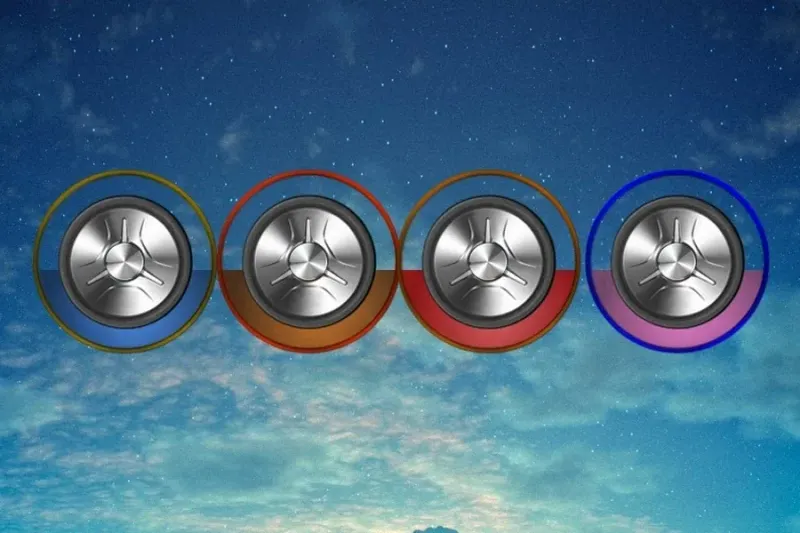
Metallic Colour Filler Rainmeter Skin
Metallic knob-like shapes with glass-cylinder surrounds fill with colors as sound plays.
Skin
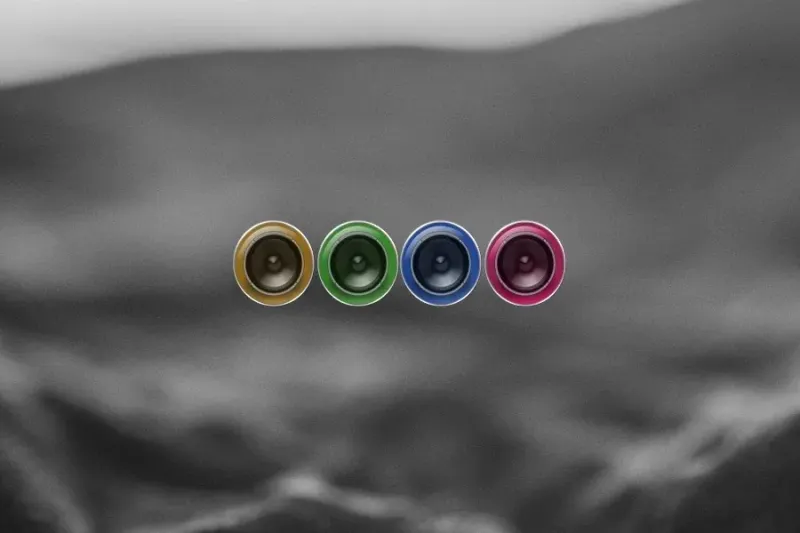
ColourFiller Rainmeter Skin
Four circular displays fill with changing colors in response to sound; the source lists layout and individual-color choices.

Skin
Monstercat Visualizer Rainmeter Skin
A live audio-output display with source-listed color/font settings, album/genre colors, media controls, progress and a hide-when-player-stops option.