Inspect / Rainmeter skin
Quanto Flx Rainmeter Suite
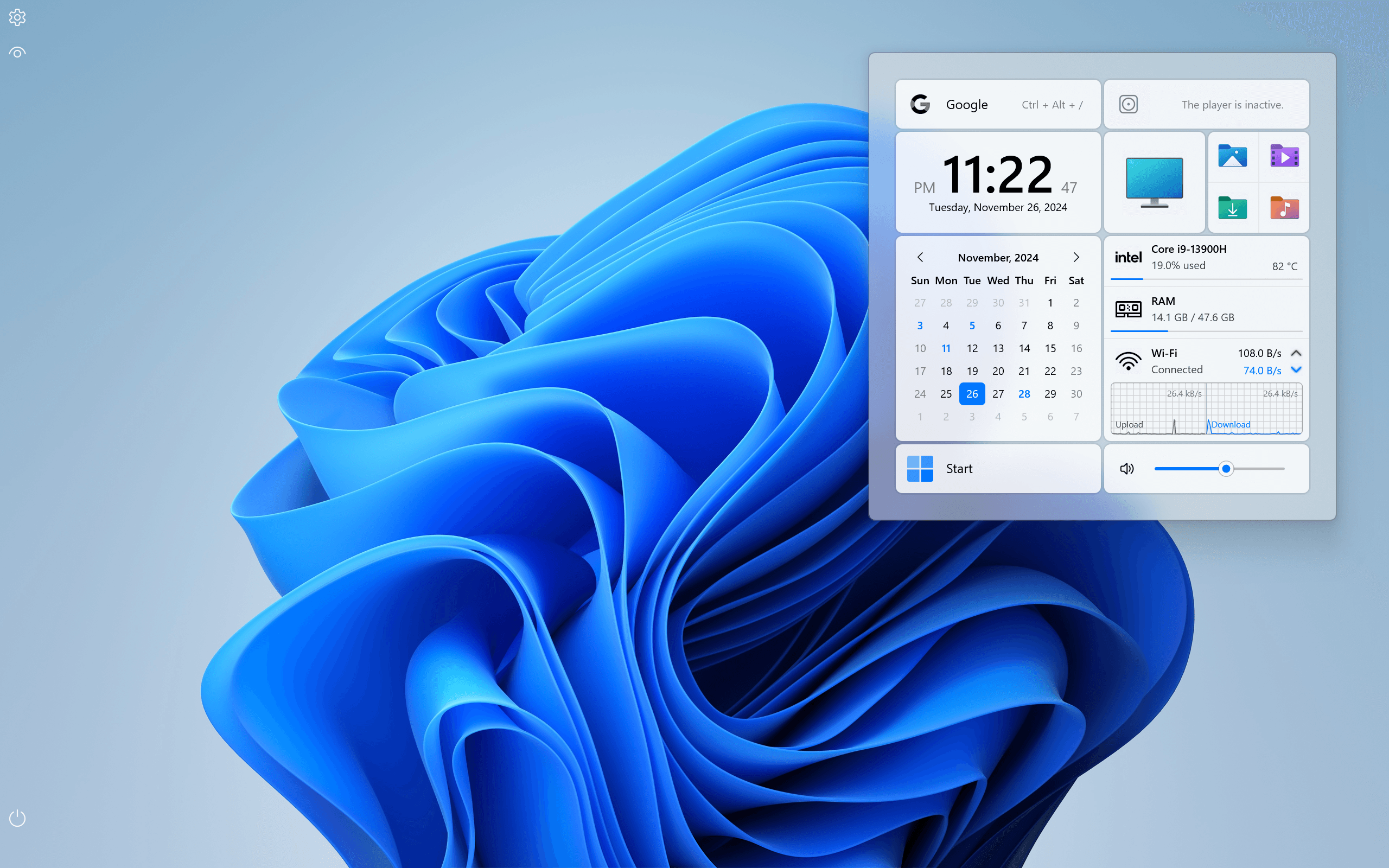
Quanto Flx organizes a desktop into coordinated panels for everyday tools, shortcuts, decorative elements and system information.
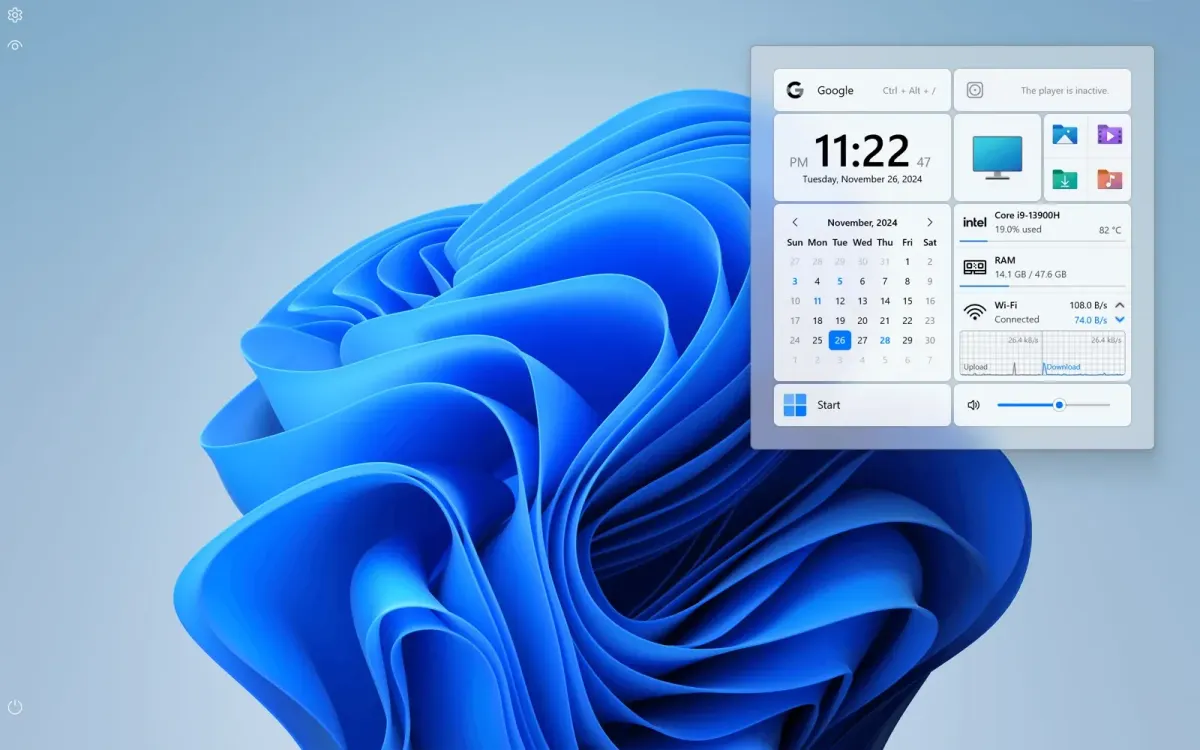
Quanto Flx organizes a desktop into coordinated panels for everyday tools, shortcuts, decorative elements and system information. Its four bundled packages share global appearance settings, including spacing, corner size and typography. Components range from folder viewers and notes to clocks, weather panels and horizontal, vertical or radial visualizers.
What this skin includes
- Includes four pre-installed component packages.
- Provides 260 preset shortcuts and up to 240 custom shortcuts.
- Folder viewers can display 4 to 32 entries.
- Style Clipboard transfers appearance settings between skins.
- Includes backup and restore for suite settings.
Setup and limits
Install the latest Rainmeter version, download the Quanto Flx installation package from Releases, click Install and follow the initialization prompts. For upgrades, use the global settings Backup Wizard and save the Rainmeter layout first. Install the newer package with included layouts enabled, select the upgrade option, then restore settings and layout.
The source lists Windows 7 or newer. Detailed system panels rely on monitoring software such as AIDA or HWiNFO. Browser-based media integration requires WebNowPlaying and its browser extension. Weather uses Open-Meteo APIs. Windows 7 Aero and Windows 10/11 FrostedGlass effects have different platform scopes. Current Windows-build compatibility has not been independently verified; this research did not install or execute the skin.
Open creator source and setup instructions (source page, not a direct installer).
Creator and preview provenance
Created by stevehsudrawing. Creator source · Original source preview. Documentation preview published in stevehsudrawing/quantoflx; credited to stevehsudrawing. Third-party wallpaper or imagery is not asserted included. Preview reproduction is owner-authorized with unverified reuse rights; this is not a creator license grant.
Source license or licensing statement; check the scope and any more specific notices before reuse.
Related skins and installation
Read the Rainmeter installation guide. Compare Mond and Wisp. These are different works, not additional editions of this skin.
Similar skins
Alternatives in the same functional category, excluding this entry. Compare their source notes before choosing.
Skin
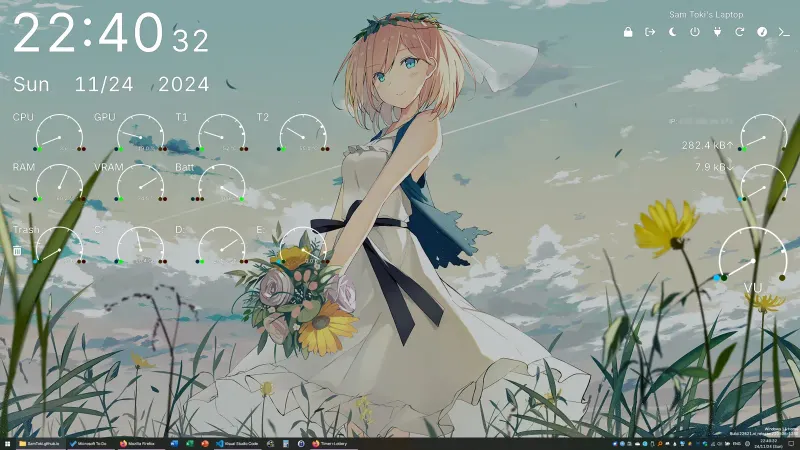
Candy Rainmeter Skin Pack
Candy Rainmeter Skin Pack combines minimalist desktop decoration with floating monitoring widgets.
Skin
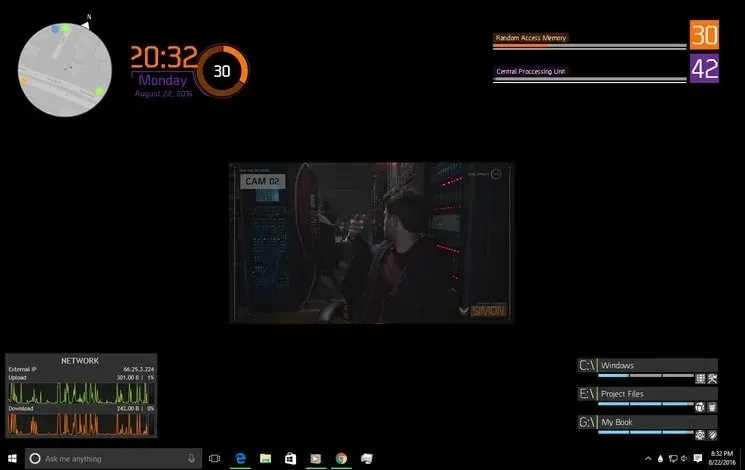
The Division Rainmeter Skin
The Division brings a desktop interface inspired by Tom Clancy's The Division into Rainmeter, pairing system readouts with a game launcher and clock.
Skin
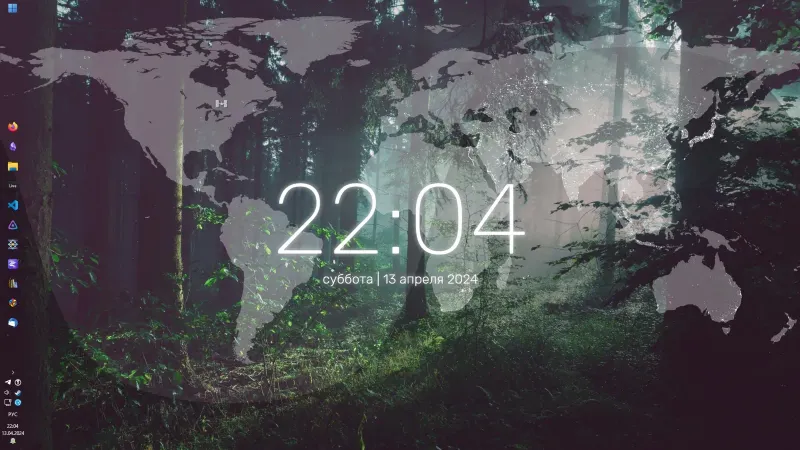
Simple Lines Rainmeter Suite
Simple Lines combines clocks, a calendar, system readings, and a world map with an ISS position marker and day–night boundary.