Inspect / Rainmeter skin
NWModern and NetWorks Process Monitors for Rainmeter
Four independent process rankings in dark-glass or monospaced board styles; includes a script-driven data collector.
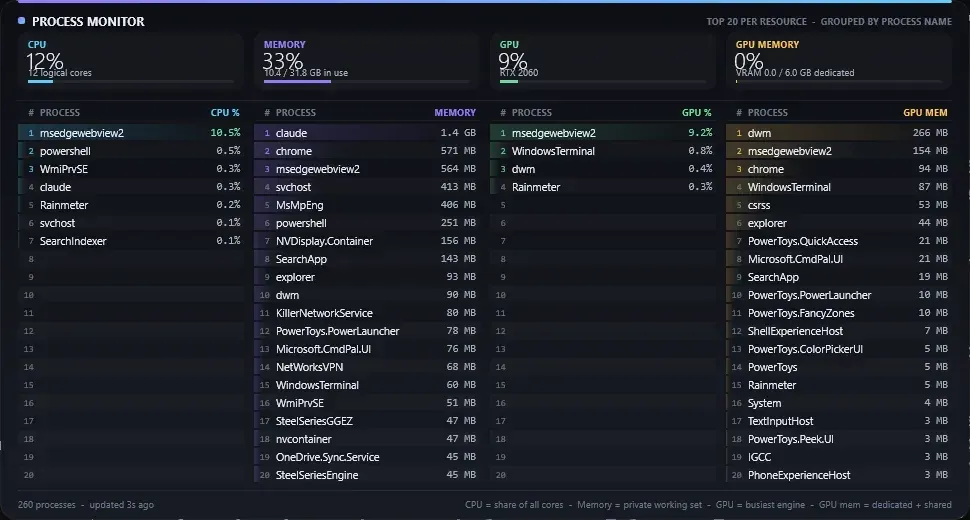
NWModern and NetWorks put four resource rankings next to one another on the desktop. Instead of sorting a single process table by one metric, their boards show separate top-20 lists for CPU, memory, GPU and GPU memory. These related implementations are grouped here as one monitoring family rather than split into colour or style pages.
What this skin includes
- Processes are grouped by name; each resource column ranks its own top 20.
- NWModern uses dark panels, per-resource accents and load-tinted CPU/GPU values.
- NetWorks uses a black-and-white monospaced presentation with configurable white/yellow/red thresholds and a dark/light toggle.
- The creator defines CPU as time across logical cores, memory as private working set, GPU as busiest engine, and process GPU memory as dedicated plus shared.
Setup and limits
Open the creator repository and review its installation instructions. This CTA is not a direct RMSKIN package. These process boards use source folders and a PowerShell/WMI collector; review the scripts before loading them.
The README says a per-folder mutex prevents duplicate collectors and that a collector exits about 20 seconds after the last board closes; those are author claims, not independently tested outcomes. The preview’s readings belong to the creator’s machine and are not performance benchmarks. Dedicated VRAM in the summary is not the same measure as dedicated-plus-shared memory in the process table. Do not confuse these four-column boards with the repository’s separate six-column Top 20 skin. Other NetWorks network/lab cards may have additional setup needs and are not validated here. Current Windows-build compatibility has not been independently verified; this research did not install or execute the skin.
Open creator source and setup instructions (source page, not a direct installer).
Creator and preview provenance
Created by Ringmast4r. Creator source · Original source preview. Creator documentation preview by Ringmast4r; source licensing includes conflicting or more specific noncommercial notices. Displayed under owner-authorized, unverified preview-use risk. Preview reproduction is owner-authorized with unverified reuse rights; this is not a creator license grant.
Source license or licensing statement; check the scope and any more specific notices before reuse.
Related skins and installation
Read the Rainmeter installation guide. Compare System Information and SysDash. These are different works, not additional editions of this skin.
Similar skins
Alternatives in the same functional category, excluding this entry. Compare their source notes before choosing.
Skin
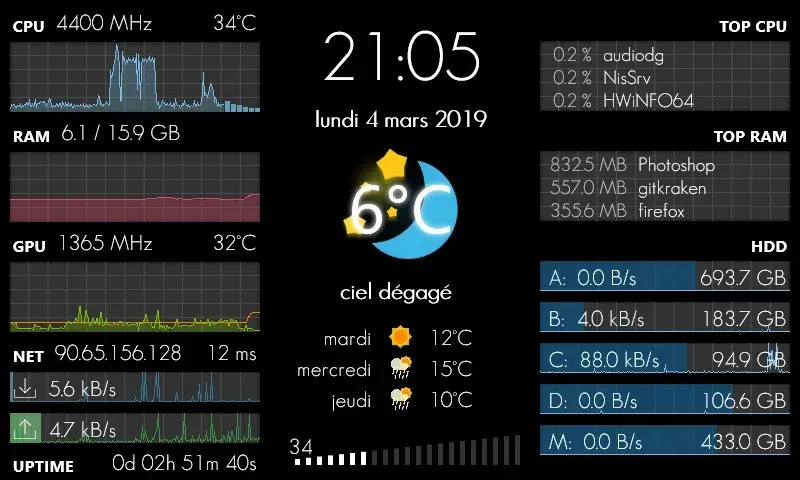
GalaxyS Rainmeter Skin
GalaxyS is a compact monitoring dashboard designed around an 800 × 480 screen, originally a Galaxy S used through AirDisplay.
Skin
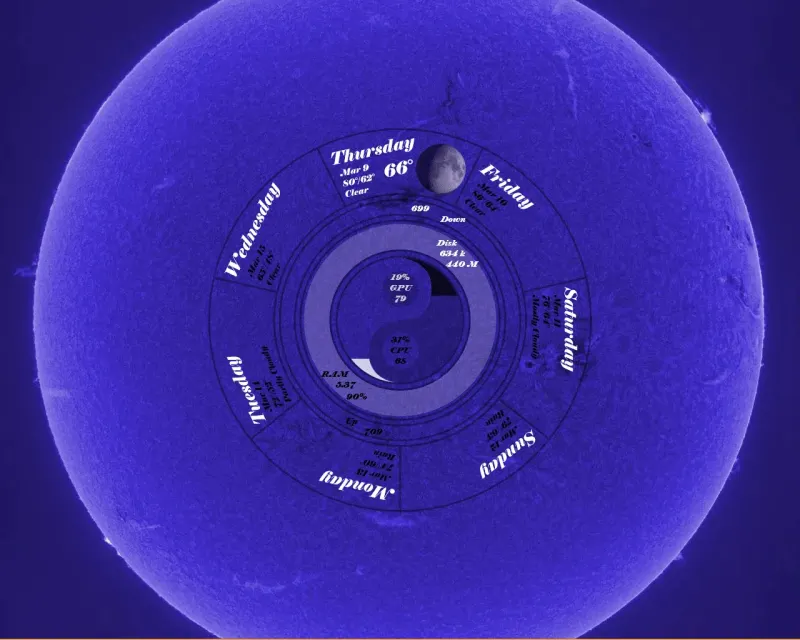
Eccentricity0 Rainmeter Skin
Eccentricity0 arranges hardware and network readings in a circular composition, using rings, arcs and a yin-yang image rather than conventional dashboard panels.

Skin
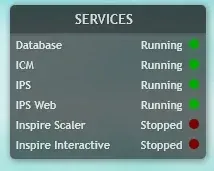
Service Monitor Rainmeter Skin
Service Monitor is a Rainmeter skin for watching selected Windows services rather than general CPU or memory readings.