Inspect / Rainmeter skin
NThing UI Rainmeter Suite
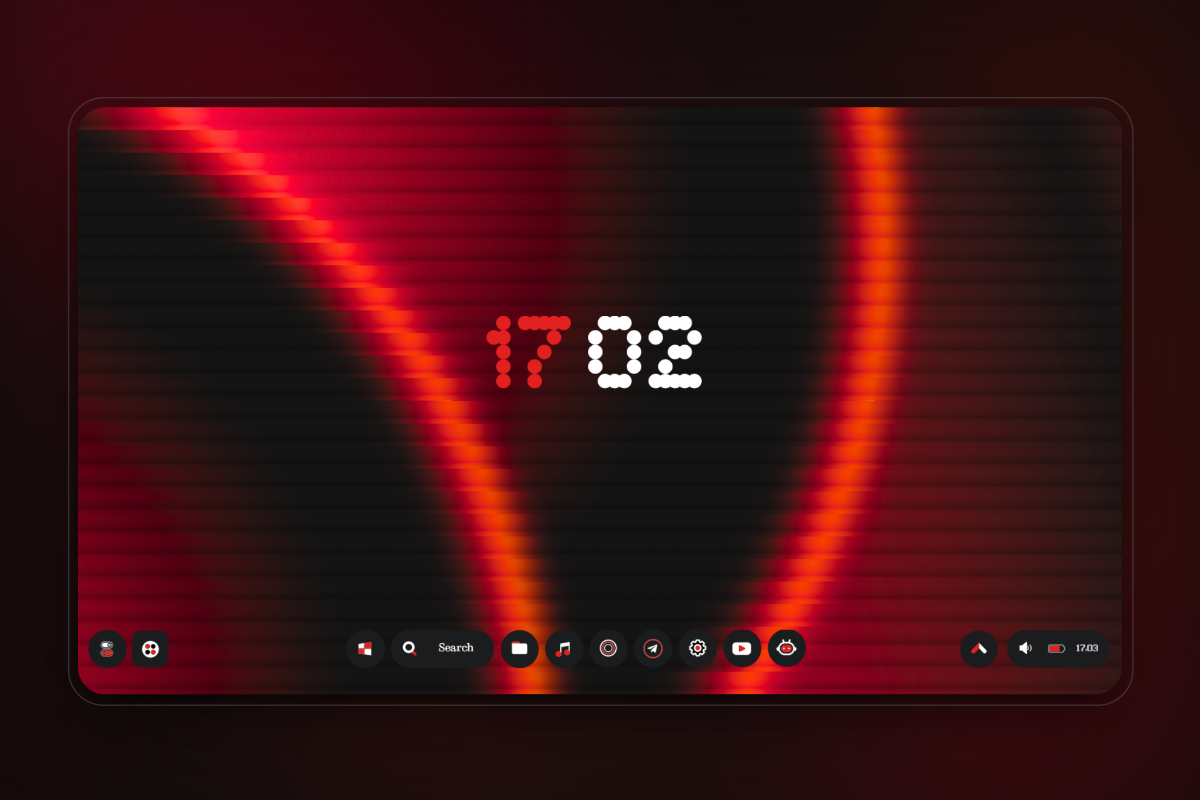
NThing UI builds a NothingOS-inspired desktop from Rainmeter widgets, a coordinated taskbar and optional menus.
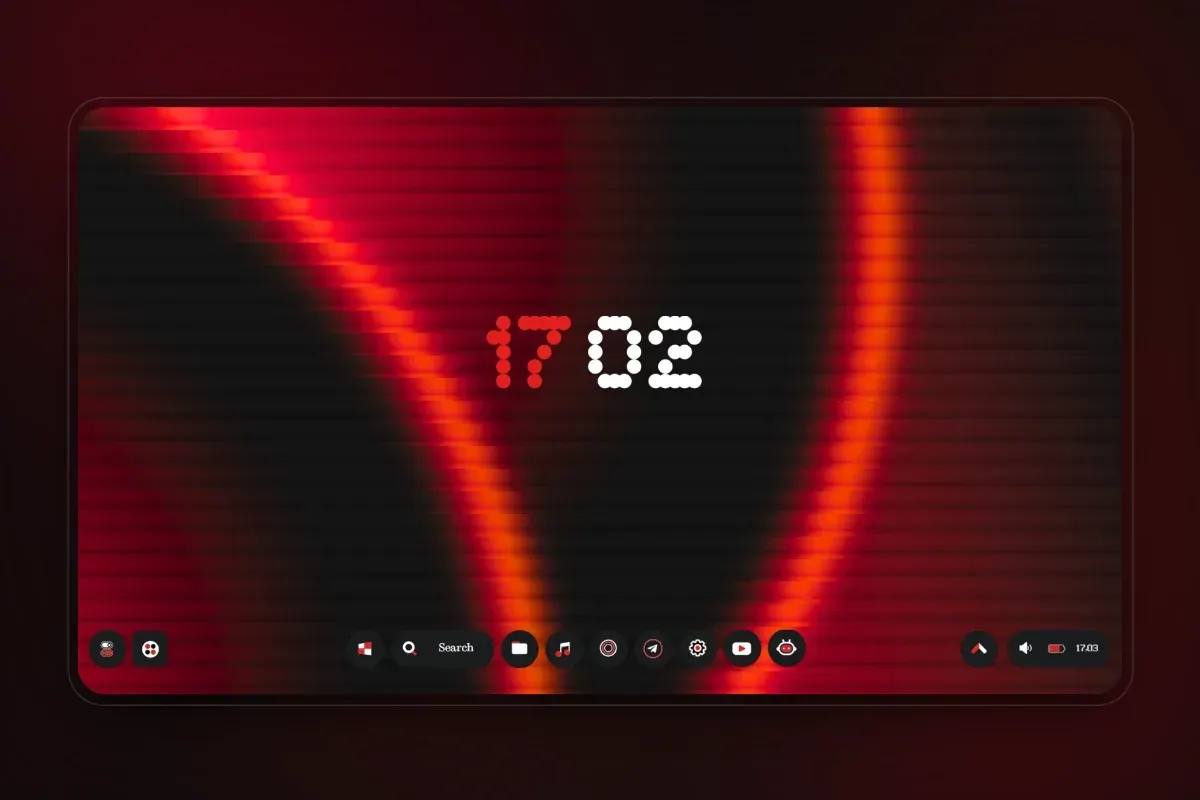
NThing UI builds a NothingOS-inspired desktop from Rainmeter widgets, a coordinated taskbar and optional menus. Alongside time, weather and system readings, its widget selection includes photo slideshows and quotes. Basic and paid Pro editions differ in style counts, menu availability and access to wallpaper-adaptive theming.
What this skin includes
- Photos widgets draw a slideshow from a chosen folder or photo library.
- The v1.0 comparison lists four Basic monitor styles and seven Pro styles.
- Basic includes ten wallpapers; Pro includes thirty.
- Wallpaper-adaptive Dynamic Theme is paid Pro-only.
- Start, power and tools menus are absent from Basic in the supplied comparison.
Setup and limits
Install or update Rainmeter and download the latest NThing UI release. Read the ZIP's widget and taskbar notes before opening the .rmskin installer. Portable installations can open the package using Rainmeter's SkinInstaller.exe. Follow the installer options, then manually load skins and layouts in Rainmeter's manager if they did not load automatically.
The source describes the project as beta and warns that editing skin or variable files to resize widgets may break them. It lists Windows 7 and above. Edition details come from the v1.0 comparison: paid Pro menus and Dynamic Theme must not be assumed available in Basic. Current Windows-build compatibility has not been independently verified; this research did not install or execute the skin.
Open creator source and setup instructions (source page, not a direct installer).
Creator and preview provenance
Created by Runixe786. Creator source · Original source preview. Documentation preview published in Runixe786/NThing-UI; credited to Runixe786. Third-party wallpaper or imagery is not asserted included. Preview reproduction is owner-authorized with unverified reuse rights; this is not a creator license grant.
Related skins and installation
Read the Rainmeter installation guide. Compare Mond and Wisp. These are different works, not additional editions of this skin.
Similar skins
Alternatives in the same functional category, excluding this entry. Compare their source notes before choosing.
Skin
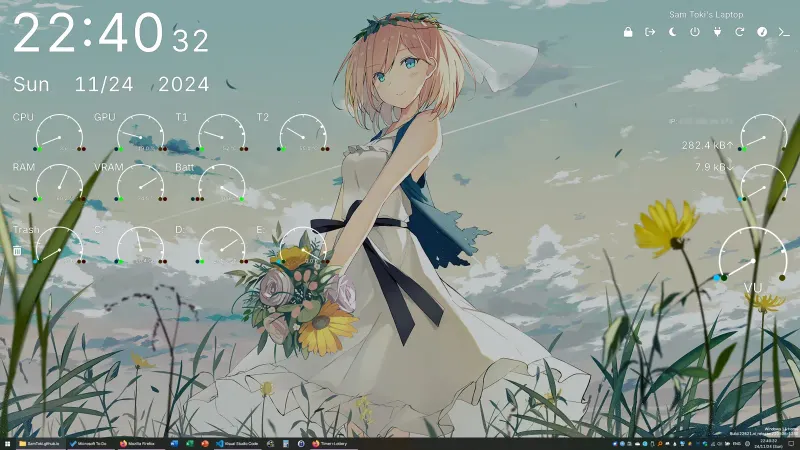
Candy Rainmeter Skin Pack
Candy Rainmeter Skin Pack combines minimalist desktop decoration with floating monitoring widgets.
Skin
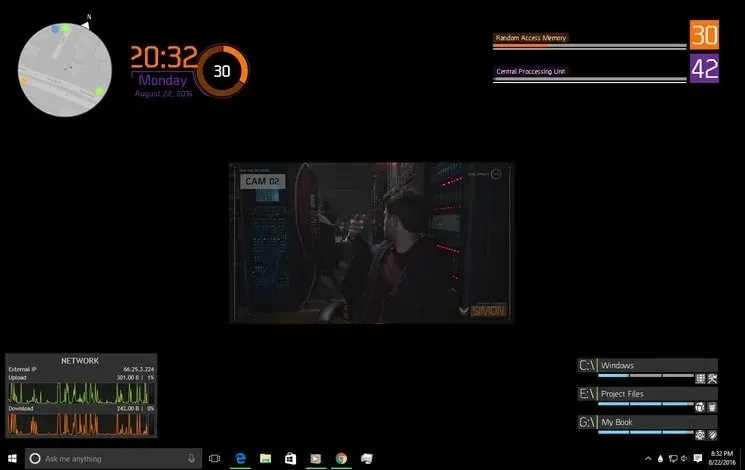
The Division Rainmeter Skin
The Division brings a desktop interface inspired by Tom Clancy's The Division into Rainmeter, pairing system readouts with a game launcher and clock.
Skin
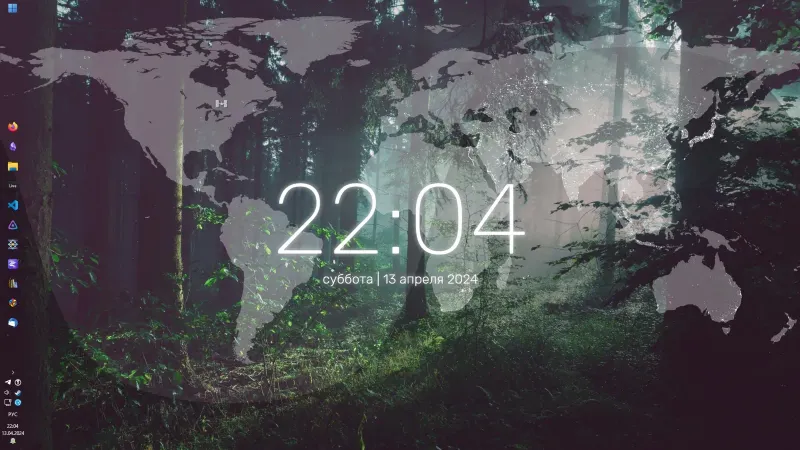
Simple Lines Rainmeter Suite
Simple Lines combines clocks, a calendar, system readings, and a world map with an ISS position marker and day–night boundary.