Inspect / Rainmeter skin
Northwest Rainmeter Skin
Northwest is a Rainmeter suite with a polar-bear icon placed between the time elements and above the date.
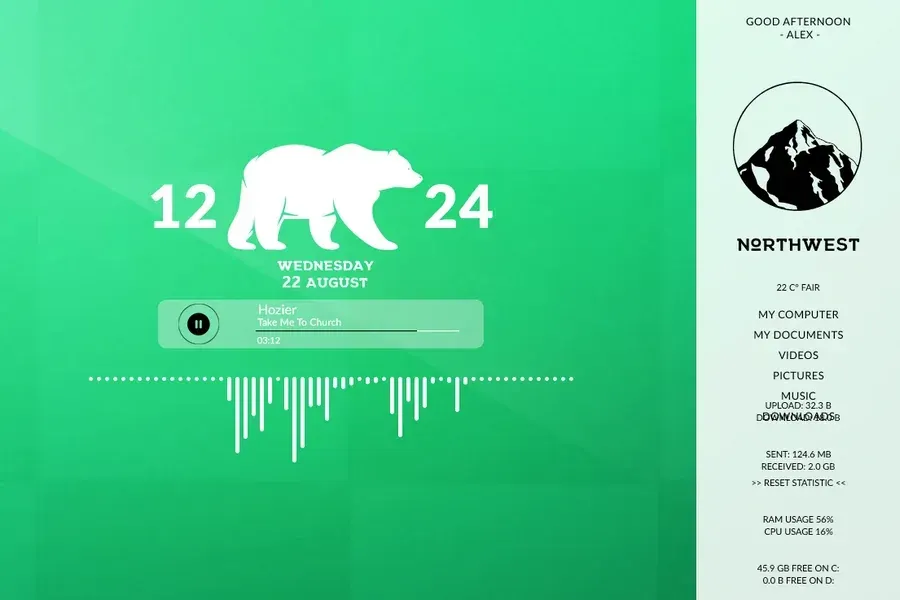
Northwest is a Rainmeter suite with a polar-bear icon placed between the time elements and above the date. It combines that clock treatment with a thin-bar visualizer, a music-player strip and separate monitoring skins. Weather, storage, network activity and recycle-bin size round out the documented information displays.
Source-listed appearance and features
The following details are reported by the source listing, not established by a DeskSpruce installation test.
- Created by HipHopium.
- Places a polar-bear icon within the time-and-date layout.
- Player bar shows a song title and elapsed time with play/pause control.
- Includes a thin-bar music visualizer.
- Shows CPU, RAM, disk space, recycle-bin size, network status and weather.
- Double-clicking the clock opens settings.
Setup and limits
The directory lists northwest.rmskin; follow the listed source instructions for installation. Double-click the clock skin to reveal the settings panel. The supplied description does not explain individual settings, weather location configuration or music-player connection steps.
The supplied evidence does not identify supported music players, the visualizer's audio configuration or a weather provider. The settings entry gesture is documented, but available options and current service operation are not established by the directory. Current Windows-build compatibility has not been independently verified; this research did not install or execute the skin.
Open source listing and package link (source page, not a direct installer).
Creator and preview provenance
Created by HipHopium. Source listing · Original source preview. Preview published by VisualSkins for Northwest Rainmeter Theme, credited to HipHopium; wallpaper and other desktop items are not asserted to be included. Preview reproduction is owner-authorized with unverified reuse rights; this is not a creator license grant.
Related skins and installation
Read the Rainmeter installation guide. Compare Mond and Wisp. These are different works, not additional editions of this skin.
Similar skins
Alternatives in the same functional category, excluding this entry. Compare their source notes before choosing.
Skin
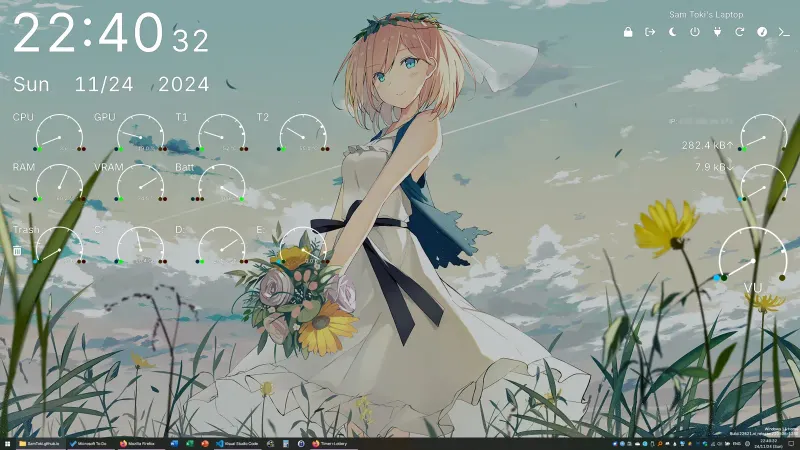
Candy Rainmeter Skin Pack
Candy Rainmeter Skin Pack combines minimalist desktop decoration with floating monitoring widgets.
Skin
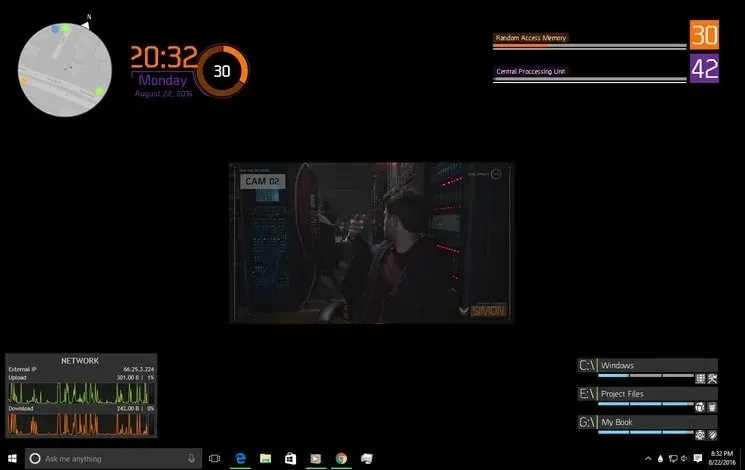
The Division Rainmeter Skin
The Division brings a desktop interface inspired by Tom Clancy's The Division into Rainmeter, pairing system readouts with a game launcher and clock.

Skin
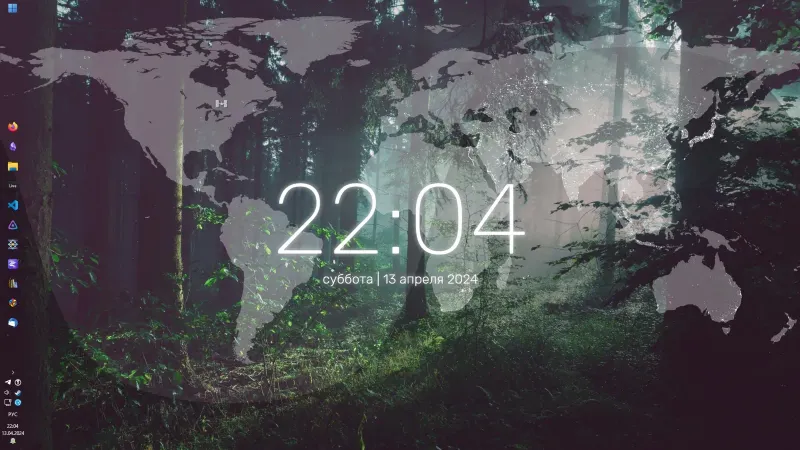
Simple Lines Rainmeter Suite
Simple Lines combines clocks, a calendar, system readings, and a world map with an ISS position marker and day–night boundary.