Inspect / Rainmeter skin
Nord Owl Rainmeter Suite
Nord Owl combines a cool Nord color palette with compact desktop controls and information skins.
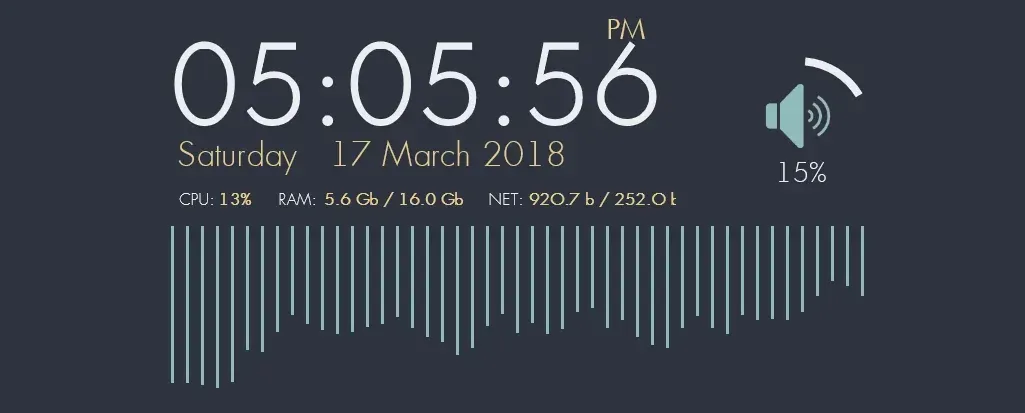
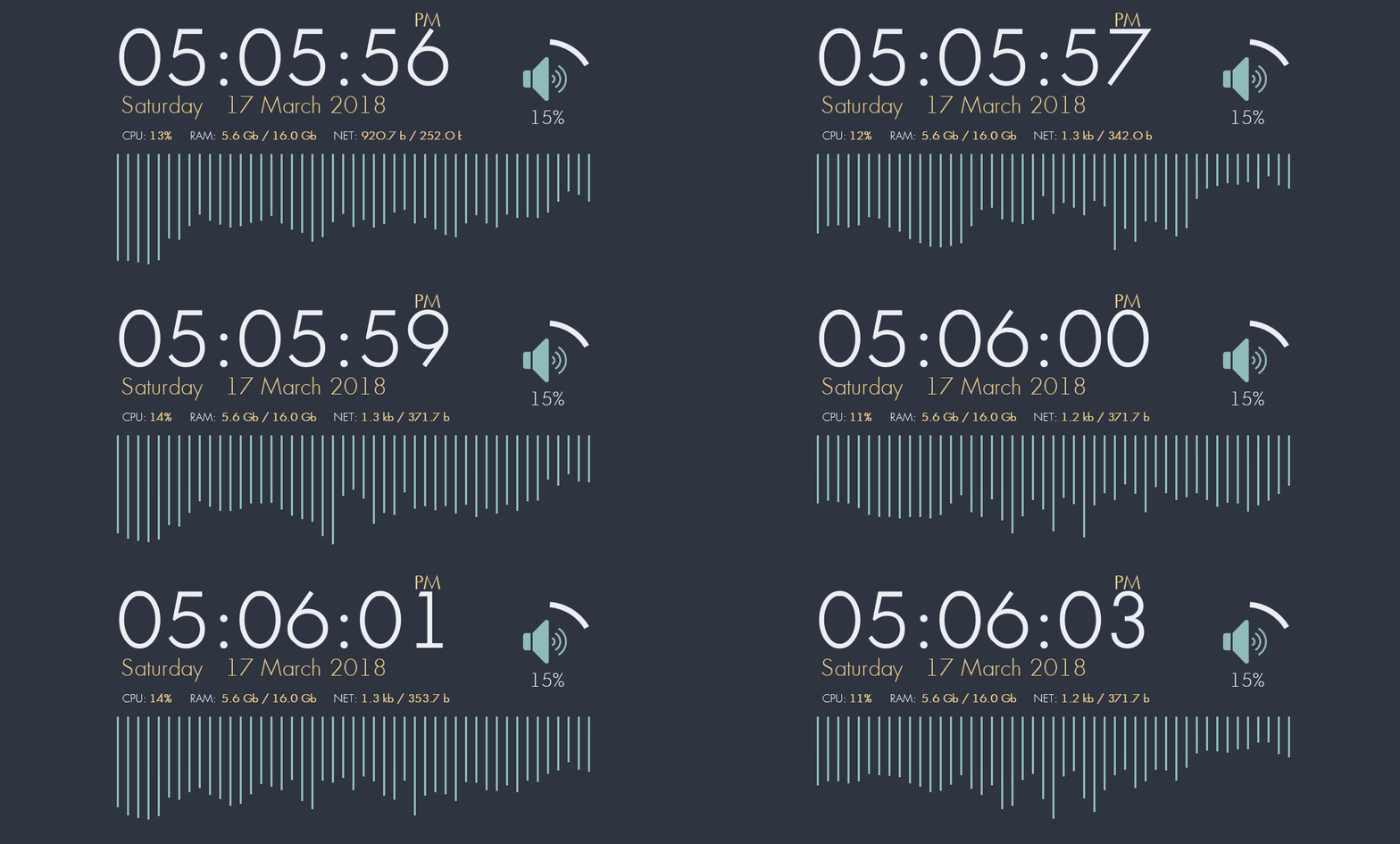
Nord Owl combines a cool Nord color palette with compact desktop controls and information skins. Its collection includes a clock, system information, power controls, an audio visualizer and recycle-bin actions. Audio controls use mouse clicks and scrolling for device switching, muting and volume adjustment.
What this skin includes
- Clock supports 12-hour and 24-hour formats.
- Middle-click switches playback devices; scrolling adjusts volume.
- Left-click toggles audio mute.
- Recycle-bin controls open the bin, empty it or launch CCleaner.
- Core settings are stored in @Resources/Variables.inc.
- The supplied localization options include Russian and English.
Setup and limits
Install Rainmeter 4.0 or later, then install the latest release or build from source. Assign playback devices the appropriate speakers, headset or monitor names for the AudioControl icons. Open the skin configurator by left-clicking Settings, or edit @Resources/Variables.inc for core settings, including the CCleaner path.
Correct audio icons depend on the documented playback-device naming. The middle-click CCleaner action requires its path in Variables.inc. For a custom translation, the source requires an INC language file, a matching Language setting and a refresh of all skins. Current Windows-build compatibility has not been independently verified; this research did not install or execute the skin.
Open creator source and setup instructions (source page, not a direct installer).
Creator and preview provenance
Created by Findoss. Creator source · Original source preview. Documentation preview published in Findoss/Nord-owl; credited to Findoss. Third-party wallpaper or imagery is not asserted included. Preview reproduction is owner-authorized with unverified reuse rights; this is not a creator license grant.
Source license or licensing statement; check the scope and any more specific notices before reuse.
Related skins and installation
Read the Rainmeter installation guide. Compare Mond and Wisp. These are different works, not additional editions of this skin.
The displayed preview is a still frame from the creator GIF, resized and re-encoded; use the original preview link to see the animation.
Similar skins
Alternatives in the same functional category, excluding this entry. Compare their source notes before choosing.
Skin
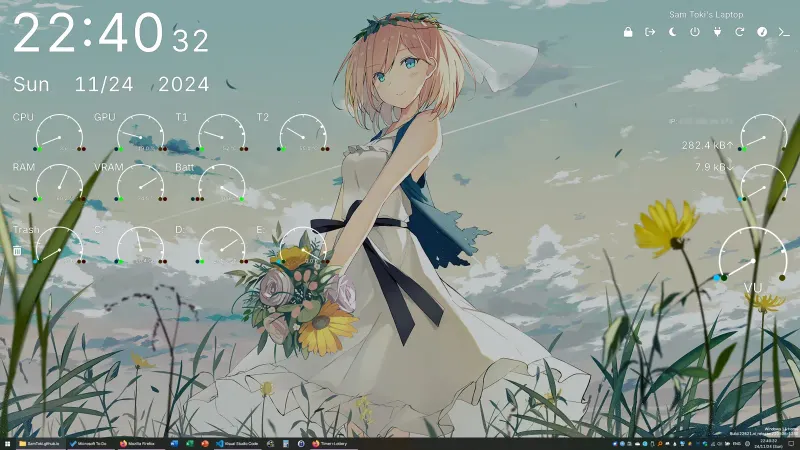
Candy Rainmeter Skin Pack
Candy Rainmeter Skin Pack combines minimalist desktop decoration with floating monitoring widgets.
Skin
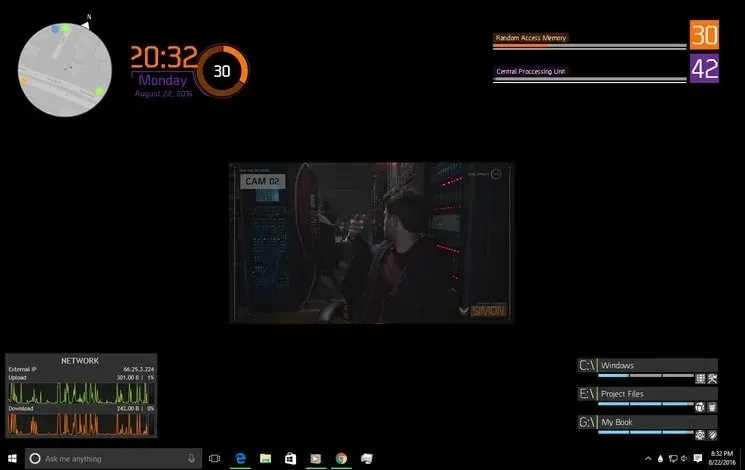
The Division Rainmeter Skin
The Division brings a desktop interface inspired by Tom Clancy's The Division into Rainmeter, pairing system readouts with a game launcher and clock.
Skin
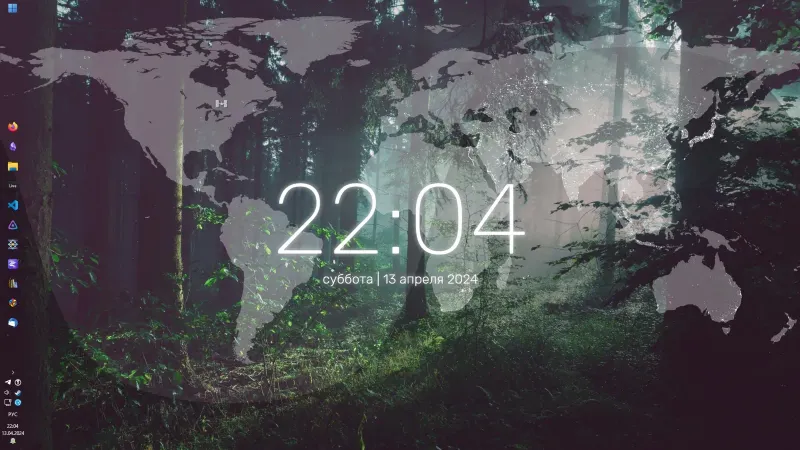
Simple Lines Rainmeter Suite
Simple Lines combines clocks, a calendar, system readings, and a world map with an ISS position marker and day–night boundary.