Inspect / Rainmeter skin
mon0meters Rainmeter Suite
mon0meters is an NZXT CAM-inspired Rainmeter suite containing CPU, GPU, RAM and network skins.
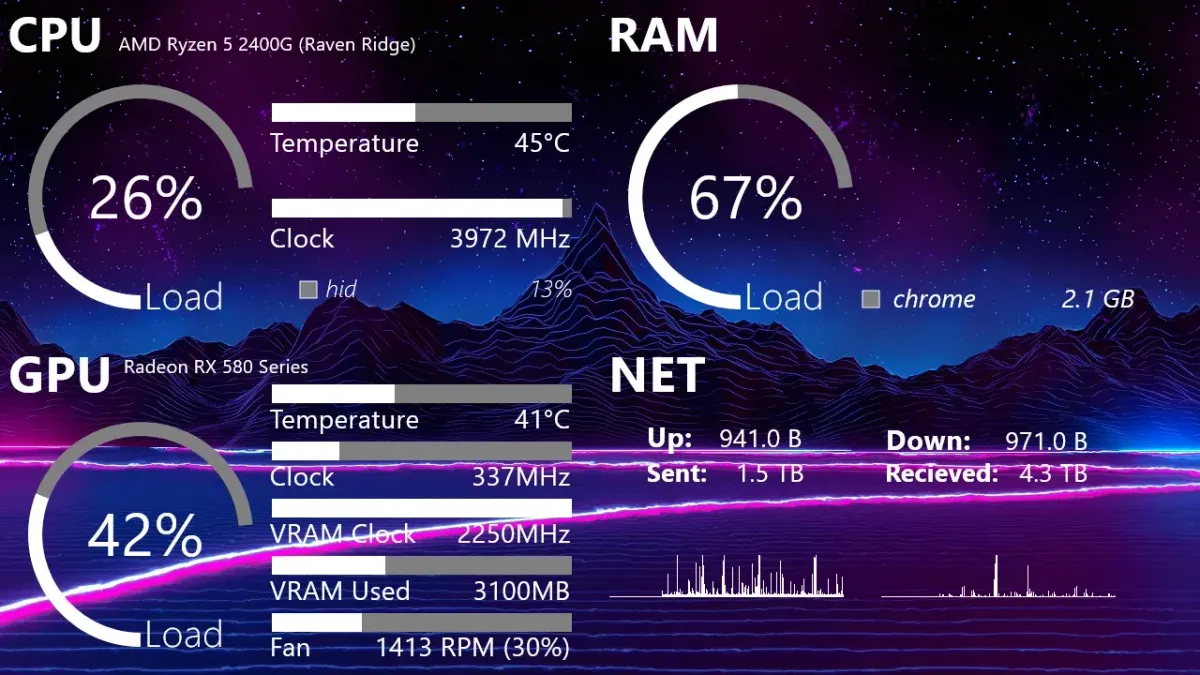
mon0meters is an NZXT CAM-inspired Rainmeter suite containing CPU, GPU, RAM and network skins. Its layout is intended for a dedicated five-inch, 1280-by-720 sensor panel rather than an unspecified desktop arrangement. Hardware data comes through several monitoring tools, with HWiNFO sensor indices requiring attention during configuration.
What this skin includes
- Contains CPU, GPU, RAM and network skins.
- Inspired by NZXT CAM.
- Intended for a five-inch 1280-by-720 sensor panel.
- Uses the HWiNFO 7 gadget and registry method.
- Assumes CPU Clocks is at Index1 unless adjusted.
Setup and limits
Download and extract the ZIP, then copy the mon0meters folder into Documents\Rainmeter\Skins. Choose Refresh All in Rainmeter and load the skins. Consult the referenced HWiNFO configuration documentation and edit sensor indices to match your system, particularly if CPU Clocks is not at Index1.
The listed dependencies are CoreTemp, HWiNFO and MSI Afterburner, including the MSIAfterburner.dll Rainmeter plugin. Sensor indices can differ with HWiNFO gadget configuration and may need manual edits. The five-inch 720p panel is the intended display target, not a documented universal hardware requirement. Current Windows-build compatibility has not been independently verified; this research did not install or execute the skin.
Open creator source and setup instructions (source page, not a direct installer).
Creator and preview provenance
Created by mon0theist. Creator source · Original source preview. Documentation preview published in mon0theist/mon0meters; credited to mon0theist. Third-party wallpaper or imagery is not asserted included. Preview reproduction is owner-authorized with unverified reuse rights; this is not a creator license grant.
Related skins and installation
Read the Rainmeter installation guide. Compare System Information and SysDash. These are different works, not additional editions of this skin.
Similar skins
Alternatives in the same functional category, excluding this entry. Compare their source notes before choosing.
Skin
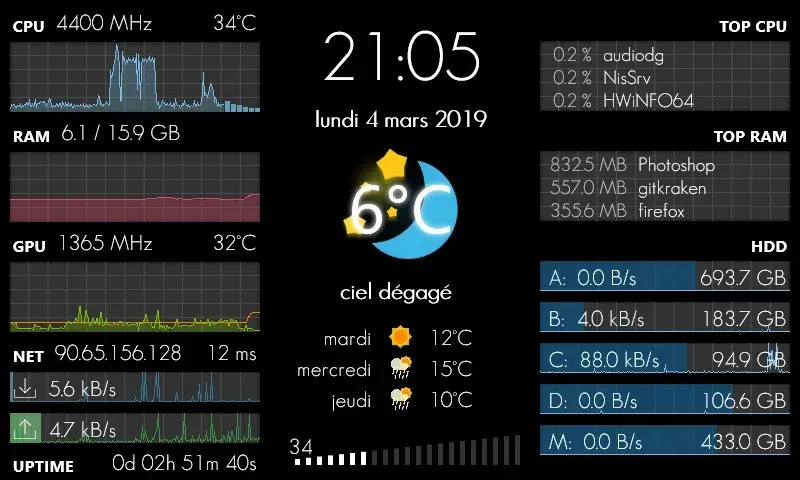
GalaxyS Rainmeter Skin
GalaxyS is a compact monitoring dashboard designed around an 800 × 480 screen, originally a Galaxy S used through AirDisplay.
Skin
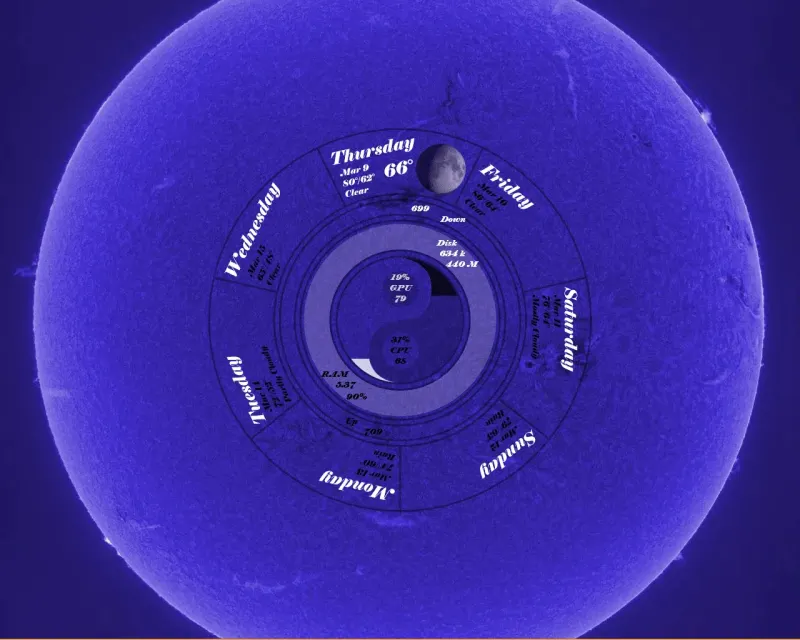
Eccentricity0 Rainmeter Skin
Eccentricity0 arranges hardware and network readings in a circular composition, using rings, arcs and a yin-yang image rather than conventional dashboard panels.

Skin
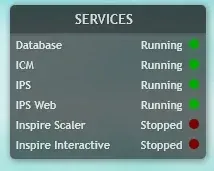
Service Monitor Rainmeter Skin
Service Monitor is a Rainmeter skin for watching selected Windows services rather than general CPU or memory readings.