Inspect / Rainmeter skin
Modular Taskbar Rainmeter Skin
Modular Taskbar combines application switching and desktop controls in a configurable Rainmeter bar.
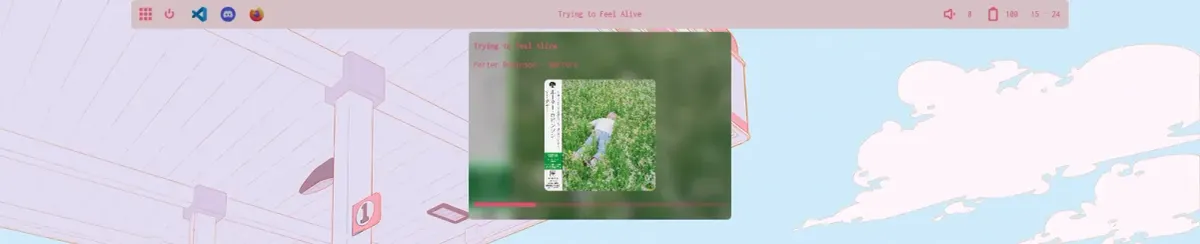
Modular Taskbar combines application switching and desktop controls in a configurable Rainmeter bar. Its modules cover active processes, media, battery, time, shortcuts and audio, with several opening additional popup panels. A built-in settings menu lets users enable individual modules and edit their exposed variables.
What this skin includes
- Taskbar icons support pinning and access to child windows.
- NowPlaying popup includes album art and a progress bar.
- Time module opens a navigable calendar.
- Volume popup offers a slider and audio-device cycling.
- Battery module includes uptime information and a brightness slider.
Setup and limits
Download the latest release and run its .rmskin file. Install the documented supporting components, including ImageMagick for MagickMeter and the WebNowPlaying browser extension. Right-click the taskbar and choose Edit Settings to enable modules or edit variable values; press Enter after changing a value.
Requires Rainmeter 4.5.17.3700 or later. The source lists MagickMeter/ImageMagick, WebNowPlaying-Redux and PowershellRM, with PowerShell 3.x or above. Spotify integration has additional Spicetify configuration. Removing the stock Windows taskbar is described as optional, not a requirement. Current Windows-build compatibility has not been independently verified; this research did not install or execute the skin.
Open creator source and setup instructions (source page, not a direct installer).
Creator and preview provenance
Created by C0rvust. Creator source · Original source preview. Documentation preview published in C0rvust/Modular-Taskbar; credited to C0rvust. Third-party wallpaper or imagery is not asserted included. Preview reproduction is owner-authorized with unverified reuse rights; this is not a creator license grant.
Related skins and installation
Read the Rainmeter installation guide. Compare Mond and Wisp. These are different works, not additional editions of this skin.
Similar skins
Alternatives in the same functional category, excluding this entry. Compare their source notes before choosing.
Skin
Candy Rainmeter Skin Pack
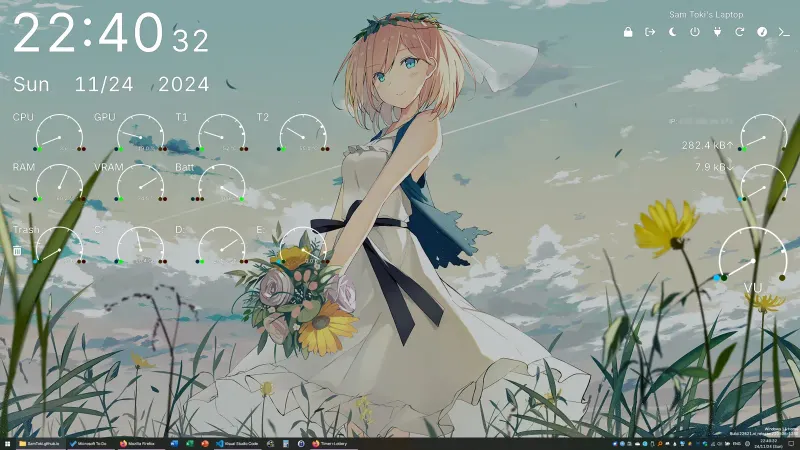
Candy Rainmeter Skin Pack combines minimalist desktop decoration with floating monitoring widgets.
Skin
The Division Rainmeter Skin
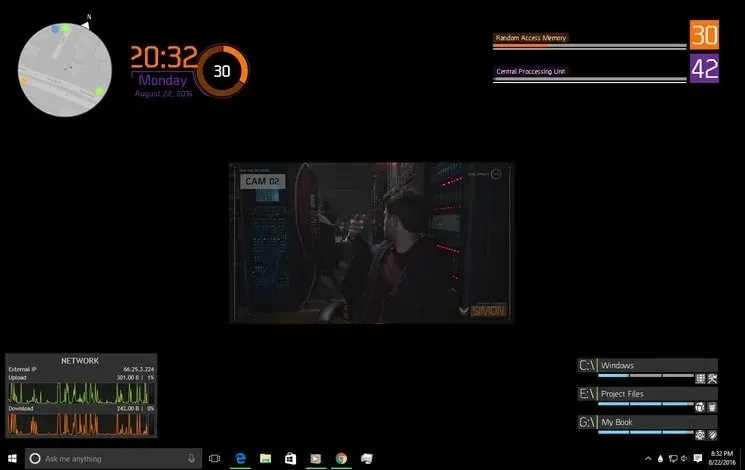
The Division brings a desktop interface inspired by Tom Clancy's The Division into Rainmeter, pairing system readouts with a game launcher and clock.

Skin
Simple Lines Rainmeter Suite
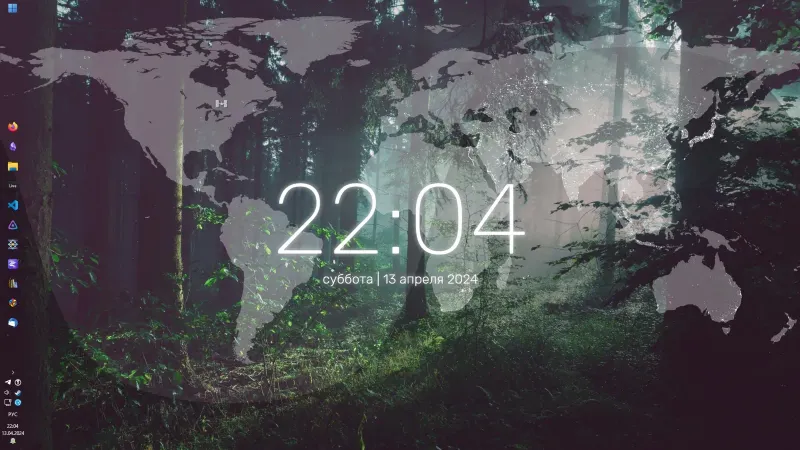
Simple Lines combines clocks, a calendar, system readings, and a world map with an ISS position marker and day–night boundary.