Inspect / Rainmeter skin
Minimal System Info Rainmeter Skin
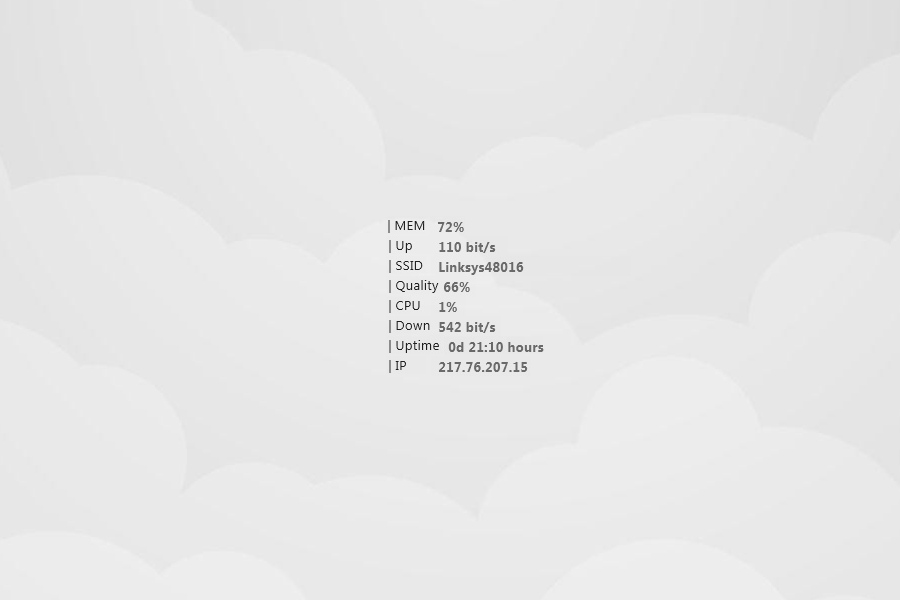
Minimal System Info presents desktop information in a black-and-white, print-like style rather than a colorful dashboard.
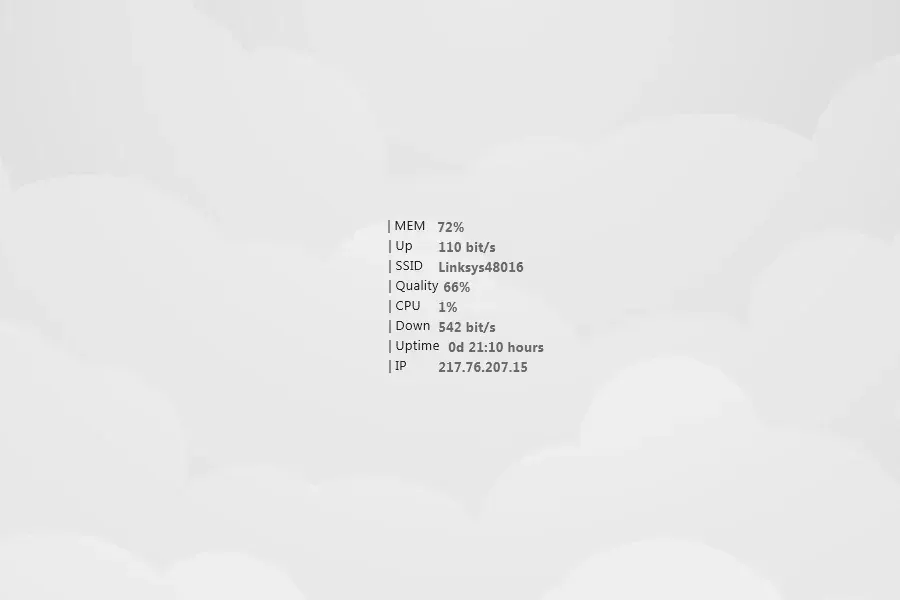
Minimal System Info presents desktop information in a black-and-white, print-like style rather than a colorful dashboard. The directory associates it with CPU, RAM and network monitoring, while its description focuses primarily on the restrained appearance rather than explaining individual readings.
Source-listed appearance and features
The following details are reported by the source listing, not established by a DeskSpruce installation test.
- Black-and-white presentation.
- Print-like information layout.
- Tagged for CPU, RAM and network monitoring.
- Attributed to Dashie36.
Setup and limits
The directory lists minimalistic-system-info.rmskin as the package. Follow the listed source instructions for setup; the supplied excerpt gives no installation procedure, configuration controls or steps for selecting the displayed system information.
The monitoring subjects come from directory tags, not a detailed feature description or creator testing. Specific measurements, update intervals and configuration requirements are not documented in the supplied evidence. Current Windows-build compatibility has not been independently verified; this research did not install or execute the skin.
Open source listing and package link (source page, not a direct installer).
Creator and preview provenance
Created by Dashie36. Source listing · Original source preview. Preview published by VisualSkins for Minimal System Info Rainmeter Skin, credited to Dashie36; wallpaper and other desktop items are not asserted to be included. Preview reproduction is owner-authorized with unverified reuse rights; this is not a creator license grant.
Related skins and installation
Read the Rainmeter installation guide. Compare System Information and SysDash. These are different works, not additional editions of this skin.
Similar skins
Alternatives in the same functional category, excluding this entry. Compare their source notes before choosing.
Skin
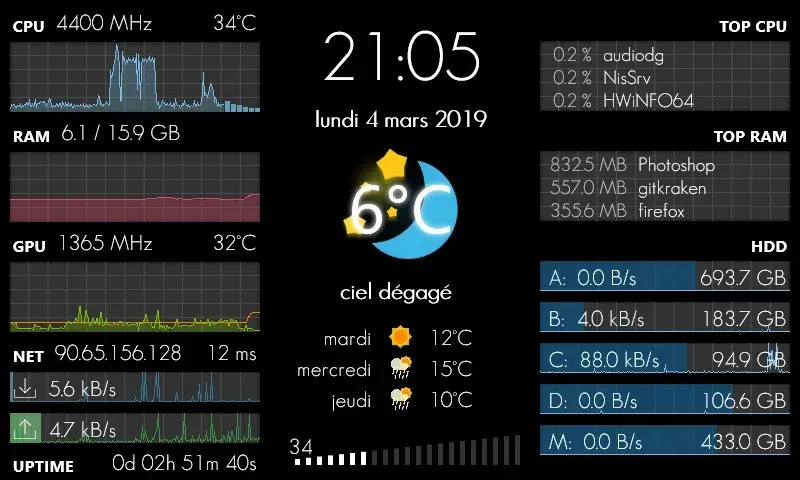
GalaxyS Rainmeter Skin
GalaxyS is a compact monitoring dashboard designed around an 800 × 480 screen, originally a Galaxy S used through AirDisplay.
Skin
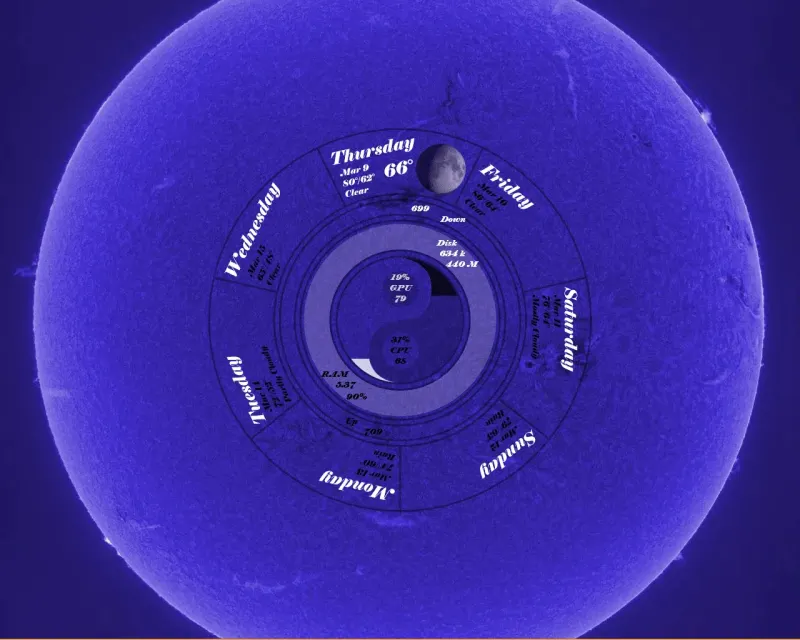
Eccentricity0 Rainmeter Skin
Eccentricity0 arranges hardware and network readings in a circular composition, using rings, arcs and a yin-yang image rather than conventional dashboard panels.
Skin
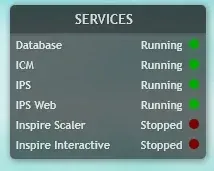
Service Monitor Rainmeter Skin
Service Monitor is a Rainmeter skin for watching selected Windows services rather than general CPU or memory readings.