Inspect / Rainmeter skin
MD3 Windows Rainmeter Suite
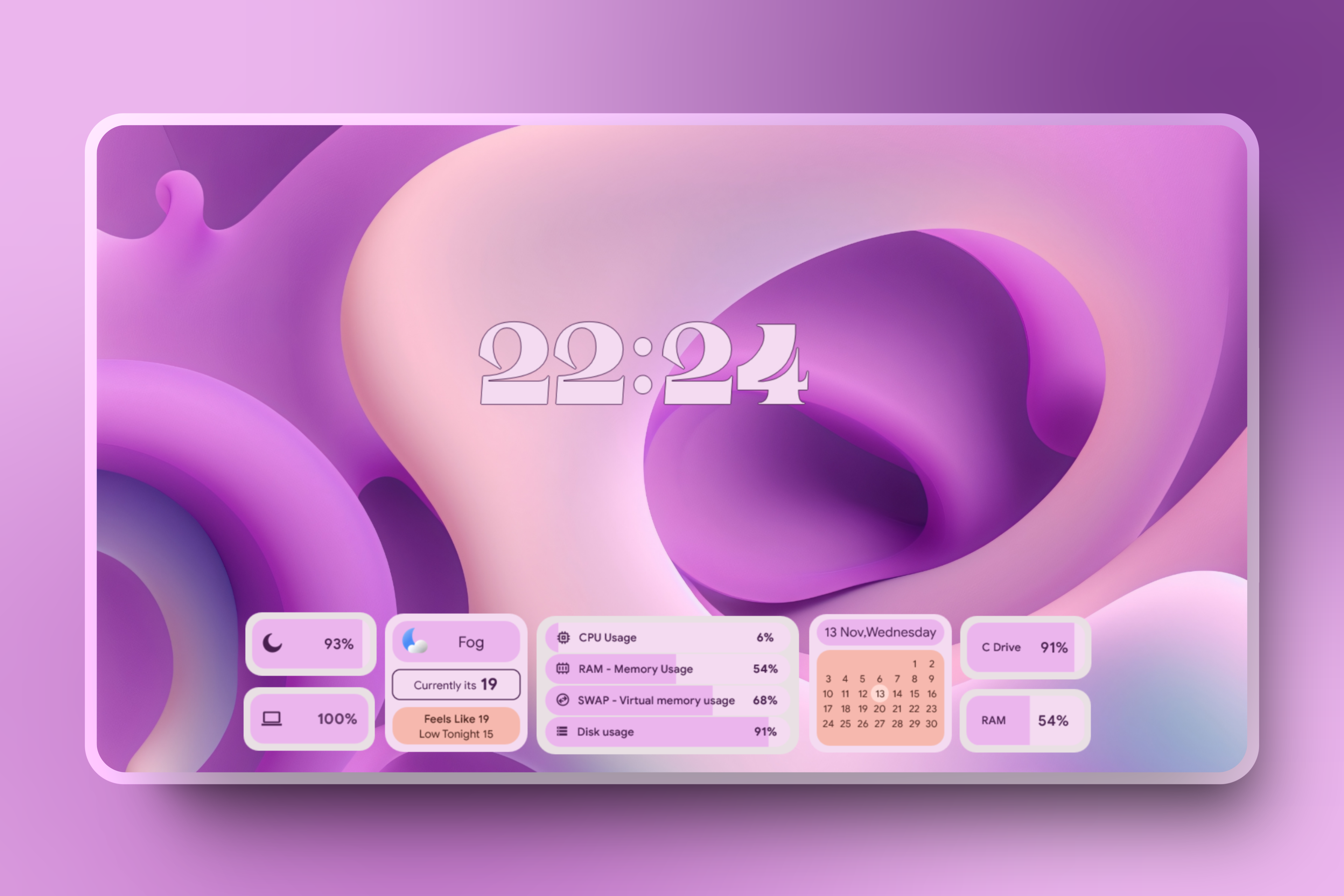
MD3 Windows applies an Android 12-inspired Material You design to Rainmeter widgets and desktop controls.
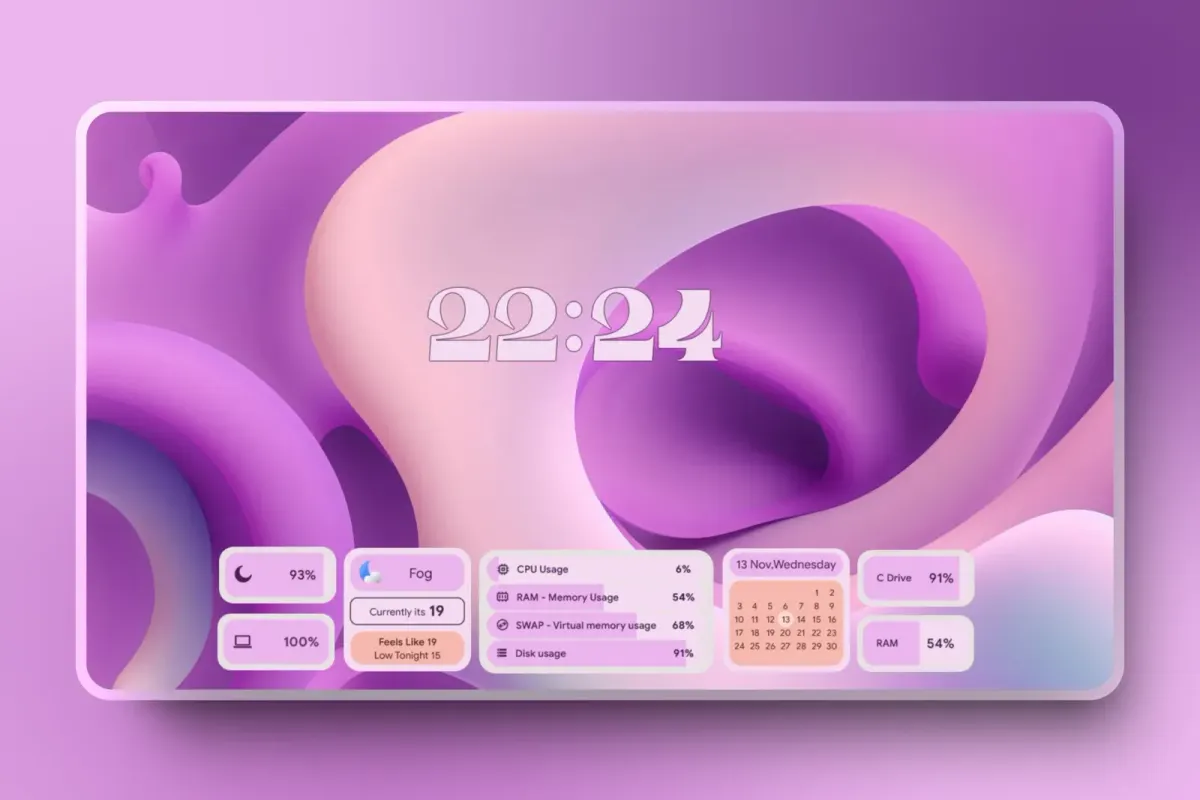
MD3 Windows applies an Android 12-inspired Material You design to Rainmeter widgets and desktop controls. Wallpaper-derived colors connect its clock, date, music and monitoring elements visually. Basic and paid Pro editions provide different numbers of styles, with several menu components reserved for Pro.
What this skin includes
- The v0.5 comparison lists six Basic clock styles and ten Pro clock styles.
- Music widgets display album artwork, track title and artist.
- Monitoring widgets cover CPU, RAM, HDD and swap.
- Basic includes 47 app icon styles and one taskbar style.
- Start, power and tools menus are paid Pro-only in the supplied comparison.
Setup and limits
Install or update Rainmeter, download the latest release and read the widget and taskbar notes in the ZIP. Open the .rmskin package and follow the installer. For portable Rainmeter, open it with SkinInstaller.exe in the Rainmeter directory. If nothing loads, load the skins and layouts manually through Rainmeter's manager.
The source labels this suite beta and warns against resizing through skin or variable files. Windows dark mode is needed for the intended colors, even with light-looking widgets, because of a plugin limitation. Basic and paid Pro have different feature coverage; the supplied comparison is for v0.5. Current Windows-build compatibility has not been independently verified; this research did not install or execute the skin.
Open creator source and setup instructions (source page, not a direct installer).
Creator and preview provenance
Created by Runixe786. Creator source · Original source preview. Documentation preview published in Runixe786/MD3-Windows; credited to Runixe786. Third-party wallpaper or imagery is not asserted included. Preview reproduction is owner-authorized with unverified reuse rights; this is not a creator license grant.
Related skins and installation
Read the Rainmeter installation guide. Compare Mond and Wisp. These are different works, not additional editions of this skin.
Similar skins
Alternatives in the same functional category, excluding this entry. Compare their source notes before choosing.
Skin
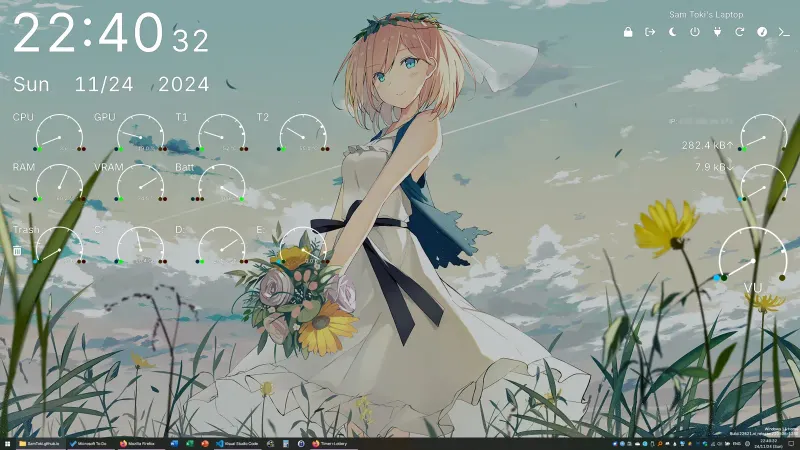
Candy Rainmeter Skin Pack
Candy Rainmeter Skin Pack combines minimalist desktop decoration with floating monitoring widgets.
Skin
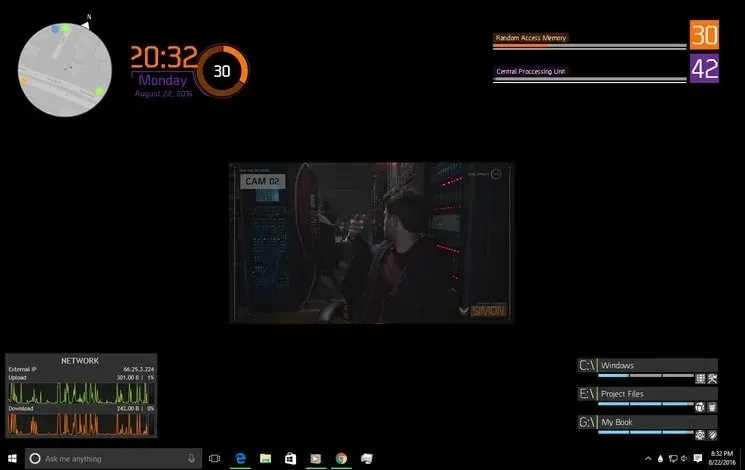
The Division Rainmeter Skin
The Division brings a desktop interface inspired by Tom Clancy's The Division into Rainmeter, pairing system readouts with a game launcher and clock.
Skin
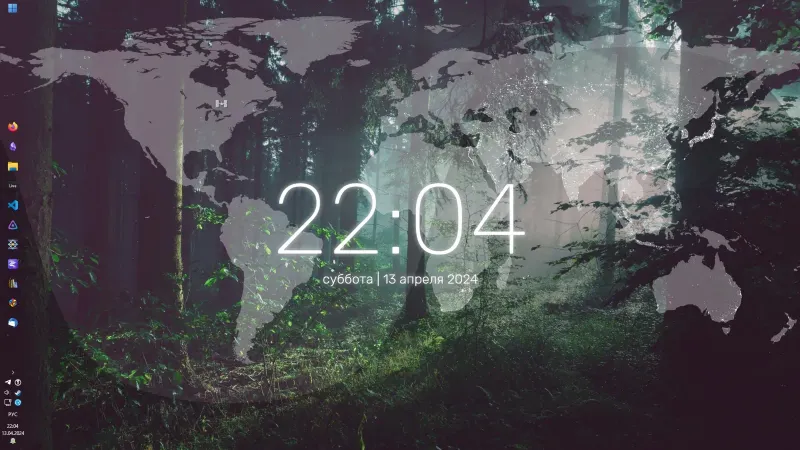
Simple Lines Rainmeter Suite
Simple Lines combines clocks, a calendar, system readings, and a world map with an ISS position marker and day–night boundary.