Inspect / Rainmeter skin
Material Design Hardware Monitor Rainmeter Skin
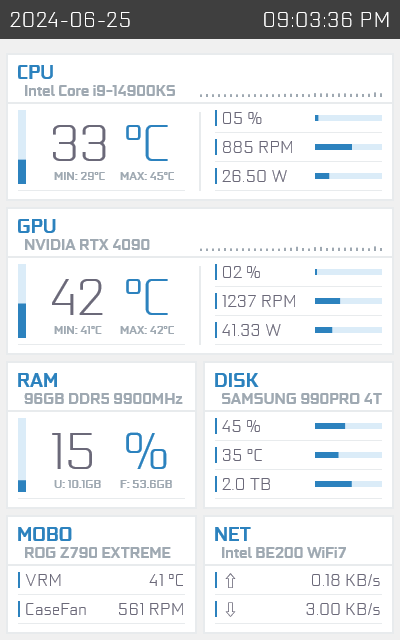
Material Design Hardware Monitor adapts ThatManOnTheMoon's AIDA64 template design to Rainmeter, using HWiNFO as its hardware-data source.
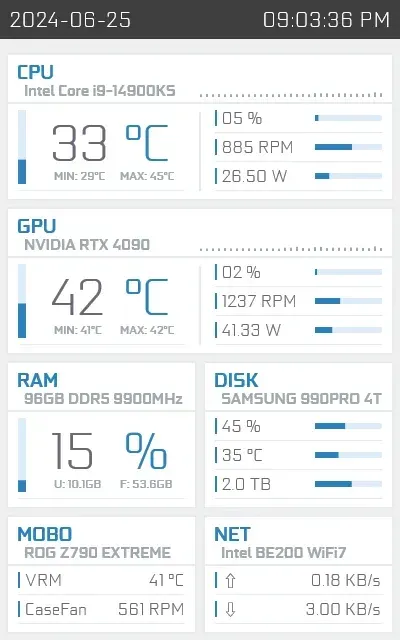
Material Design Hardware Monitor adapts ThatManOnTheMoon's AIDA64 template design to Rainmeter, using HWiNFO as its hardware-data source. Intended for a desktop or case-mounted secondary display, it combines temperatures, utilization, power and fan readings. The port supplies one color scheme and configurable sensor mappings rather than automatically populated hardware values.
What this skin includes
- Uses HWiNFO gadget-reporting sensor values.
- Provides 16 configurable sensor-ID variables.
- Includes CPU and GPU power and fan readings.
- Can combine space totals across multiple drive letters.
- Uses vector elements with a ScaleFactor setting.
Setup and limits
Install Rainmeter and the .rmskin contained in the download, then install HWiNFO and open its sensors-only view. Enable reporting to gadgets and select the required sensor values. Copy their index IDs into the skin's corresponding [Variables] entries, then refresh or reload the skin.
The source specifies Windows 10 or later, a desktop PC and a discrete GPU. HWiNFO reporting must be configured; sensor IDs default to -1 and show no data. Laptop, integrated-GPU and older motherboard sensor coverage is explicitly limited. Current Windows-build compatibility has not been independently verified; this research did not install or execute the skin.
Open creator source and setup instructions (source page, not a direct installer).
Creator and preview provenance
Created by xiao-cheng-zi. Creator source · Original source preview. Documentation preview published in xiao-cheng-zi/MaterialDesign; credited to xiao-cheng-zi. Third-party wallpaper or imagery is not asserted included. Preview reproduction is owner-authorized with unverified reuse rights; this is not a creator license grant.
Related skins and installation
Read the Rainmeter installation guide. Compare System Information and SysDash. These are different works, not additional editions of this skin.
Similar skins
Alternatives in the same functional category, excluding this entry. Compare their source notes before choosing.
Skin
GalaxyS Rainmeter Skin
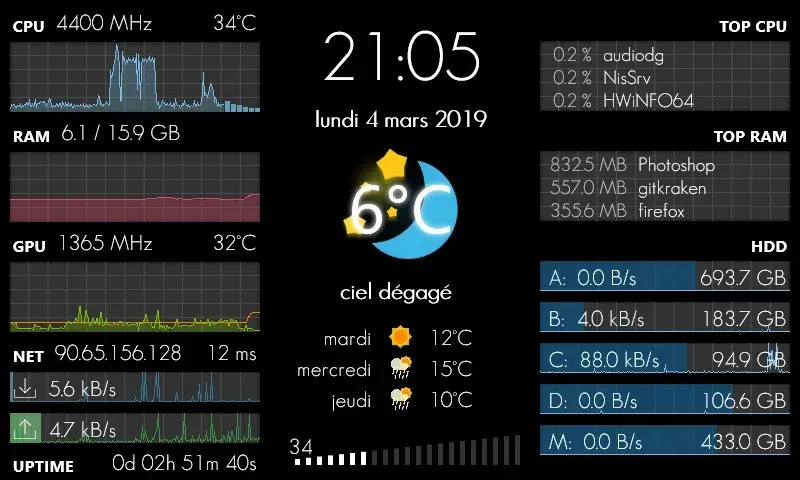
GalaxyS is a compact monitoring dashboard designed around an 800 × 480 screen, originally a Galaxy S used through AirDisplay.
Skin
Eccentricity0 Rainmeter Skin
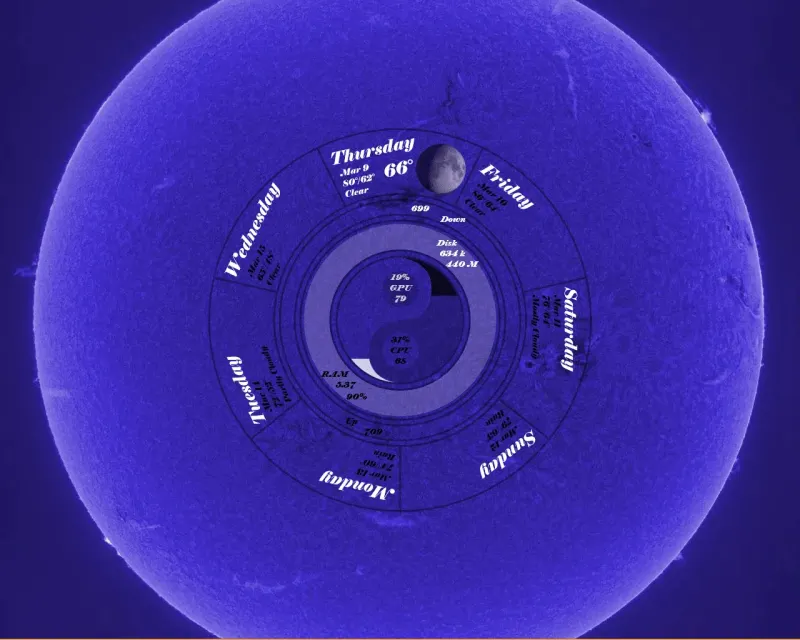
Eccentricity0 arranges hardware and network readings in a circular composition, using rings, arcs and a yin-yang image rather than conventional dashboard panels.
Skin
Service Monitor Rainmeter Skin
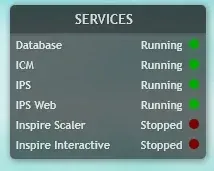
Service Monitor is a Rainmeter skin for watching selected Windows services rather than general CPU or memory readings.