Inspect / Rainmeter skin
LGS Battery Rainmeter Skin
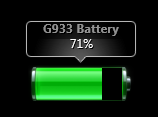
LGS Battery displays a Logitech device's battery level through Rainmeter by reading values associated with Logitech Gaming Software.
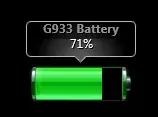
LGS Battery displays a Logitech device's battery level through Rainmeter by reading values associated with Logitech Gaming Software. Adapted from Wyse's G930 skin to work with LGS, it requires device-specific memory addresses and offsets instead of relying on a simple device selection menu.
What this skin includes
- G933 Artemis Spectrum is the only confirmed supported device.
- The source identifies the LGS process as LCore.exe.
- Offsets.exe accepts the discovered battery offsets.
- G933 battery values are stored as integers from 0 to 100.
- Modified from Wyse's G930 battery skin to support LGS.
Setup and limits
Extract LGSbatt.rar into the Rainmeter folder and keep Logitech Gaming Software running. Follow the source's Cheat Engine tutorial to find and verify battery addresses and pointer offsets, then enter that information in Offsets.exe. Add the G933 folder's autostart item to startup programs, load the skin, and restart as instructed.
This workflow depends on Logitech Gaming Software, Cheat Engine, and correctly identified memory offsets. Only the G933 is confirmed in the source; other devices require testing or modification. The author recommends prior Rainmeter and Cheat Engine knowledge. Current Windows-build compatibility has not been independently verified; this research did not install or execute the skin.
Open creator source and setup instructions (source page, not a direct installer).
Creator and preview provenance
Created by Snipeon. Creator source · Original source preview. Documentation preview published in Snipeon/LGSbatt-rainmeter; credited to Snipeon. Third-party wallpaper or imagery is not asserted included. Preview reproduction is owner-authorized with unverified reuse rights; this is not a creator license grant.
Related skins and installation
Read the Rainmeter installation guide. Compare System Information and SysDash. These are different works, not additional editions of this skin.
Similar skins
Alternatives in the same functional category, excluding this entry. Compare their source notes before choosing.
Skin
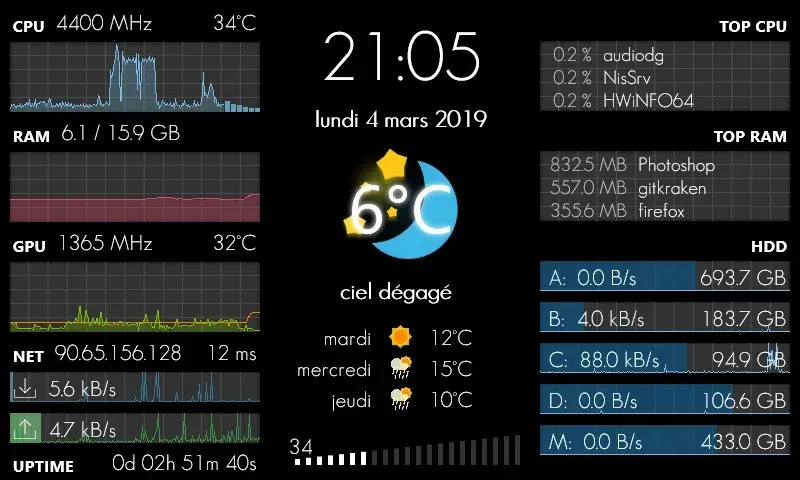
GalaxyS Rainmeter Skin
GalaxyS is a compact monitoring dashboard designed around an 800 × 480 screen, originally a Galaxy S used through AirDisplay.
Skin
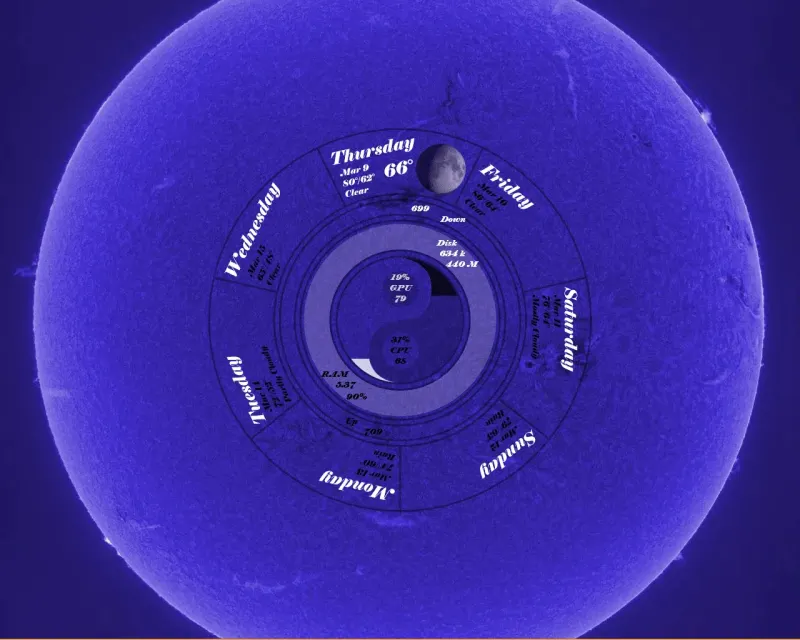
Eccentricity0 Rainmeter Skin
Eccentricity0 arranges hardware and network readings in a circular composition, using rings, arcs and a yin-yang image rather than conventional dashboard panels.
Skin
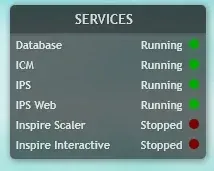
Service Monitor Rainmeter Skin
Service Monitor is a Rainmeter skin for watching selected Windows services rather than general CPU or memory readings.