Inspect / Rainmeter skin
Keystrokes Rainmeter Skin
Keystrokes displays keyboard activity in real time using either a compact movement-key layout or a full keyboard presentation.
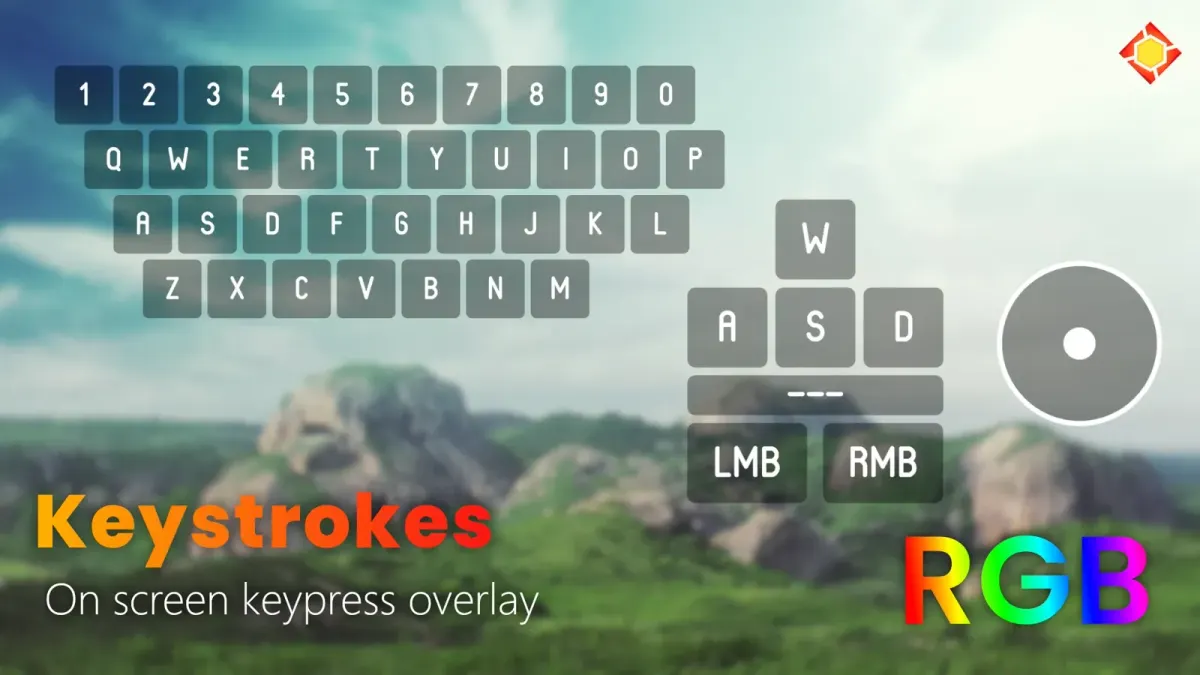
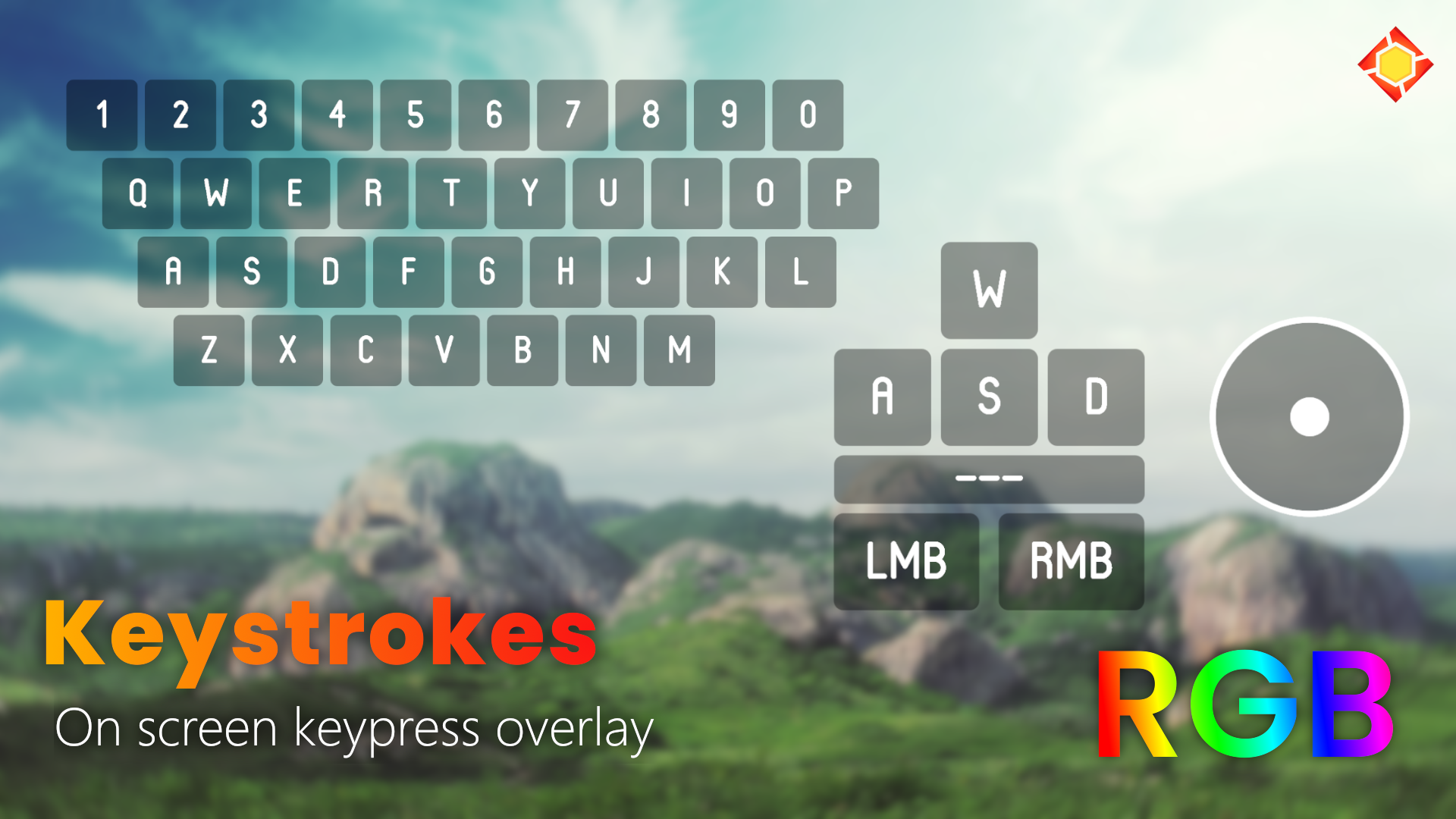
Keystrokes displays keyboard activity in real time using either a compact movement-key layout or a full keyboard presentation. Mouse-button and accelerometer displays can be toggled, while appearance settings include RGB Chroma. JaxCore provides its configuration interface, including hotkeys for hiding the display and changing whether it can be dragged.
What this skin includes
- Movements preset shows W, A, S, D and Spacebar.
- Fullboard preset displays the entire keyboard.
- Mouse buttons and mouse accelerometer can be toggled.
- Appearance settings include RGB Chroma.
- Supports visibility and draggability hotkeys.
Setup and limits
Install Rainmeter and JaxCore, then download and run the Keystrokes .rmskin from the official JaxCore site. Keep the default installation settings and complete the startup popup. Configure hotkeys under Core's Modules, Keystrokes, General tab, then deactivate and reactivate Keystrokes to refresh the changes.
Requires Rainmeter 4.5 or newer and JaxCore v40005. The source documents a mouse accelerometer display but does not establish support for external motion sensors. It describes on-screen keypress visualization, not recording, exporting or transmitting keystroke logs. Current Windows-build compatibility has not been independently verified; this research did not install or execute the skin.
Open creator source and setup instructions (source page, not a direct installer).
Creator and preview provenance
Created by Jax-Core. Creator source · Original source preview. Documentation preview published in Jax-Core/Keystrokes; credited to Jax-Core. Third-party wallpaper or imagery is not asserted included. Preview reproduction is owner-authorized with unverified reuse rights; this is not a creator license grant.
Related skins and installation
Read the Rainmeter installation guide. Compare Mond and Wisp. These are different works, not additional editions of this skin.
Similar skins
Alternatives in the same functional category, excluding this entry. Compare their source notes before choosing.
Skin
WLED Control for Rainmeter
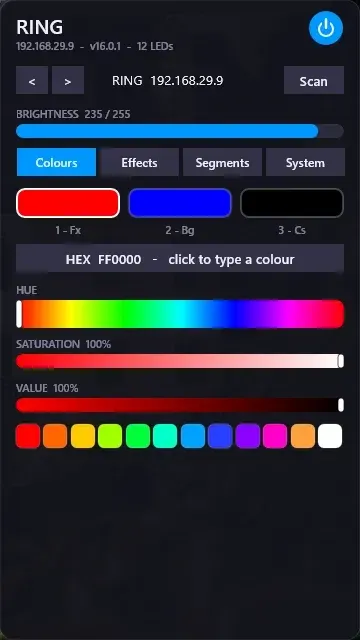
WLED Control puts lighting controls into a tabbed Rainmeter interface rather than a conventional desktop information widget.

Skin
Cryptocoins Widget for Rainmeter
Cryptocoins Widget is a Rainmeter cryptocurrency display fork with compact widget variations.

Skin
Minimal To-Do List Rainmeter Skin
Minimal To-Do List presents tasks in a dark Rainmeter widget with rounded corners and vector graphics.