Inspect / Rainmeter skin
HDD Usage Bars Rainmeter Skin
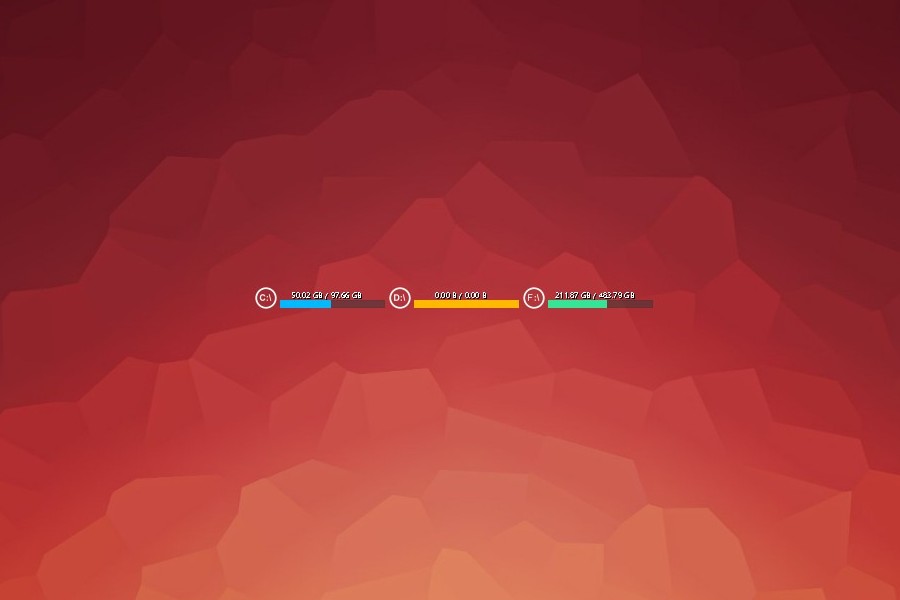
HDD Usage Bars is a Rainmeter storage display built around three horizontal bars on a plain background.
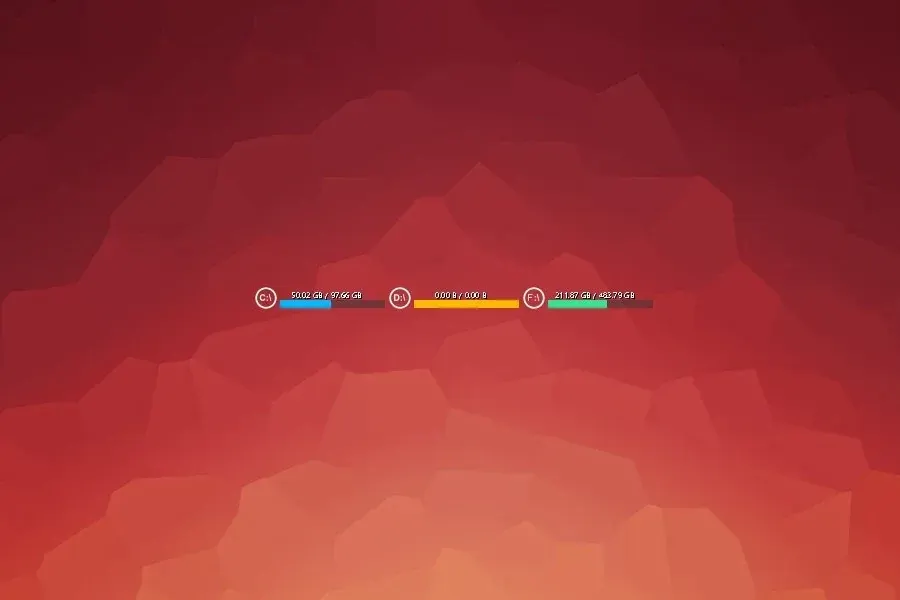
HDD Usage Bars is a Rainmeter storage display built around three horizontal bars on a plain background. The supplied description identifies C, D, and F as the displayed disks and associates the bars with free space or percentage usage rather than disk-transfer activity.
Source-listed appearance and features
The following details are reported by the source listing, not established by a DeskSpruce installation test.
- Created by JpotatoTL2D.
- Uses three horizontal bars.
- The described drives are C, D, and F.
- Shows disk free space or percentage usage.
Setup and limits
The directory lists hdd-usage-bars.rmskin. Follow the listed source instructions for installation; the source page must be checked for any drive-letter configuration, particularly if the described C, D, and F layout differs from your disks.
The description concerns storage capacity, not read/write speed or disk health. It does not establish whether drive letters can be changed or how missing listed drives are handled. Current Windows-build compatibility has not been independently verified; this research did not install or execute the skin.
Open source listing and package link (source page, not a direct installer).
Creator and preview provenance
Created by JpotatoTL2D. Source listing · Original source preview. Preview published by VisualSkins for HDD Usage Bars Rainmeter Skin, credited to JpotatoTL2D; wallpaper and other desktop items are not asserted to be included. Preview reproduction is owner-authorized with unverified reuse rights; this is not a creator license grant.
Related skins and installation
Read the Rainmeter installation guide. Compare System Information and SysDash. These are different works, not additional editions of this skin.
Similar skins
Alternatives in the same functional category, excluding this entry. Compare their source notes before choosing.
Skin
GalaxyS Rainmeter Skin
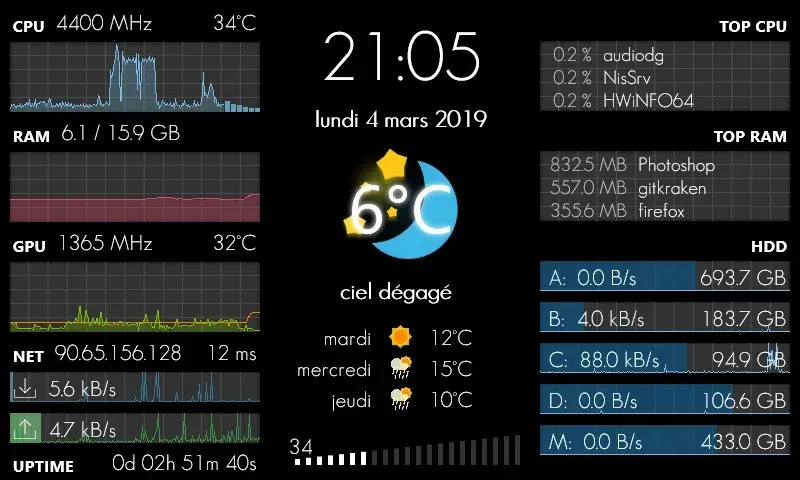
GalaxyS is a compact monitoring dashboard designed around an 800 × 480 screen, originally a Galaxy S used through AirDisplay.
Skin
Eccentricity0 Rainmeter Skin
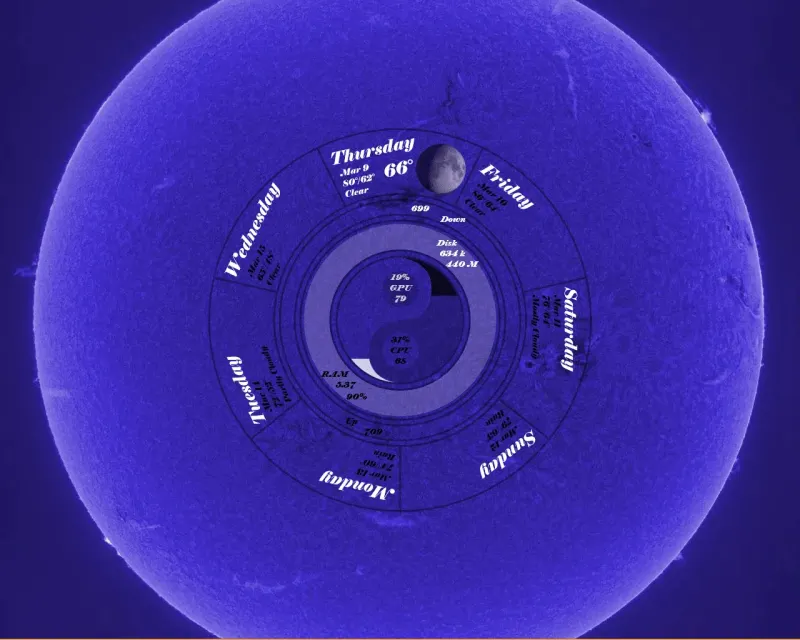
Eccentricity0 arranges hardware and network readings in a circular composition, using rings, arcs and a yin-yang image rather than conventional dashboard panels.
Skin
Service Monitor Rainmeter Skin
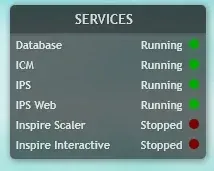
Service Monitor is a Rainmeter skin for watching selected Windows services rather than general CPU or memory readings.