Inspect / Rainmeter skin
Detailed System Monitor Rainmeter Skin
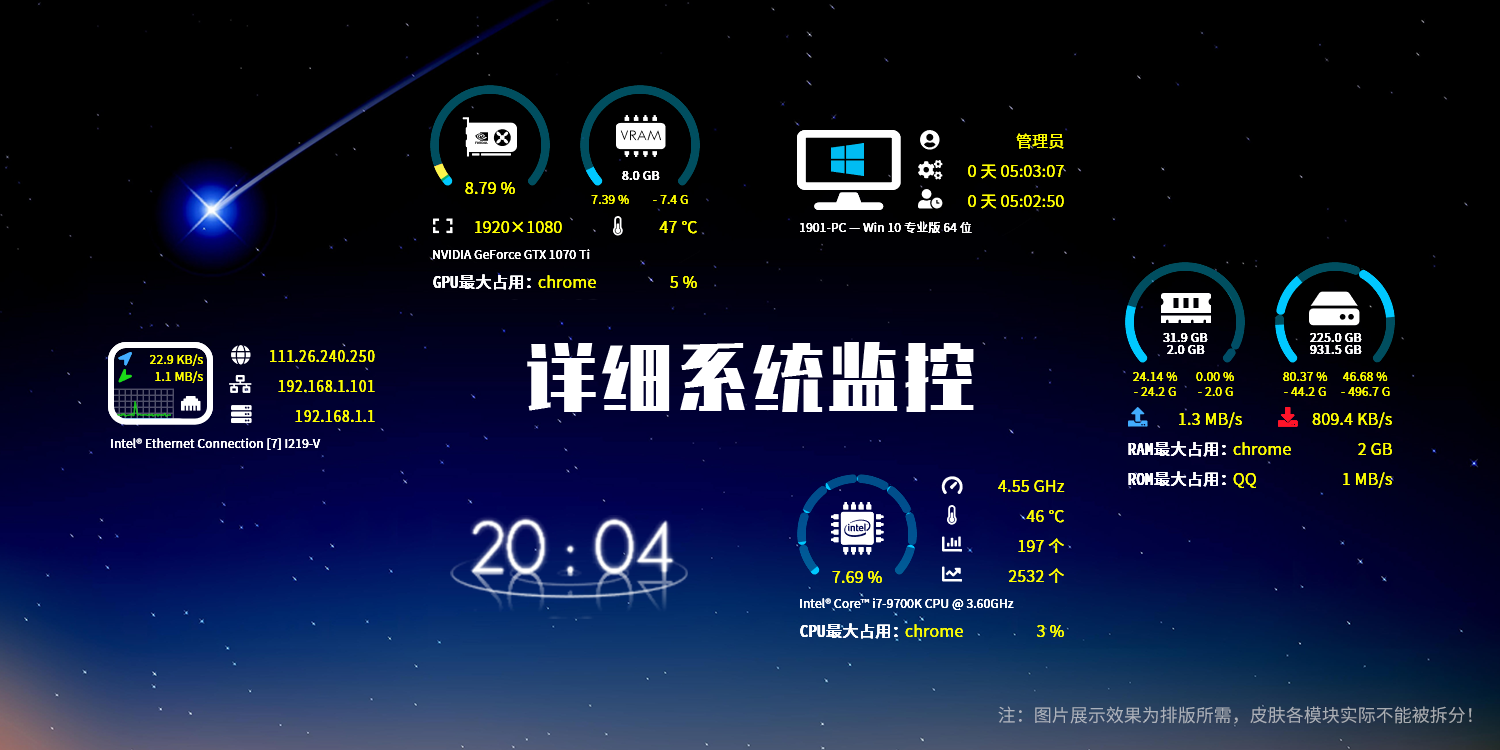
Detailed System Monitor brings network, CPU, GPU, memory and disk information together in an information-dense Rainmeter display.
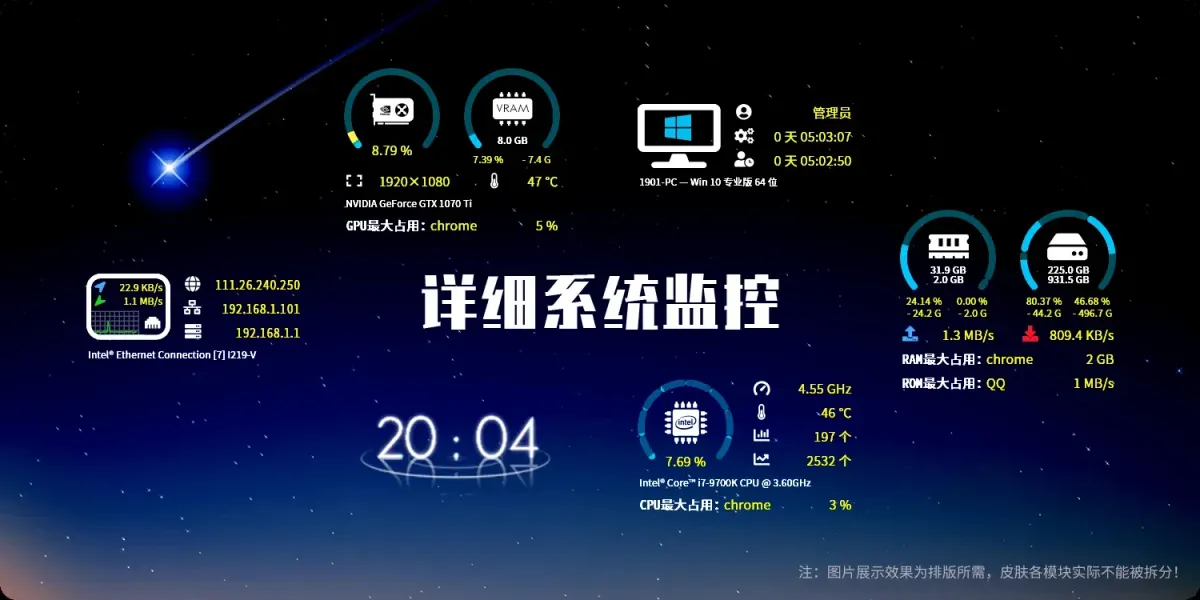
Detailed System Monitor brings network, CPU, GPU, memory and disk information together in an information-dense Rainmeter display. Its contents adapt to the system information available on the computer, while version 3.5 adds identification of the process with the highest TCP network usage through the NetworkMonitor plugin.
What this skin includes
- Monitors network, CPU, GPU, memory and disks.
- Version 3.5 adds TCP process monitoring through NetworkMonitor.
- Automatically limits displayed information to available readings.
- Official releases use .rmskin packages.
Setup and limits
Download the official .rmskin release and double-click it to install. Select the GPU plugin matching your hardware; the source specifies NvidiaGPU.dll for NVIDIA hardware and the corresponding AMD option for AMD. Deselect CPUTemp.dll on non-Intel platforms. Windows 7 users are instructed to install the linked font-fix patch.
Requires Rainmeter 4.5.1 r3540 and .NET Framework 4.5 or newer. Minimum display support starts at Windows 7 SP1; all functions require Windows 10 version 1709 or newer. CPU temperature requires administrator privileges. Some AMD integrated-GPU temperature readings additionally require CoreTemp running in the background. Current Windows-build compatibility has not been independently verified; this research did not install or execute the skin.
Open creator source and setup instructions (source page, not a direct installer).
Creator and preview provenance
Created by Lssg97. Creator source · Original source preview. Documentation preview published in Lssg97/DetailedSystemMonitor; credited to Lssg97. Third-party wallpaper or imagery is not asserted included. Preview reproduction is owner-authorized with unverified reuse rights; this is not a creator license grant.
Source license or licensing statement; check the scope and any more specific notices before reuse.
Related skins and installation
Read the Rainmeter installation guide. Compare System Information and SysDash. These are different works, not additional editions of this skin.
Similar skins
Alternatives in the same functional category, excluding this entry. Compare their source notes before choosing.
Skin
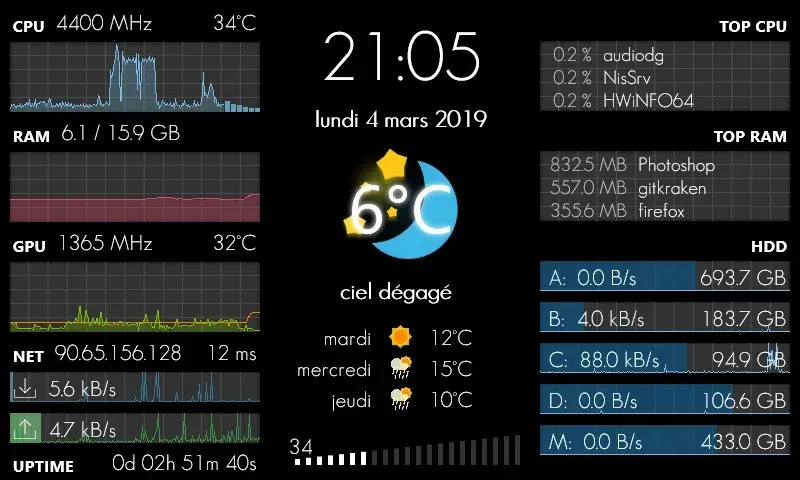
GalaxyS Rainmeter Skin
GalaxyS is a compact monitoring dashboard designed around an 800 × 480 screen, originally a Galaxy S used through AirDisplay.
Skin
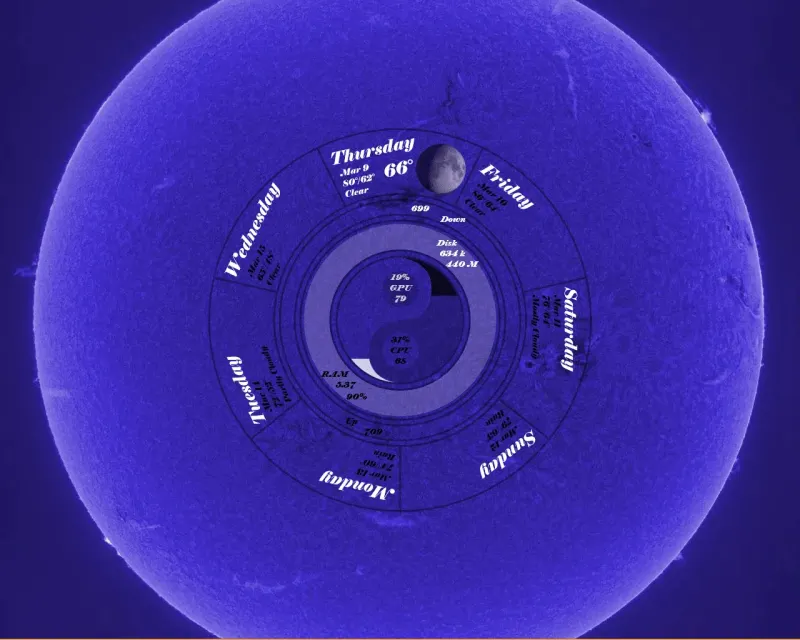
Eccentricity0 Rainmeter Skin
Eccentricity0 arranges hardware and network readings in a circular composition, using rings, arcs and a yin-yang image rather than conventional dashboard panels.
Skin
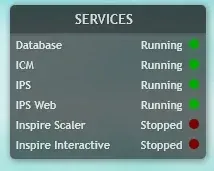
Service Monitor Rainmeter Skin
Service Monitor is a Rainmeter skin for watching selected Windows services rather than general CPU or memory readings.