Inspect / Rainmeter skin
Crypto Coins Rainmeter Skin
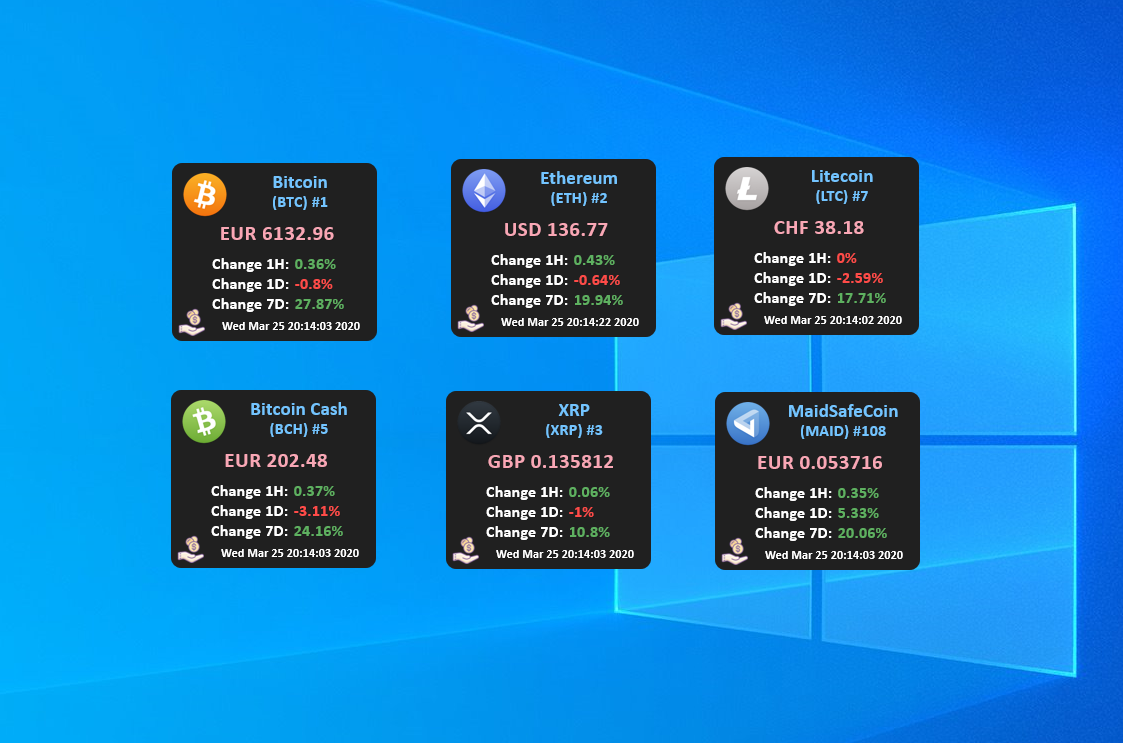
Crypto Coins displays cryptocurrency prices and daily percentage changes as individual Rainmeter desklets.

Crypto Coins displays cryptocurrency prices and daily percentage changes as individual Rainmeter desklets. Several coins are preconfigured, and additional desklets can be created by copying a coin folder and changing its settings. CoinMarketCap supplies the data, while bundled coin icons provide a visual identifier for each configured currency.
What this skin includes
- Displays coin prices and daily percentage changes.
- Uses the CoinMarketCap PRO API with a user-supplied key.
- Includes more than 470 coin icons according to the source.
- Supports CoinSymbol or a specific CoinID.
- Quote currency is configurable through the Currency setting.
Setup and limits
Download the latest .rmskin release, double-click it and choose Install. In Rainmeter Manage, load pbojan → CryptoCoins → Bitcoin → Bitcoin.ini. Right-click the desklet, choose Edit Skin and replace YOUR_API_KEY with your CoinMarketCap key. Repeat the API-key configuration for additional loaded desklets.
Requires Rainmeter 4.5 or newer and a CoinMarketCap API key; the source describes obtaining one through a free-tier account. Use of the PRO API does not establish that a paid subscription is mandatory. Available data depends on the service, and missing coin icons must be added separately. Current Windows-build compatibility has not been independently verified; this research did not install or execute the skin.
Open creator source and setup instructions (source page, not a direct installer).
Creator and preview provenance
Created by pbojan. Creator source · Original source preview. Documentation preview published in pbojan/cryptocoins-desklet-windows; credited to pbojan. Third-party wallpaper or imagery is not asserted included. Preview reproduction is owner-authorized with unverified reuse rights; this is not a creator license grant.
Source license or licensing statement; check the scope and any more specific notices before reuse.
Related skins and installation
Read the Rainmeter installation guide. Compare Mond and Wisp. These are different works, not additional editions of this skin.
Similar skins
Alternatives in the same functional category, excluding this entry. Compare their source notes before choosing.
Skin
WLED Control for Rainmeter
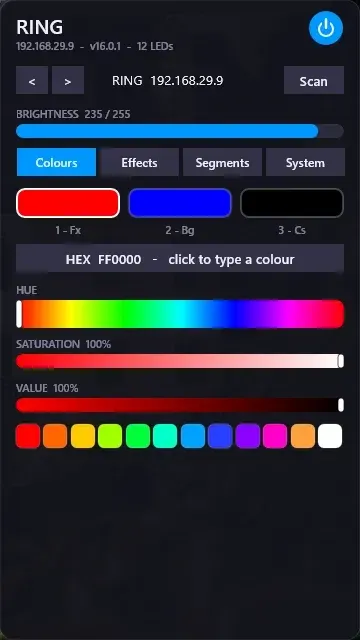
WLED Control puts lighting controls into a tabbed Rainmeter interface rather than a conventional desktop information widget.

Skin
Cryptocoins Widget for Rainmeter
Cryptocoins Widget is a Rainmeter cryptocurrency display fork with compact widget variations.

Skin
Minimal To-Do List Rainmeter Skin
Minimal To-Do List presents tasks in a dark Rainmeter widget with rounded corners and vector graphics.