Inspect / Rainmeter skin
Circular Equilaizer Rainmeter Skin
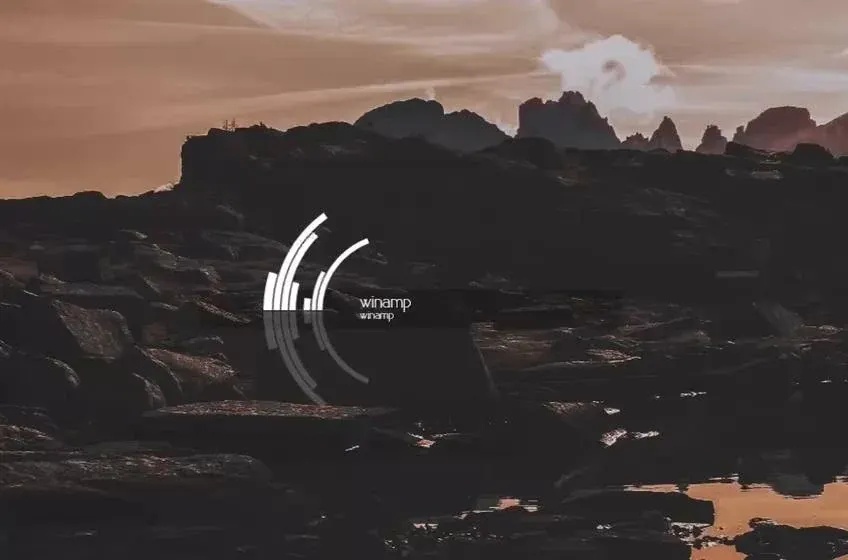
Circular Equilaizer uses a maze-like circular bar pattern with a line through the center.
Download Circular Equilaizer (.rmskin)
- Creator credited by source
- HipHopium
- Package
- circular-equilaizer.rmskin
- Requires
- Rainmeter; exact minimum version not established here
What to expect
Circular Equilaizer uses a maze-like circular bar pattern with a line through the center. The geometric structure makes it a more deliberate centerpiece than a conventional equalizer rail.
Choosing and configuring it
The distributor describes switching the circle and bar between black and white. That reversal is useful to compare against the wallpaper behind it; it is not evidence for arbitrary color controls or extra downloadable editions.
Requirements and limits
The source does not name the audio-input plugin or a tested Rainmeter release. Package access has been checked, but audio response and compatibility have not.
Use the Rainmeter installation guide for the .rmskin method. After loading the skin, change only controls the creator documents; see customization and layout backups.
Source and preview
Facts and the existing preview come from the Circular Equilaizer source listing, which credits HipHopium. The preview may contain wallpaper or other desktop elements outside the skin. Link availability is not an installation, security or license certification.
Compare alternatives
Similar skins
Alternatives in the same functional category, excluding this entry. Compare their source notes before choosing.

Skin
Metallic Colour Filler Rainmeter Skin
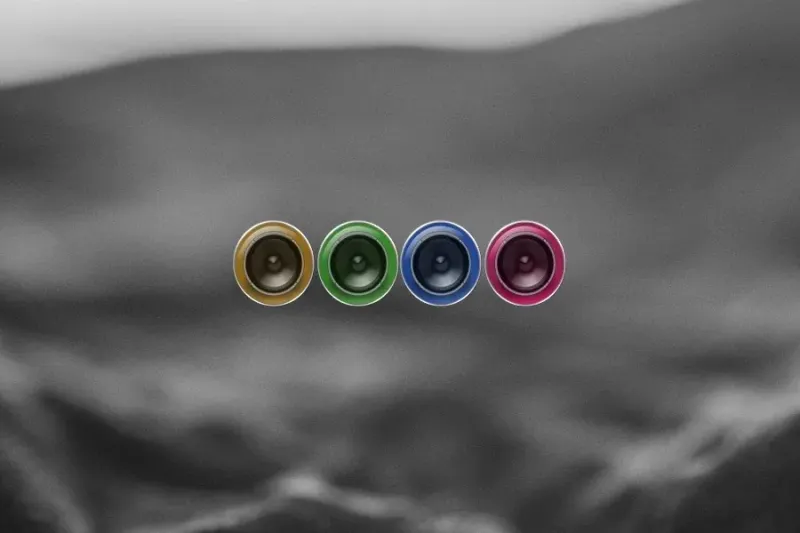
Metallic knob-like shapes with glass-cylinder surrounds fill with colors as sound plays.
Skin
ColourFiller Rainmeter Skin
Four circular displays fill with changing colors in response to sound; the source lists layout and individual-color choices.

Skin
Monstercat Visualizer Rainmeter Skin
A live audio-output display with source-listed color/font settings, album/genre colors, media controls, progress and a hide-when-player-stops option.