Inspect / Rainmeter skin
ChromeMeter Rainmeter Skin
ChromeMeter is a Chromecast-inspired Rainmeter skin with a settings interface for location and screen dimensions.
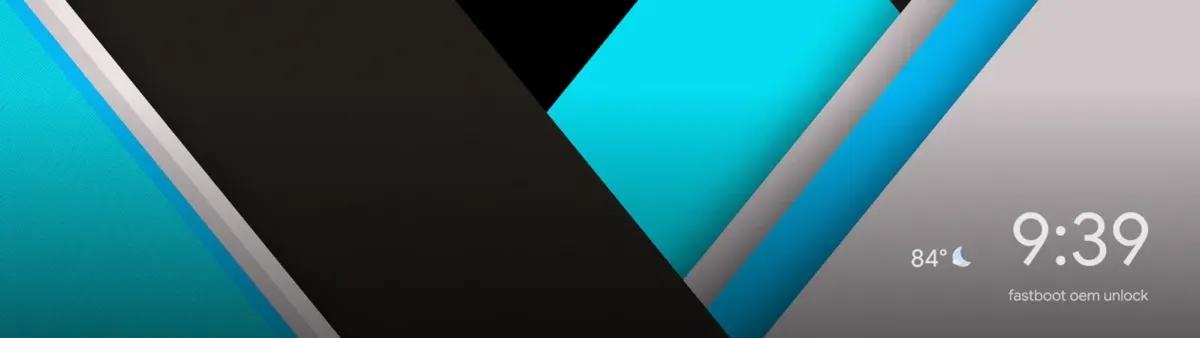
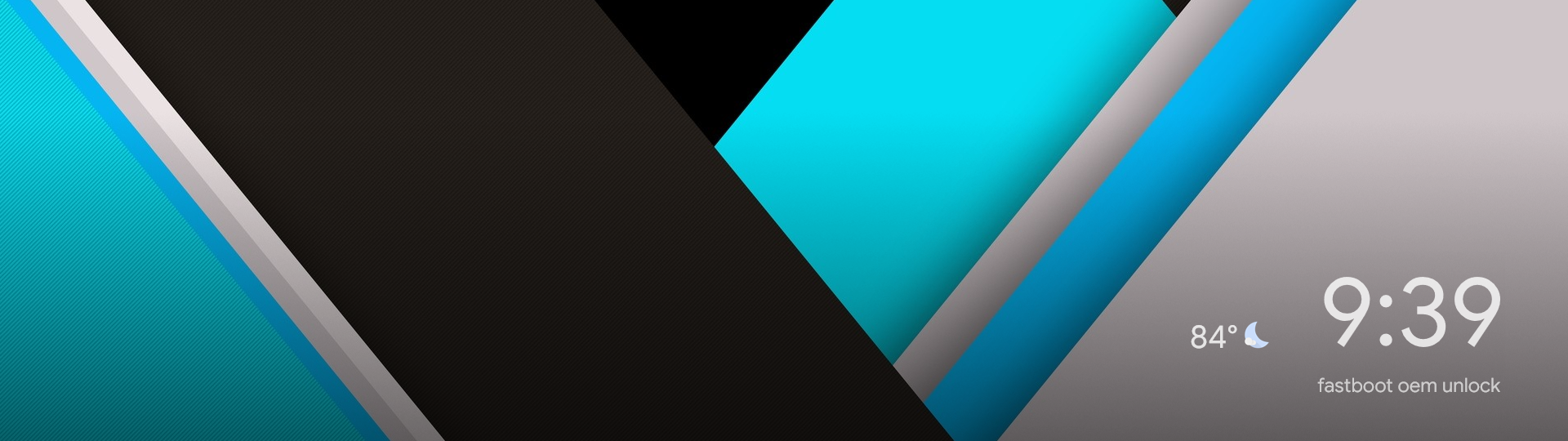
ChromeMeter is a Chromecast-inspired Rainmeter skin with a settings interface for location and screen dimensions. The source describes layouts optimized for 1080p and 1440p displays and weather retrieved from OpenWeatherMap, while noting that the wallpaper shown in its screenshot is not included.
What this skin includes
- Draws visual inspiration from Chromecast.
- Targets 1080p and 1440p displays.
- Settings accept latitude and longitude.
- Screen dimensions are entered through settings.
- Weather uses the OpenWeatherMap API.
- The screenshot wallpaper is not included.
Setup and limits
Clone the repository into your Rainmeter Skin directory, as recommended by the source, or download the RMSkin package from Releases. Open settings, enter latitude and longitude, and press Enter to apply. Enter screen dimensions and press Enter again. An alternative API key goes in @Resources/Variables.inc.
Weather uses the author’s personal OpenWeatherMap key by default; the Key entry can be replaced with your own. The supplied evidence does not establish that key’s current availability. Display optimization is documented only for 1080p and 1440p. Current Windows-build compatibility has not been independently verified; this research did not install or execute the skin.
Open creator source and setup instructions (source page, not a direct installer).
Creator and preview provenance
Created by rdivanji. Creator source · Original source preview. Creator/source documentation preview from rdivanji/ChromeMeter. Background artwork or third-party content in the image is not asserted to be included. Preview reproduction is owner-authorized with unverified reuse rights; this is not a creator license grant.
Related skins and installation
Read the Rainmeter installation guide. Compare Mond and Wisp. These are different works, not additional editions of this skin.
Similar skins
Alternatives in the same functional category, excluding this entry. Compare their source notes before choosing.
Skin
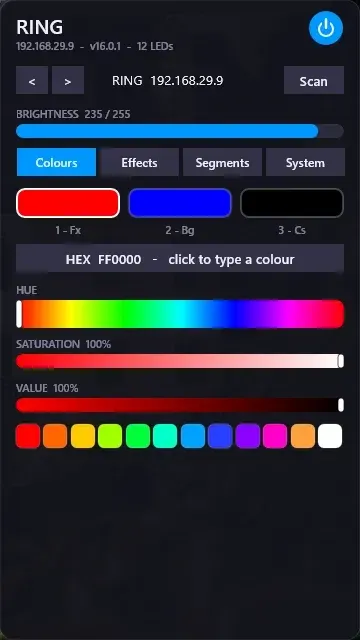
WLED Control for Rainmeter
WLED Control puts lighting controls into a tabbed Rainmeter interface rather than a conventional desktop information widget.
Skin
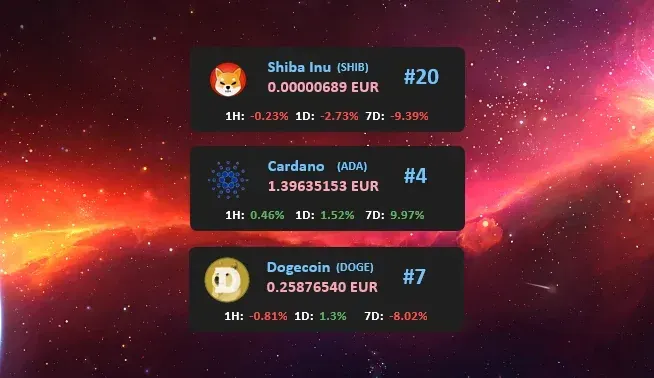
Cryptocoins Widget for Rainmeter
Cryptocoins Widget is a Rainmeter cryptocurrency display fork with compact widget variations.

Skin
Minimal To-Do List Rainmeter Skin
Minimal To-Do List presents tasks in a dark Rainmeter widget with rounded corners and vector graphics.