Inspect / Rainmeter skin
chaRm Rainmeter Skin
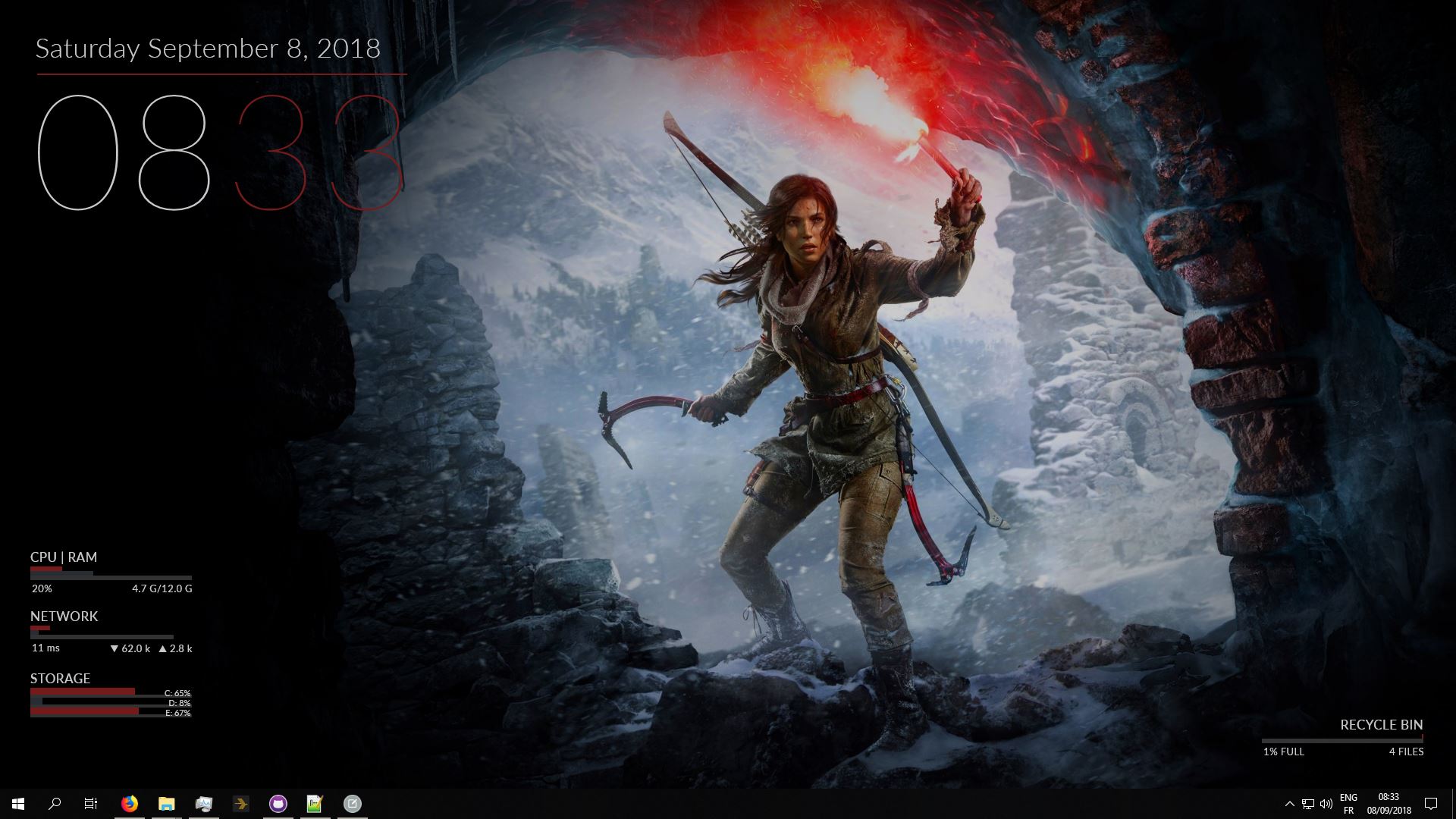
chaRm combines desktop information widgets with colors drawn from the wallpaper and layouts that respond to resolution changes.
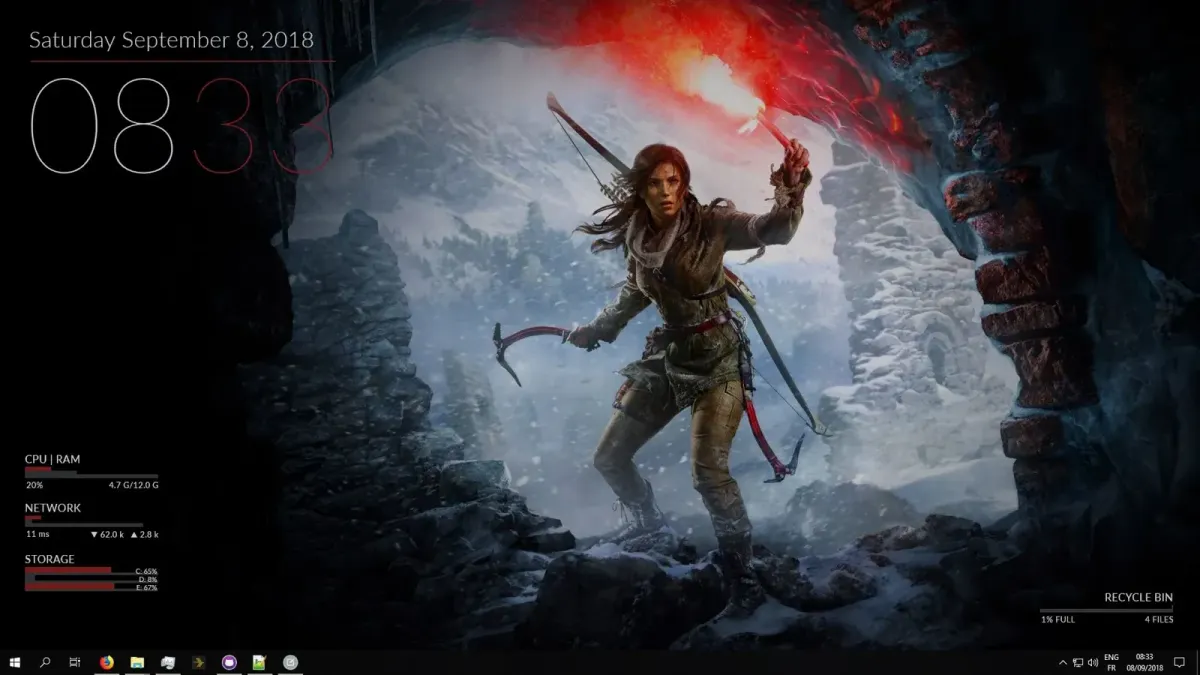
chaRm combines desktop information widgets with colors drawn from the wallpaper and layouts that respond to resolution changes. Its storage and recycle-bin components include mouse interactions, while monitored values can trigger alert colors. Wallpaper-driven fading transitions give the collection a changing appearance.
What this skin includes
- Uses the third-party Chameleon plugin to extract wallpaper highlight colors.
- Storage lists connected drives dynamically through DriveList, with support for up to nine drives.
- Hovering over storage bars reveals drive names and capacity details.
- Clicking a storage bar opens that drive in File Explorer.
- Double-clicking the recycle-bin skin empties the bin.
Setup and limits
The supplied installation section is marked for updating and gives no installation procedure. Check the source page for setup instructions before installing or configuring chaRm. The evidence identifies Chameleon and DriveList as used plugins but does not explain how to install them.
Reported testing covers 4:3 through 16:9 displays and resolutions from 800×600 to 1920×1080. Contrasting wallpaper regions or matching highlight colors can make text or skin elements difficult to see. Wallpaper adaptation and dynamic drive listing depend on third-party plugins. Current Windows-build compatibility has not been independently verified; this research did not install or execute the skin.
Open creator source and setup instructions (source page, not a direct installer).
Creator and preview provenance
Created by RedEcho. Creator source · Original source preview. Creator/source documentation preview from RedEcho/chaRm. Background artwork or third-party content in the image is not asserted to be included. Preview reproduction is owner-authorized with unverified reuse rights; this is not a creator license grant.
Source license or licensing statement; check the scope and any more specific notices before reuse.
Related skins and installation
Read the Rainmeter installation guide. Compare Mond and Wisp. These are different works, not additional editions of this skin.
Similar skins
Alternatives in the same functional category, excluding this entry. Compare their source notes before choosing.
Skin
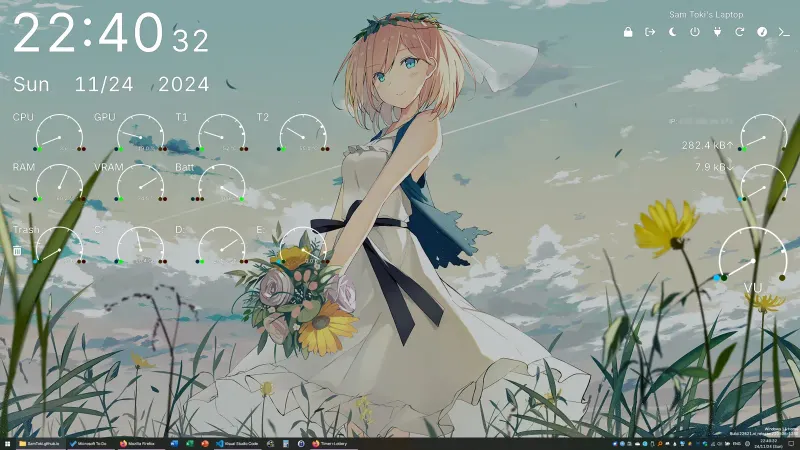
Candy Rainmeter Skin Pack
Candy Rainmeter Skin Pack combines minimalist desktop decoration with floating monitoring widgets.
Skin
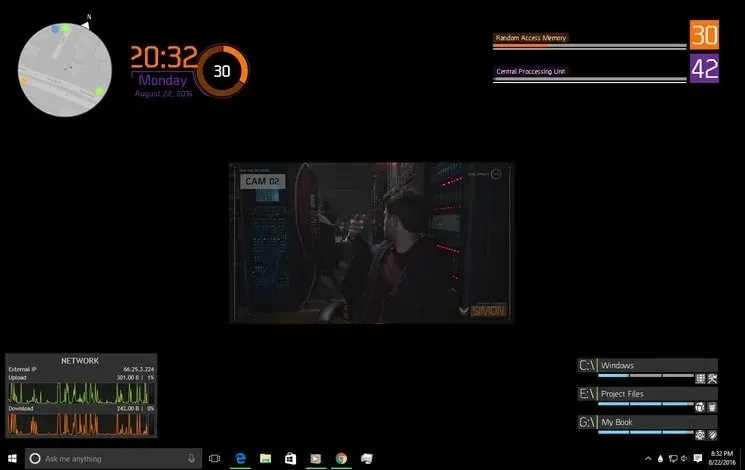
The Division Rainmeter Skin
The Division brings a desktop interface inspired by Tom Clancy's The Division into Rainmeter, pairing system readouts with a game launcher and clock.
Skin
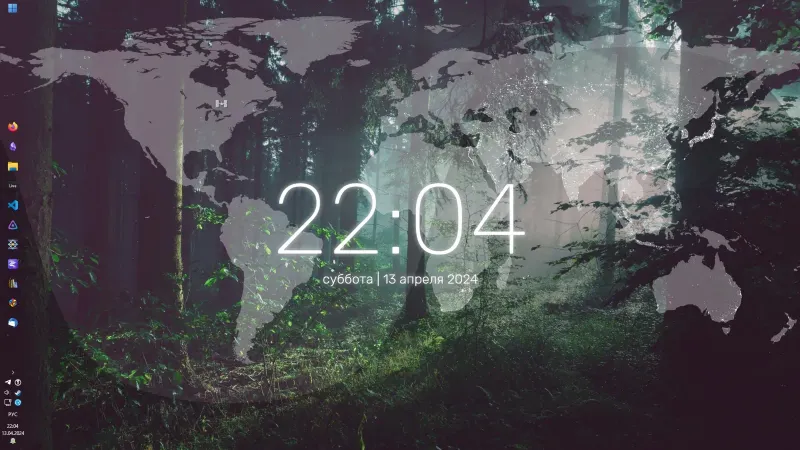
Simple Lines Rainmeter Suite
Simple Lines combines clocks, a calendar, system readings, and a world map with an ISS position marker and day–night boundary.