Inspect / Rainmeter skin
Back to the Basics Rainmeter Skin
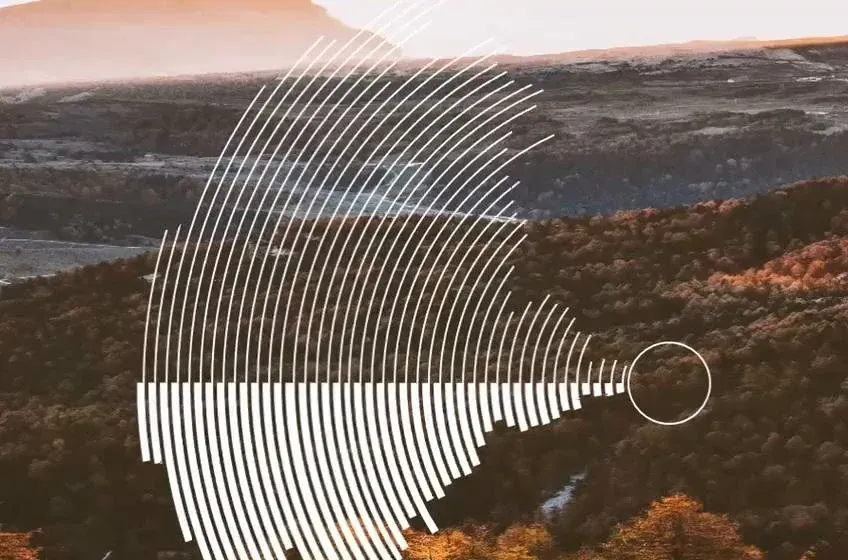
Back to the Basics combines a circular visualizer with hardware-monitoring bars.
Download Back to the Basics (.rmskin)
- Creator credited by source
- JTMote
- Package
- back-to-the-basics.rmskin
- Requires
- Rainmeter; exact minimum version not established here
What to expect
Back to the Basics combines a circular visualizer with hardware-monitoring bars. The listing explicitly mentions CPU use and temperature, GPU use, VRAM use and temperature, and GPU fan speed.
Choosing and configuring it
This is not a visualizer-only package: the source names HWiNFO and stereo mix, and describes a layout designed for a 1440p screen with movable circular and monitoring sections. Check that those dependencies and the available desktop space suit your setup before choosing it.
Requirements and limits
Sensor names and access can vary with hardware and HWiNFO configuration. We have not checked current HWiNFO integration, sensor IDs or the sound-input path; the source description is not a guarantee that all readings will populate.
Use the Rainmeter installation guide for the .rmskin method. After loading the skin, change only controls the creator documents; see customization and layout backups.
Source and preview
Facts and the existing preview come from the Back to the Basics source listing, which credits JTMote. The preview may contain wallpaper or other desktop elements outside the skin. Link availability is not an installation, security or license certification.
Compare alternatives
Similar skins
Alternatives in the same functional category, excluding this entry. Compare their source notes before choosing.
Skin
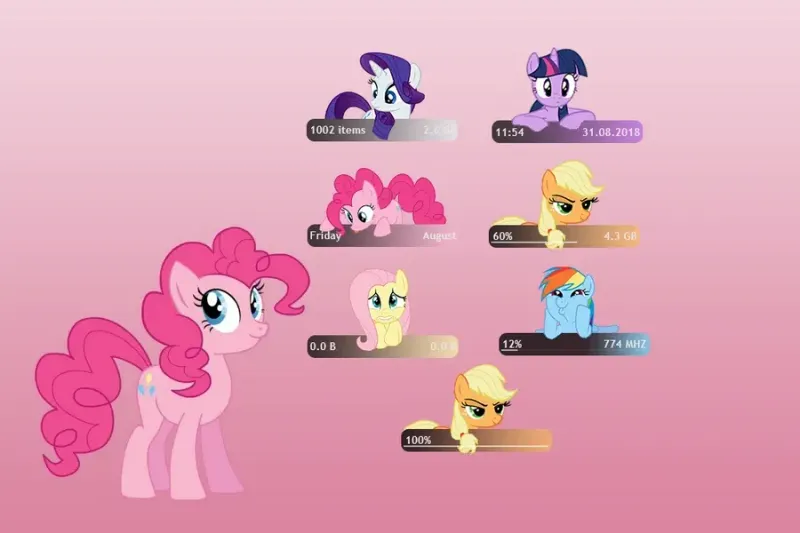
Pony Meter Rainmeter Skin
My Little Pony character-themed panels divide time/date, RAM, network, drives, battery and recycle-bin status among the illustrated widgets.
Skin
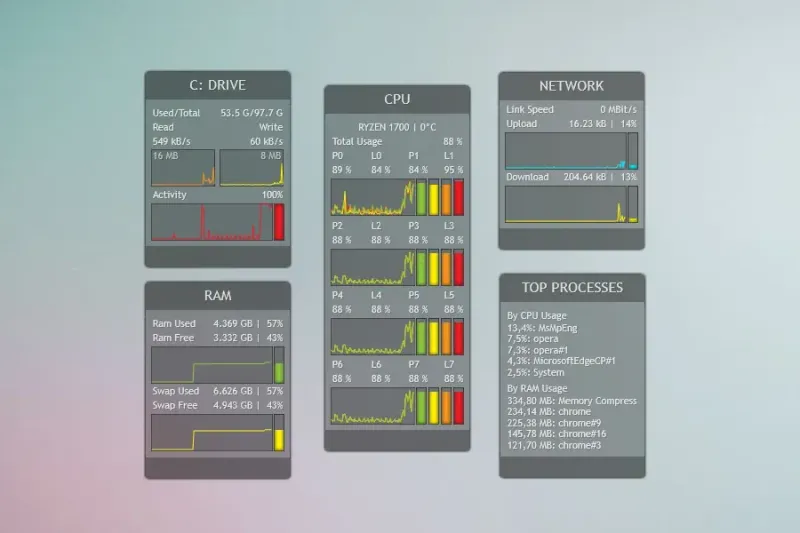
System Information Rainmeter Skin
Panels with text, histograms and graphs show drive space, CPU activity, used/free RAM and network download/upload rates.
Skin
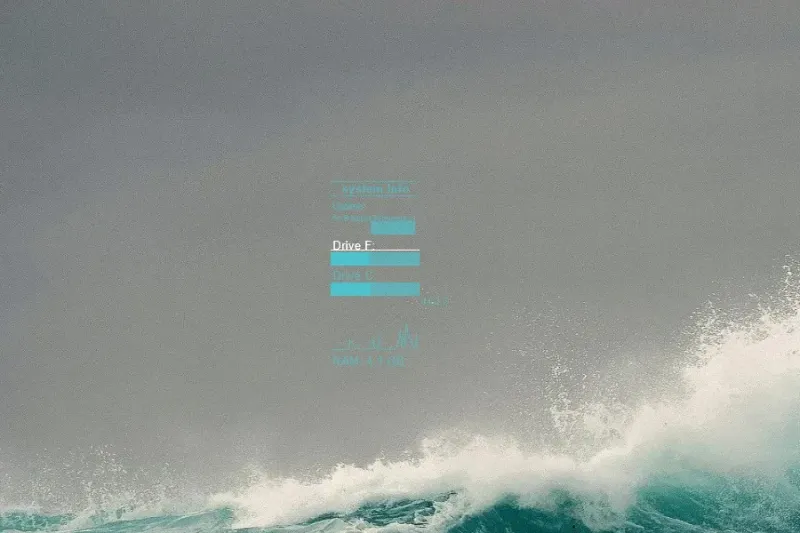
System Info Rainmeter Skin
Text, bars and histograms show system uptime, RAM and source-configured F- and C-drive space.