Inspect / Rainmeter skin
Awesome Rainmeter Topbar
Awesome is a customizable Windows topbar that combines desktop status information, application switching and controls.

Awesome is a customizable Windows topbar that combines desktop status information, application switching and controls. Its appearance can follow wallpaper colors, use a fixed palette or blend with a maximized window's titlebar. Settings and theme files expose different levels of control over the bar's layout and visual treatment.
What this skin includes
- Includes weather temperature and forecast displays.
- DesktopColors derives colors from the wallpaper.
- App menu switches between open applications.
- Network module shows local and external IP addresses.
- Theme files can change module order, shapes, fonts and icons.
Setup and limits
Install the listed requirements, then download and run the RMSkin release file. If installation does not start the skin, load Awesome through Rainmeter. Load the settings skin for visual configuration, or create a theme file under awesome/@Resources/themes to customize colors, fonts, shapes and module order.
Requires Rainmeter 4.3 or later and ImageMagick. Media controls depend on a compatible player. The supplied page does not identify weather or mail service requirements. Pushbullet integration, a calendar and a folder browser appear under future updates and are not documented as available features. Current Windows-build compatibility has not been independently verified; this research did not install or execute the skin.
Open creator source and setup instructions (source page, not a direct installer).
Creator and preview provenance
Created by nodgear. Creator source · Original source preview. Documentation preview published in nodgear/Awesome; credited to nodgear. Third-party wallpaper or imagery is not asserted included. Preview reproduction is owner-authorized with unverified reuse rights; this is not a creator license grant.
Related skins and installation
Read the Rainmeter installation guide. Compare Mond and Wisp. These are different works, not additional editions of this skin.
Similar skins
Alternatives in the same functional category, excluding this entry. Compare their source notes before choosing.
Skin
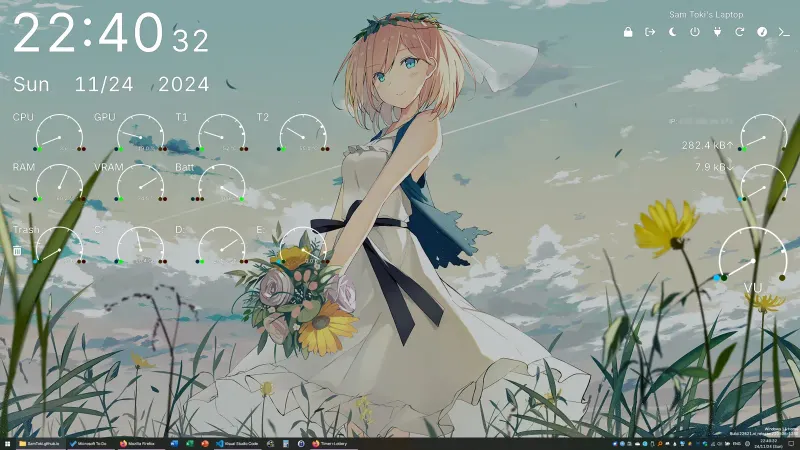
Candy Rainmeter Skin Pack
Candy Rainmeter Skin Pack combines minimalist desktop decoration with floating monitoring widgets.
Skin
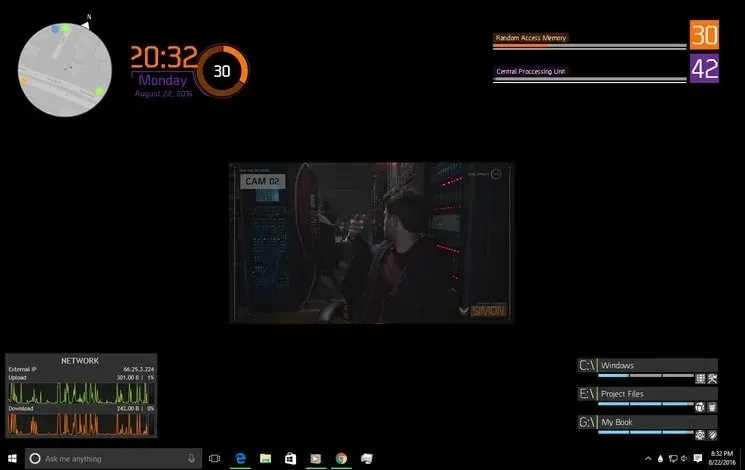
The Division Rainmeter Skin
The Division brings a desktop interface inspired by Tom Clancy's The Division into Rainmeter, pairing system readouts with a game launcher and clock.

Skin
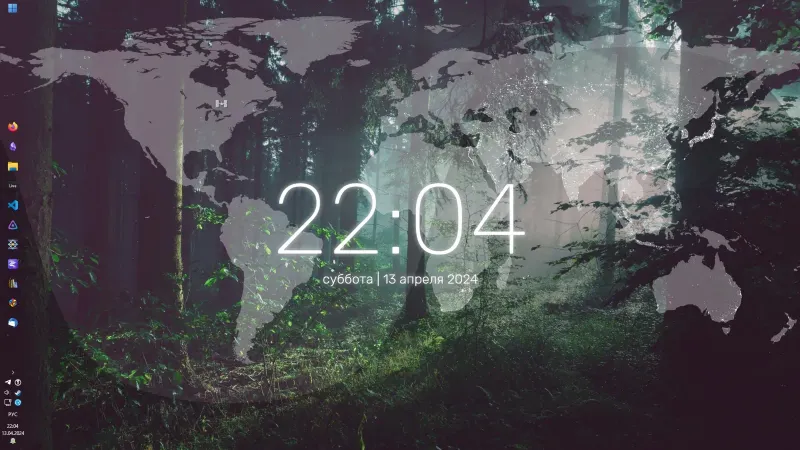
Simple Lines Rainmeter Suite
Simple Lines combines clocks, a calendar, system readings, and a world map with an ISS position marker and day–night boundary.