Inspect / Rainmeter skin
Amartha Rainmeter Skin
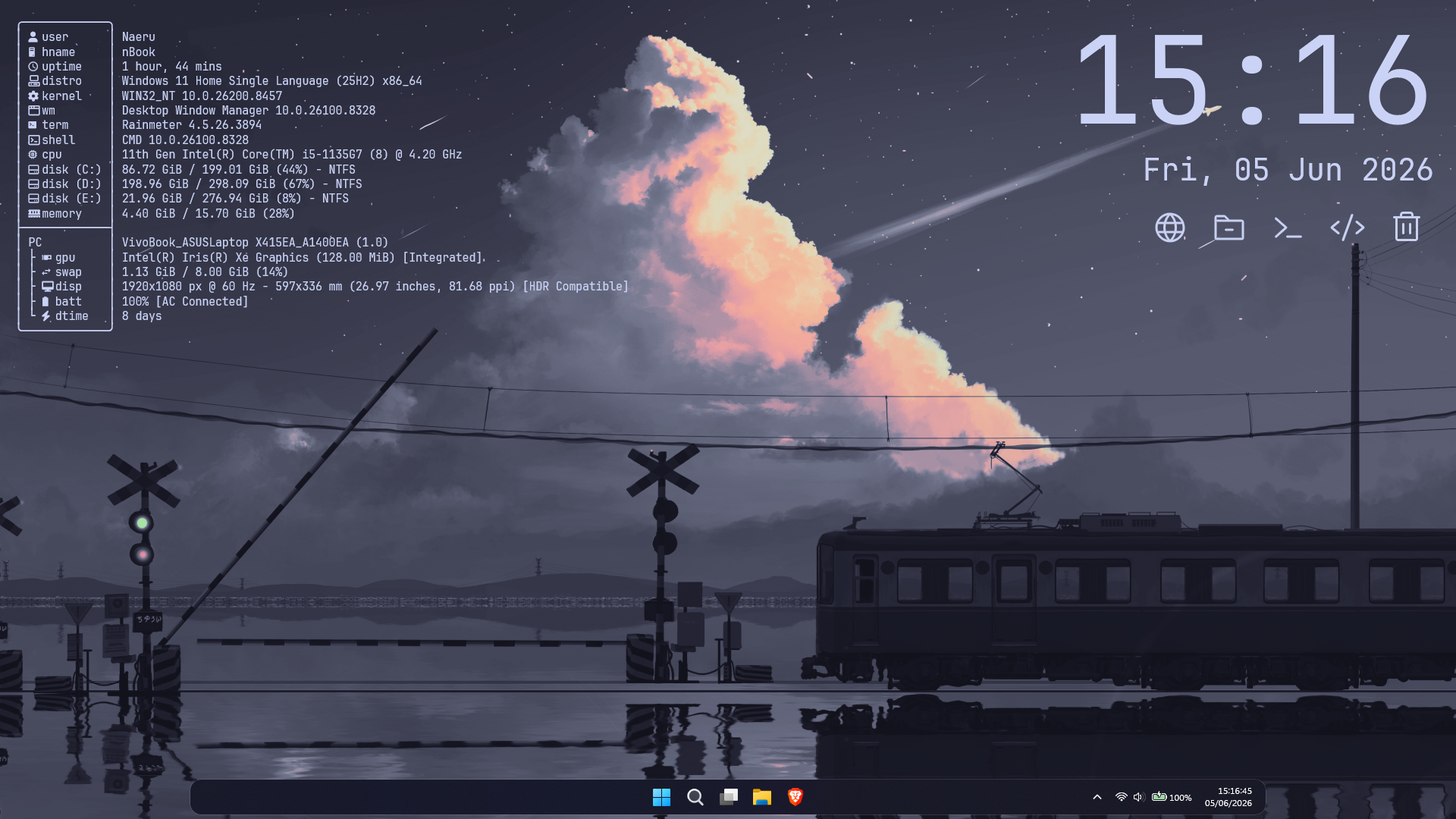
Amartha combines a Fastfetch-based system profile, a time-and-date clock and an application dock in one Rainmeter project.
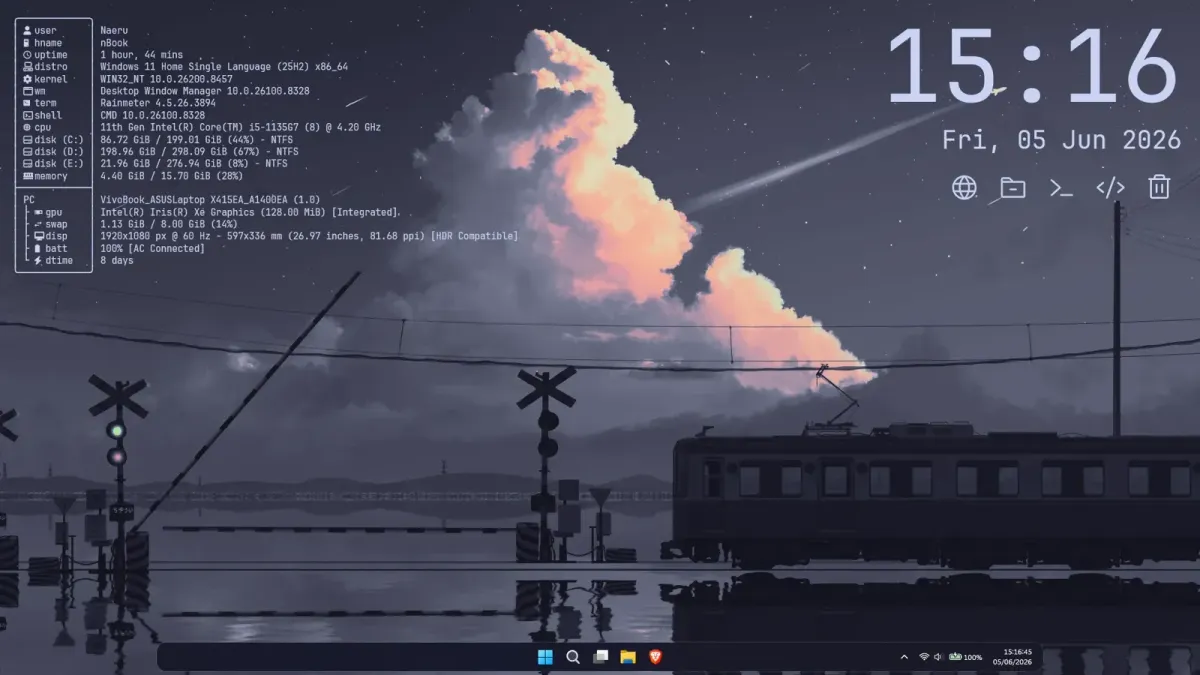
Amartha combines a Fastfetch-based system profile, a time-and-date clock and an application dock in one Rainmeter project. Its dock uses minimal Phosphor icons, with default shortcuts for common desktop destinations. Configuration files let users change the dock targets and point the profile component to a chosen Fastfetch setup.
What this skin includes
- System profile uses Fastfetch.
- Clock displays time and date.
- Dock uses Phosphor icons.
- Default targets include the browser, File Explorer and Windows Terminal.
- Dock.ini controls launcher targets.
- Default font is JetBrainsMonoNL Nerd Font.
Setup and limits
Download or clone the repository and extract its contents into your Rainmeter skins folder. Install Fastfetch, then run fastfetch --gen-config. Optionally replace the generated configuration with the supplied config.jsonc. Adjust FastfetchConfigPath in Variables.inc if needed. Install JetBrainsMonoNL Nerd Font, or specify another installed font in Variables.inc.
The system profile depends on Fastfetch and its configuration path; the documented typography uses a Nerd Font. The matching wallpaper and Windhawk taskbar styling are optional desktop extras, not established Rainmeter components. Default dock targets may need editing in Dock.ini for a different setup. Current Windows-build compatibility has not been independently verified; this research did not install or execute the skin.
Open creator source and setup instructions (source page, not a direct installer).
Creator and preview provenance
Created by nathanaeru. Creator source · Original source preview. Documentation preview published in nathanaeru/amartha; credited to nathanaeru. Third-party wallpaper or imagery is not asserted included. Preview reproduction is owner-authorized with unverified reuse rights; this is not a creator license grant.
Source license or licensing statement; check the scope and any more specific notices before reuse.
Related skins and installation
Read the Rainmeter installation guide. Compare Mond and Wisp. These are different works, not additional editions of this skin.
Similar skins
Alternatives in the same functional category, excluding this entry. Compare their source notes before choosing.
Skin
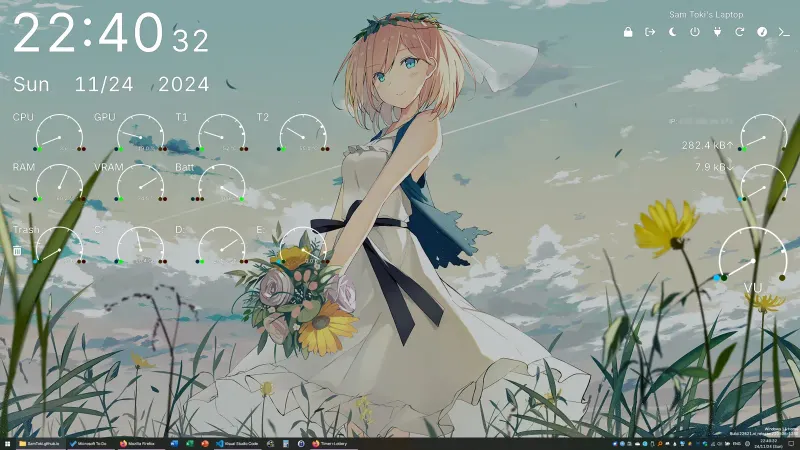
Candy Rainmeter Skin Pack
Candy Rainmeter Skin Pack combines minimalist desktop decoration with floating monitoring widgets.
Skin
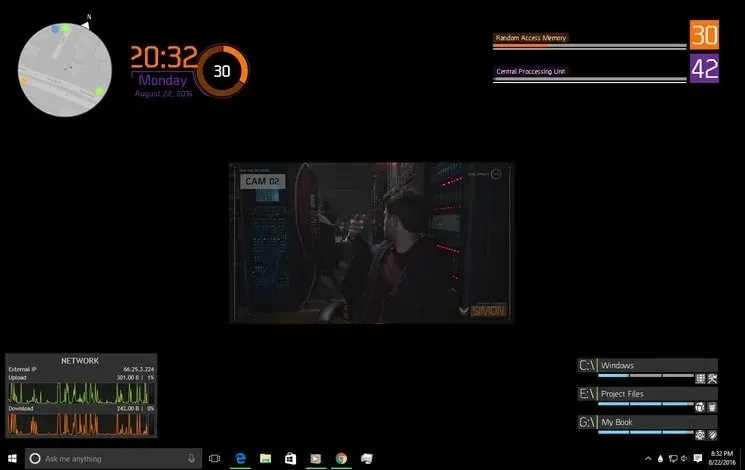
The Division Rainmeter Skin
The Division brings a desktop interface inspired by Tom Clancy's The Division into Rainmeter, pairing system readouts with a game launcher and clock.
Skin
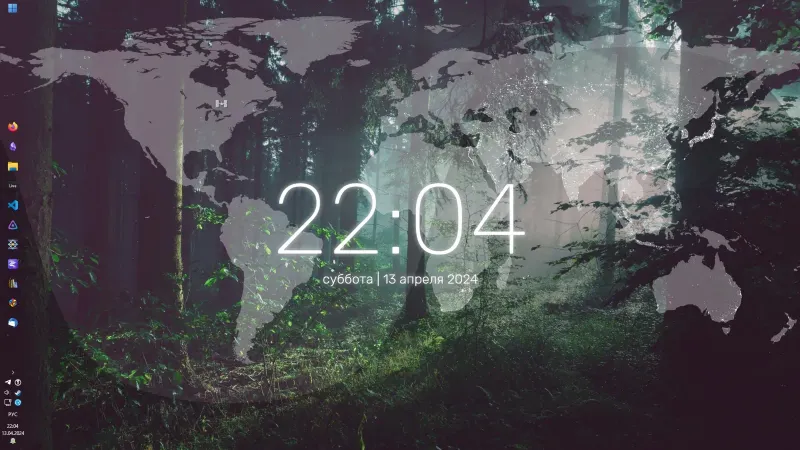
Simple Lines Rainmeter Suite
Simple Lines combines clocks, a calendar, system readings, and a world map with an ISS position marker and day–night boundary.