Inspect / Rainmeter skin
Amarena Rainmeter Skin
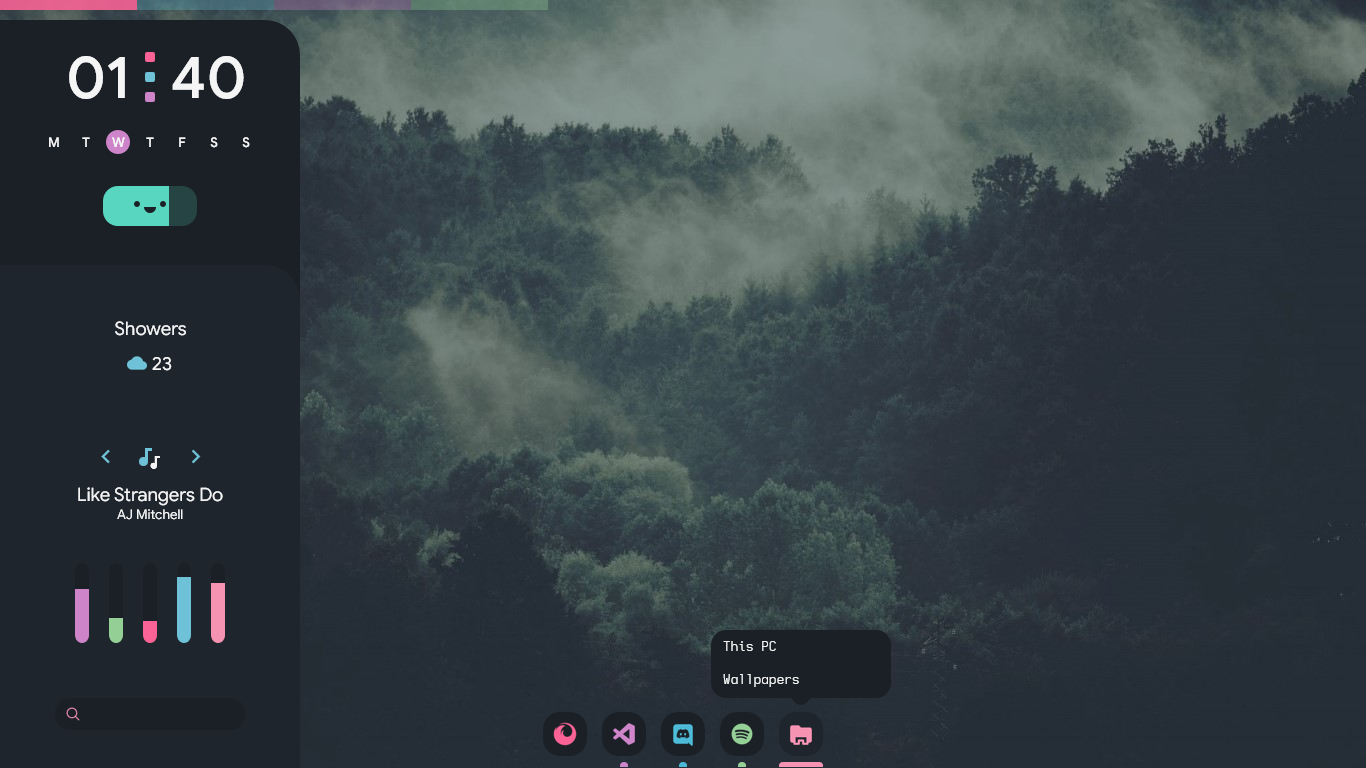
Amarena adapts elenapan's Linux theme into a Rainmeter suite for Windows.
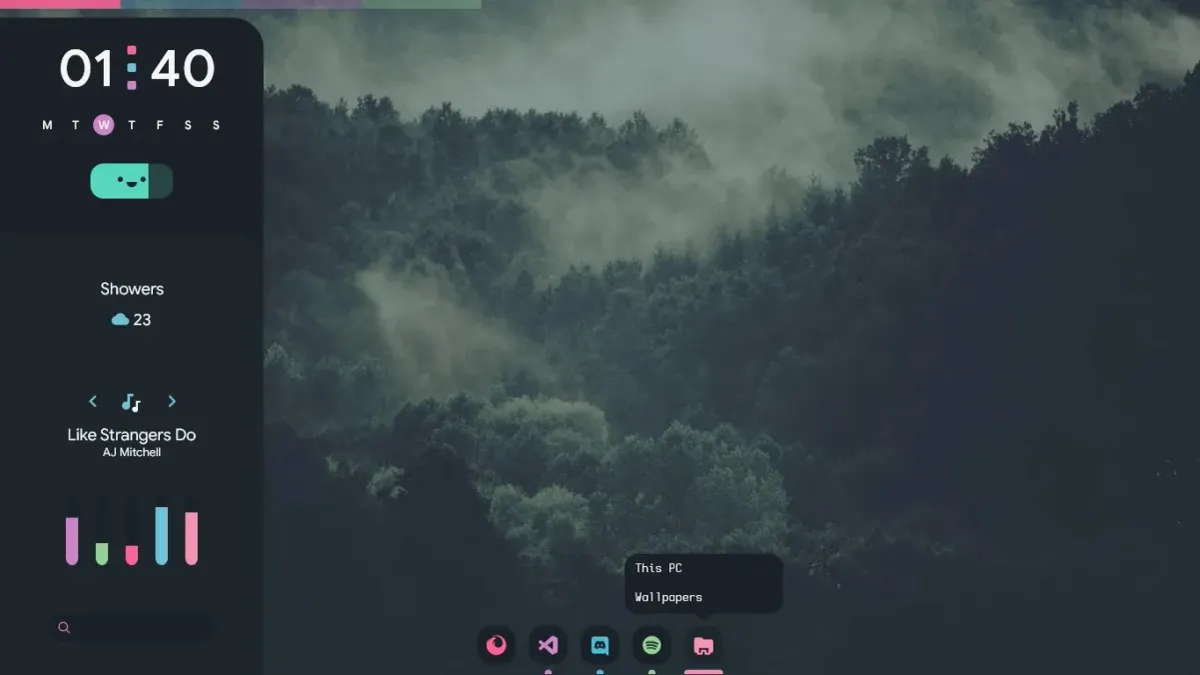
Amarena adapts elenapan's Linux theme into a Rainmeter suite for Windows. Its documented interface includes a toggleable dashboard and a sidebar search field that distinguishes application launching, Google queries and PowerShell commands through prefixes. A settings skin provides customization without requiring every adjustment to be made directly in configuration files.
What this skin includes
- Win+Z toggles the dashboard.
- Clicking dashboard uptime opens the power menu.
- Sidebar prefixes include !open, !search and !run.
- Right-clicking a skin offers Open Settings.
- Dashboard Discord-avatar synchronization uses an included BetterDiscord plugin.
Setup and limits
Use the documented manual route: download the latest Amarena suite release and run its .rmskin file. Right-click a skin and choose Open Settings to customize it. For dashboard Discord-avatar synchronization, use the BetterDiscord plugin supplied in the suite's resources folder.
The source labels this suite beta and warns of bugs or incomplete behavior in some skins. Rainmeter 4.5 or later is required. Discord-avatar synchronization additionally depends on the included BetterDiscord plugin; it is not described as a standalone Rainmeter capability. Current Windows-build compatibility has not been independently verified; this research did not install or execute the skin.
Open creator source and setup instructions (source page, not a direct installer).
Creator and preview provenance
Created by modkavartini. Creator source · Original source preview. Documentation preview published in modkavartini/amarena; credited to modkavartini. Third-party wallpaper or imagery is not asserted included. Preview reproduction is owner-authorized with unverified reuse rights; this is not a creator license grant.
Source license or licensing statement; check the scope and any more specific notices before reuse.
Related skins and installation
Read the Rainmeter installation guide. Compare Mond and Wisp. These are different works, not additional editions of this skin.
Similar skins
Alternatives in the same functional category, excluding this entry. Compare their source notes before choosing.
Skin
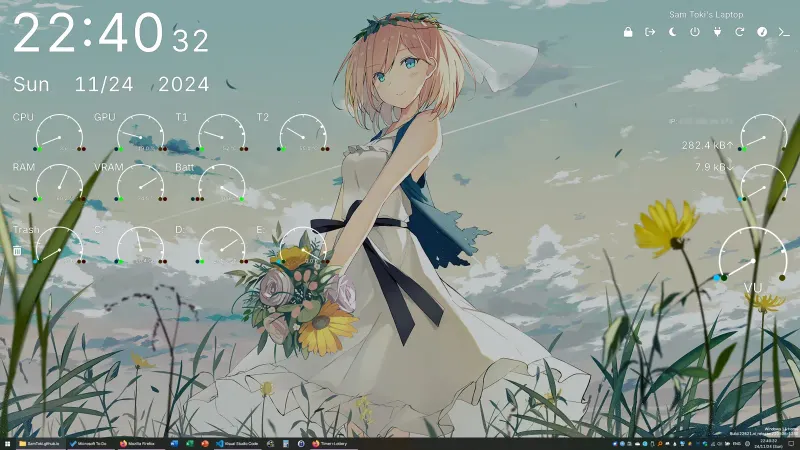
Candy Rainmeter Skin Pack
Candy Rainmeter Skin Pack combines minimalist desktop decoration with floating monitoring widgets.
Skin
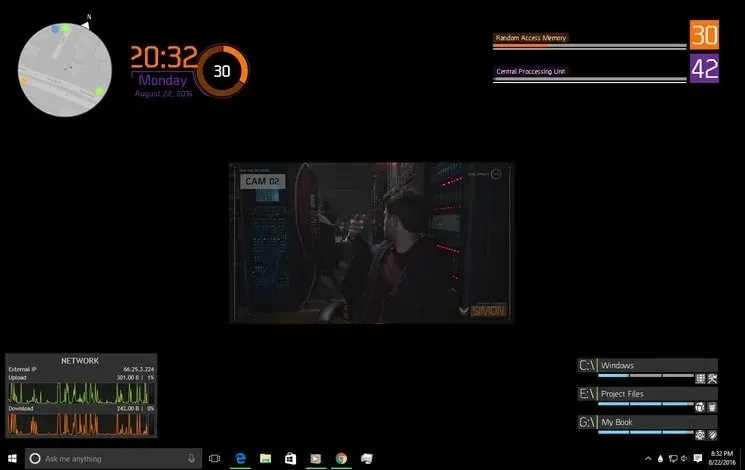
The Division Rainmeter Skin
The Division brings a desktop interface inspired by Tom Clancy's The Division into Rainmeter, pairing system readouts with a game launcher and clock.
Skin
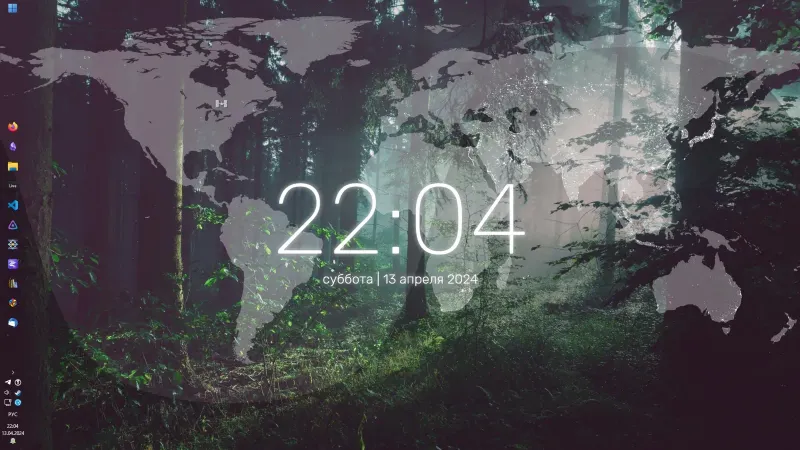
Simple Lines Rainmeter Suite
Simple Lines combines clocks, a calendar, system readings, and a world map with an ISS position marker and day–night boundary.