Inspect / Rainmeter skin
Alien Rainmeter Skin
Alien is a Rainmeter system monitor inspired by the interface of the AmpliFi Alien WiFi 6 router.
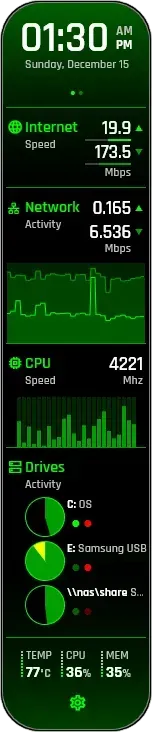
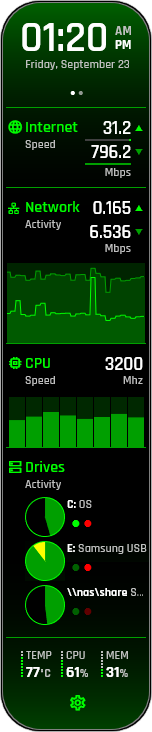
Alien is a Rainmeter system monitor inspired by the interface of the AmpliFi Alien WiFi 6 router. Its main display combines time, network activity, CPU information, memory usage, and drive activity. Clickable areas open dedicated weather, speed-test, network, processor, and drive pages within the same skin.
What this skin includes
- CPU utilization graphs support up to 64 logical cores.
- Displays information for up to three logical drives, including network shares.
- Weather data comes from The Weather Channel.
- Speed tests use speedtest.net and include ping statistics.
- The processor page lists the five highest CPU-time processes.
- The display can be scaled to a chosen size.
Setup and limits
Tap the relevant main-display areas to open the weather, speed-test, network, processor, or drive page. Use the settings icon to open settings, or right-click and select Alien settings for manual editing. Optional CPU temperature and fan-speed reporting uses HWiNFO; the source links separate configuration instructions for that integration and speed tests.
Requires Windows 8.0 or later and Rainmeter 4.5.16 or later. Optional temperature and fan-speed reporting requires HWiNFO 7.02 or later. NUMA/SMP architectures are not supported. Weather and speed tests rely on The Weather Channel and speedtest.net respectively. Current Windows-build compatibility has not been independently verified; this research did not install or execute the skin.
Open creator source and setup instructions (source page, not a direct installer).
Creator and preview provenance
Created by SilverAzide. Creator source · Original source preview. Documentation preview published in SilverAzide/Alien; credited to SilverAzide. Third-party wallpaper or imagery is not asserted included. Preview reproduction is owner-authorized with unverified reuse rights; this is not a creator license grant.
Source license or licensing statement; check the scope and any more specific notices before reuse.
Related skins and installation
Read the Rainmeter installation guide. Compare System Information and SysDash. These are different works, not additional editions of this skin.
Similar skins
Alternatives in the same functional category, excluding this entry. Compare their source notes before choosing.
Skin
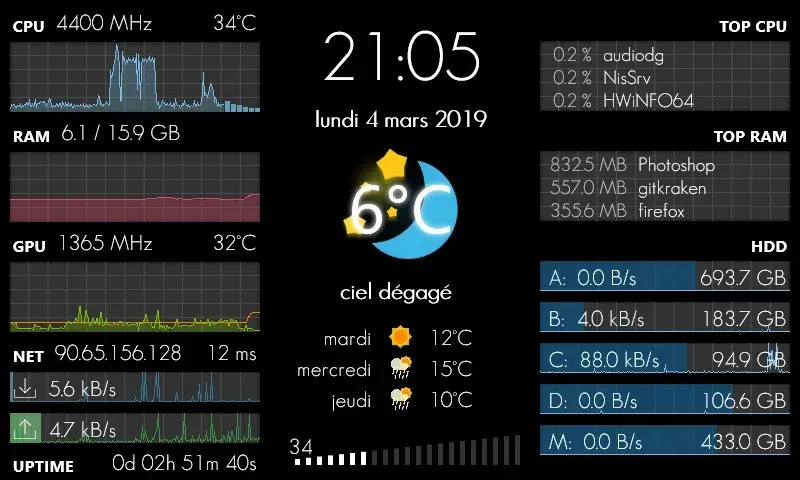
GalaxyS Rainmeter Skin
GalaxyS is a compact monitoring dashboard designed around an 800 × 480 screen, originally a Galaxy S used through AirDisplay.
Skin
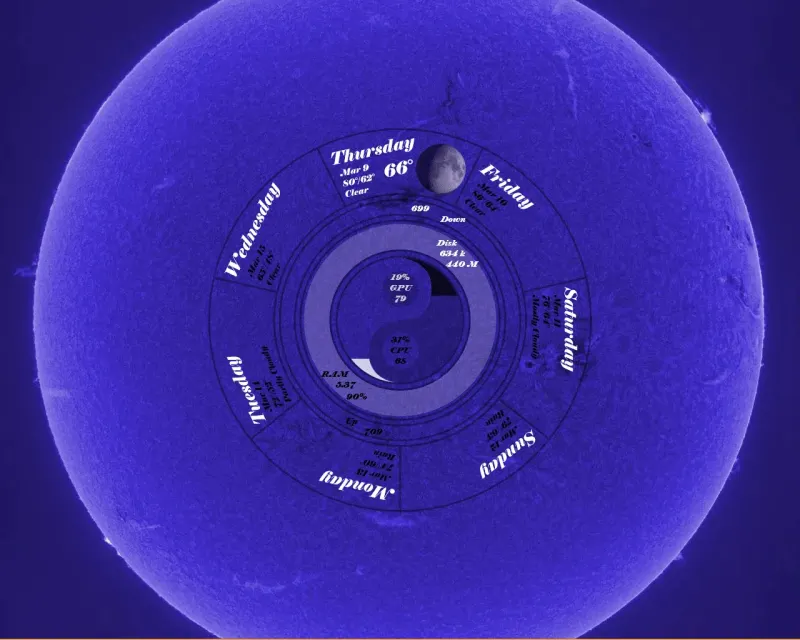
Eccentricity0 Rainmeter Skin
Eccentricity0 arranges hardware and network readings in a circular composition, using rings, arcs and a yin-yang image rather than conventional dashboard panels.
Skin
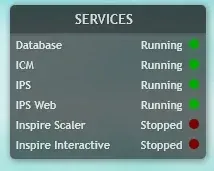
Service Monitor Rainmeter Skin
Service Monitor is a Rainmeter skin for watching selected Windows services rather than general CPU or memory readings.