Inspect / Rainmeter skin
AlbumArt Rainmeter Skin
AlbumArt focuses on showing the artwork associated with NowPlaying music rather than providing a broader player dashboard.

AlbumArt focuses on showing the artwork associated with NowPlaying music rather than providing a broader player dashboard. The image disappears when playback is absent and doubles as a play/pause target, with configuration values for its rotation and displayed dimensions.
What this skin includes
- The artwork automatically disappears when no music is playing.
- Clicking the artwork toggles play/pause.
- The supplied configuration targets MusicBee through PlayerName=CAD.
- ImageRotate controls the image's rotation angle.
- W and H default to 120 each.
Setup and limits
Download and open the .rmskin file, then click Install. For a player other than MusicBee, change PlayerName from CAD using Rainmeter's official Fully supported players documentation. Adjust ImageRotate for rotation and W and H for the image's width and height.
The supplied configuration is set for MusicBee, not every player without changes. Other players require the documented PlayerName adjustment and supported-player guidance. Its scope is album artwork with click-to-toggle playback, rather than a full set of media controls. Current Windows-build compatibility has not been independently verified; this research did not install or execute the skin.
Open creator source and setup instructions (source page, not a direct installer).
Creator and preview provenance
Created by InLurker. Creator source · Original source preview. Creator/source documentation preview from InLurker/Rainmeter-Simple-AlbumArt. Background artwork or third-party content in the image is not asserted to be included. Preview reproduction is owner-authorized with unverified reuse rights; this is not a creator license grant.
Related skins and installation
Read the Rainmeter installation guide. Compare Monstercat Visualizer and Mond. These are different works, not additional editions of this skin.
Similar skins
Alternatives in the same functional category, excluding this entry. Compare their source notes before choosing.

Skin
Pop-up Text Rainmeter Skin
Pop-up Text is a Rainmeter skin that presents text through an animated popup.
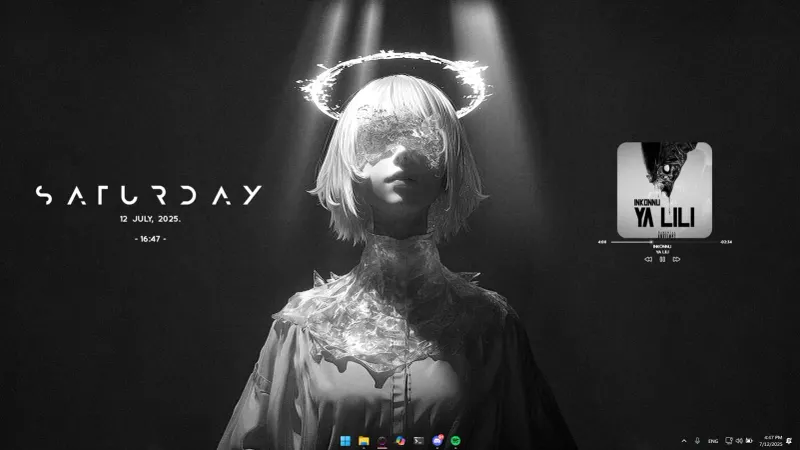
Skin
Now Playing Circle for MOND Rainmeter Skin
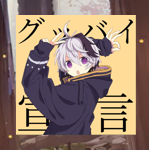
Now Playing Circle modifies MOND's music player with circular album artwork and WebNowPlaying media data.

Skin
Simple Spotify Control for Rainmeter
Simple Spotify Control for Rainmeter is a Spotify-oriented media controller based on an earlier skin called Spotify Control.