Inspect / Rainmeter skin
WOT Tank Clock Rainmeter Skin
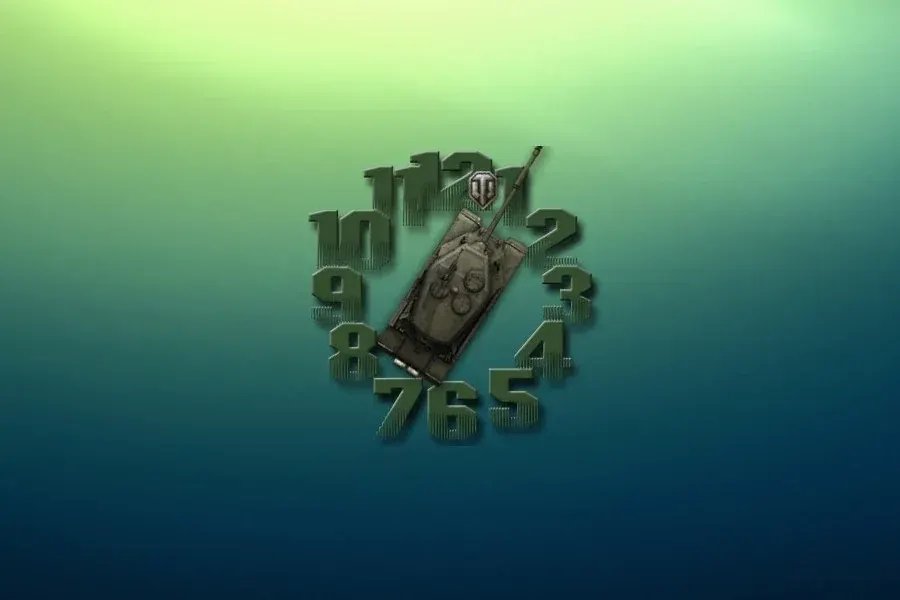
A tank forms the clock hands: the rear indicates hours and the cannon indicates minutes, with green numerals and a separate moving seconds icon.
Download WOT Tank Clock (.rmskin)
- Creator credit
- Unknown (not established by source)
- Package
- wot-tank-clock.rmskin
- Requires
- Rainmeter; exact minimum version not established
What to compare
A tank forms the clock hands: the rear indicates hours and the cannon indicates minutes, with green numerals and a separate moving seconds icon.
Setup and limitations
The game reference is an aesthetic, not a connection to the game service or publisher. The source does not prove that every background asset is bundled or licensed as part of the clock.
Follow the .rmskin installation guide, then load only the components you need. Use the layout and configuration guide before editing files.
Source and verification
The WOT Tank Clock source listing provides the credited creator, stated features and existing preview. The source does not establish an author identity. We have not installed or benchmarked this package. Source-listed Windows support is not independently tested compatibility; wallpaper and other preview elements may be separate works.
Compare alternatives
Similar skins
Alternatives in the same functional category, excluding this entry. Compare their source notes before choosing.

Skin
Relojes Kawaii Rainmeter Skin
A novelty-clock collection with source-described ice-cream-like shapes, rainbow/cloud scenes and an animated-cat option.

Skin
Clock with Date Rainmeter Skin
An analog clock accompanied by a note-like day/date display and a small smiley illustration.
Skin
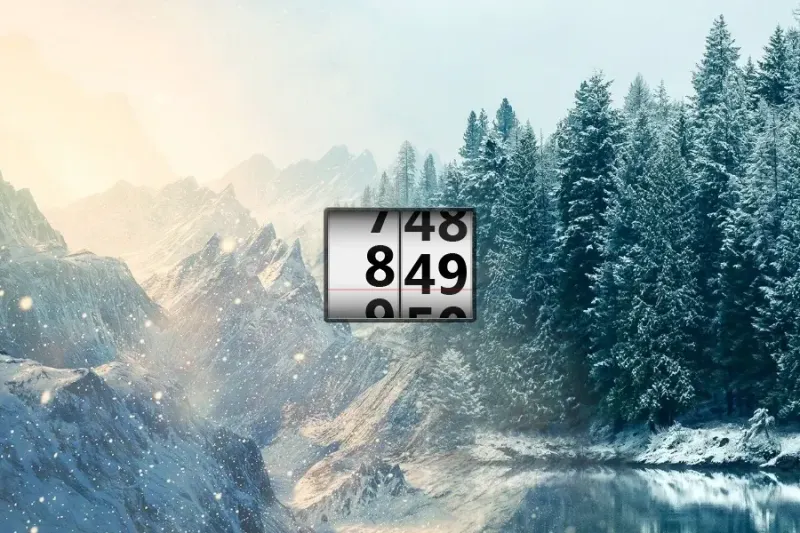
Scroll Time Rainmeter Skin
A plate-like time display with figures scrolling upward as time advances.