Inspect / Rainmeter skin
TSun Clock Rainmeter Skin
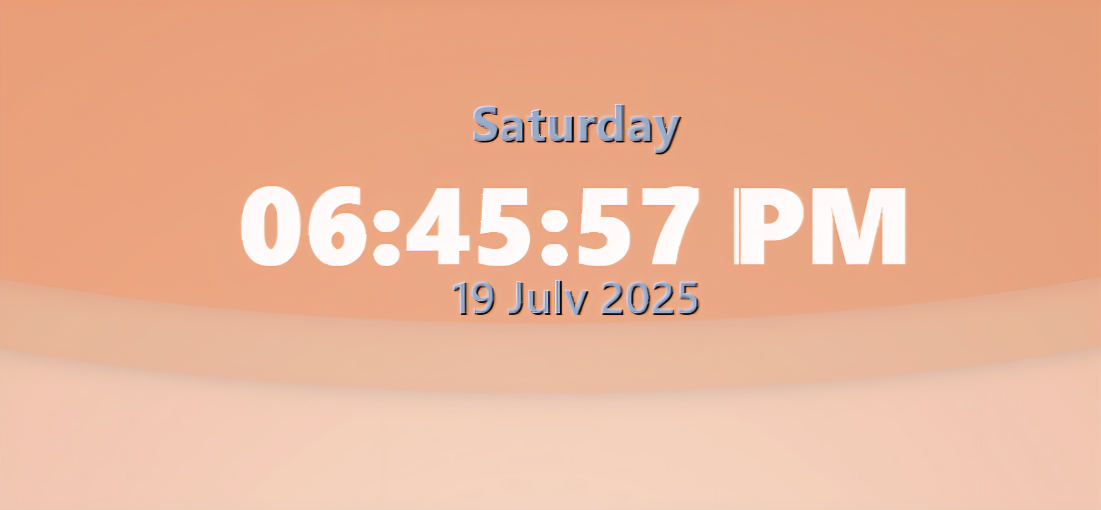
TSun Clock pairs a prominent digital time display with weekday, date and basic system usage readings.
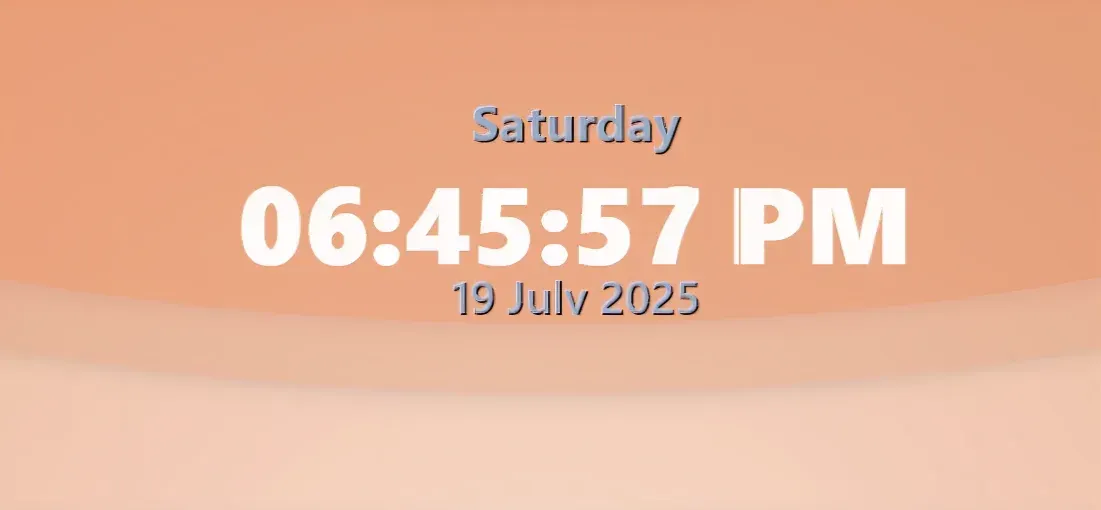
TSun Clock pairs a prominent digital time display with weekday, date and basic system usage readings. Orbitron supplies the time lettering, while Rajdhani is used for dates and statistics. The design's fonts, colors and text sizes are exposed as variables rather than confined to a single fixed appearance.
What this skin includes
- Time includes hours, minutes, seconds and AM/PM.
- Displays the weekday and full date.
- Shows CPU and physical RAM usage percentages.
- Uses Orbitron and Rajdhani fonts.
- Clock.ini contains appearance settings in its Variables section.
Setup and limits
Install Rainmeter and the Orbitron and Rajdhani fonts. Download the .rmskin package from Releases and double-click it to open the Rainmeter Skin Installer. In Rainmeter, select TSun Clock, choose Clock.ini and click Load. Right-click the desktop skin and select Edit skin to change its Variables section.
The documented appearance requires the separately installed Orbitron and Rajdhani fonts. Monitoring is described only for CPU and physical RAM percentages; the supplied evidence does not establish temperature readings, additional sensors or any particular resource-use measurements. Current Windows-build compatibility has not been independently verified; this research did not install or execute the skin.
Open creator source and setup instructions (source page, not a direct installer).
Creator and preview provenance
Created by SaeedX302. Creator source · Original source preview. Documentation preview published in SaeedX302/Clock-Rainmeter-Skin; credited to SaeedX302. Third-party wallpaper or imagery is not asserted included. Preview reproduction is owner-authorized with unverified reuse rights; this is not a creator license grant.
Source license or licensing statement; check the scope and any more specific notices before reuse.
Related skins and installation
Read the Rainmeter installation guide. Compare Caruso Clock and Scroll Time. These are different works, not additional editions of this skin.
Similar skins
Alternatives in the same functional category, excluding this entry. Compare their source notes before choosing.
Skin
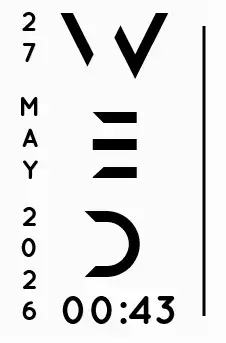
Axis Rainmeter Skin
Axis is a real-time clock skin built around a minimal vertical layout and futuristic typography.
Skin
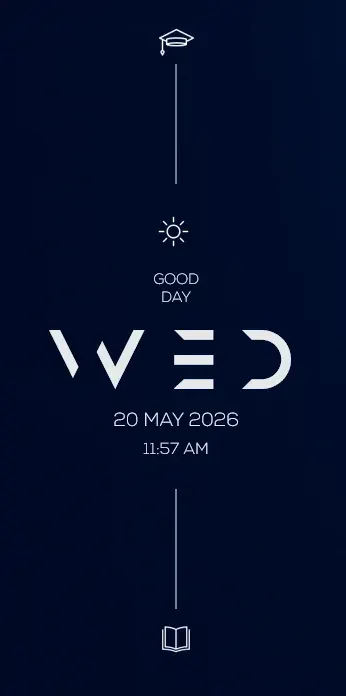
Soluna Rainmeter Skin
Soluna uses a minimal vertical composition with a Mond-inspired aesthetic and a set of distinctive display fonts.
Skin
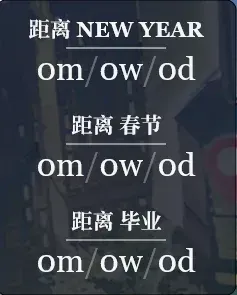
Simple Countdown Rainmeter Skin
Simple Countdown is described as a minimalist, miniature desktop countdown for Rainmeter.