Inspect / Rainmeter skin
Technology Wave Rainmeter Skin
An industrial layout combines time/date, forecast, drive/RAM space and shortcuts to folders, settings and websites.

Download Technology Wave (.rmskin)
- Creator credit
- HipHopium
- Package
- technology-wave.rmskin
- Requires
- Rainmeter; exact minimum version not established
What to compare
An industrial layout combines time/date, forecast, drive/RAM space and shortcuts to folders, settings and websites.
Setup and limitations
The source lists color, language, location and temperature settings. Match folder paths and weather location to your setup; neither a named website shortcut nor a weather icon proves a current live integration.
Follow the .rmskin installation guide, then load only the components you need. Use the layout and configuration guide before editing files.
Source and verification
The Technology Wave source listing provides the credited creator, stated features and existing preview. Creator credit: HipHopium. We have not installed or benchmarked this package. Source-listed Windows support is not independently tested compatibility; wallpaper and other preview elements may be separate works.
Compare alternatives
Similar skins
Alternatives in the same functional category, excluding this entry. Compare their source notes before choosing.

Skin
Colors Of Life 2 Rainmeter Skin
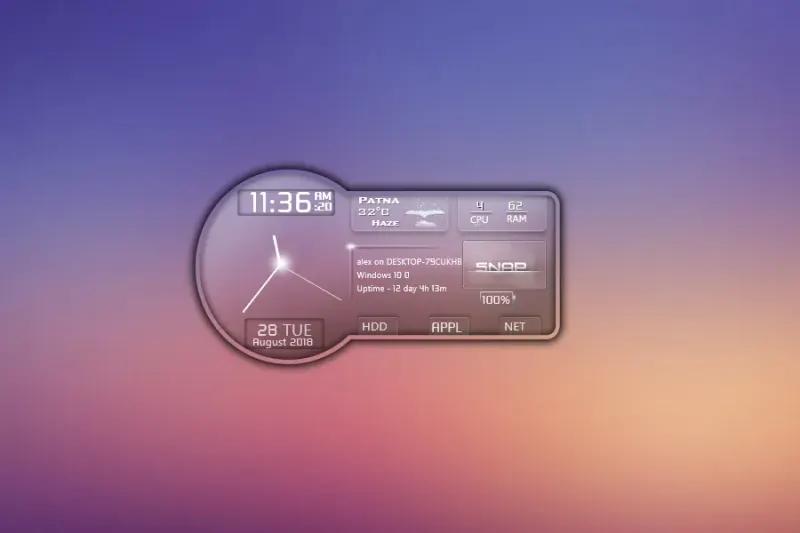
Six sections organize Control Panel, system information, drives, website shortcuts, time/weather and applications.
Skin
SnippyShip Rainmeter Skin
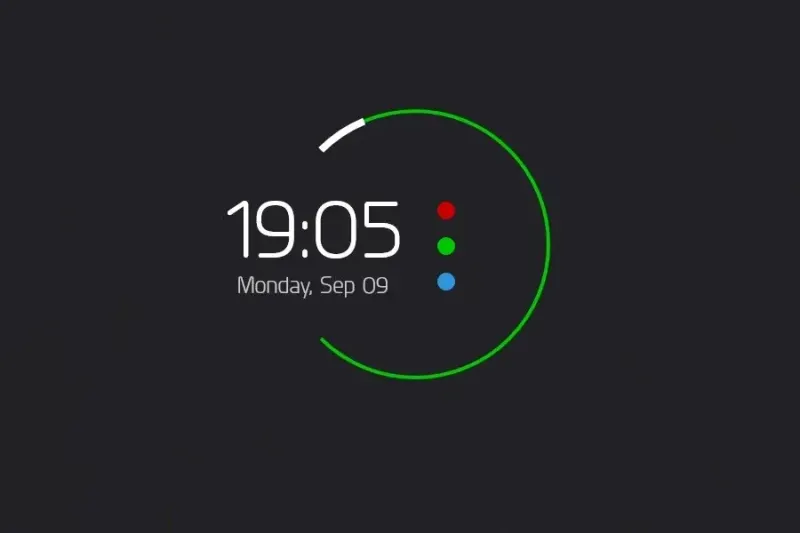
Analog/digital time, date, weather, CPU/RAM and battery combine with pop-up panels for drives, apps and internet services.
Skin
Blue Rose Rainmeter Skin
A notification-like panel combines launcher/weather with processor, temperature, physical/swap memory and drive information.